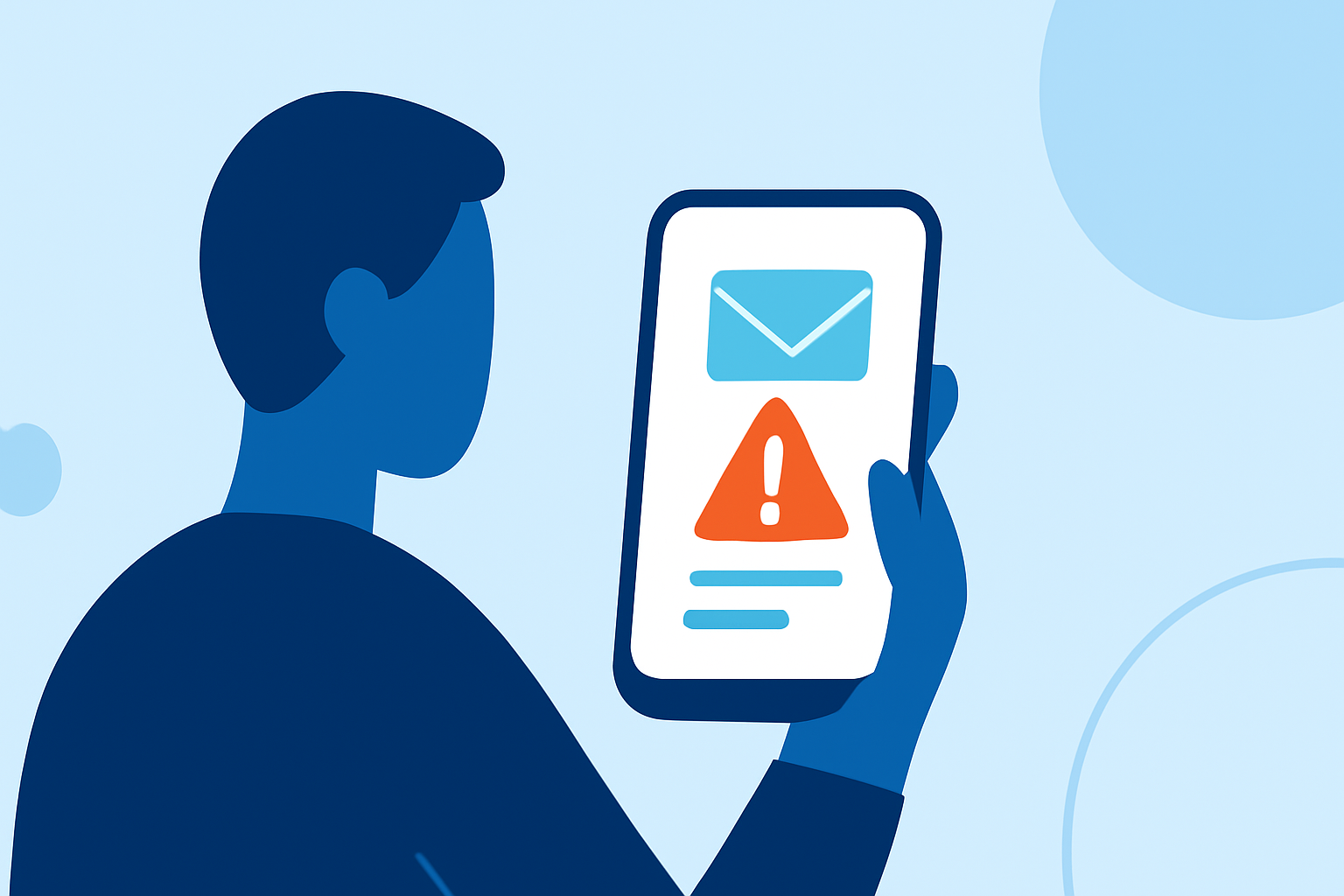
Delivery scam texts, also known as "smishing," are fraudulent messages that impersonate legitimate delivery services like FedEx, UPS, or the USPS. These scams often claim there's an issue with your package and prompt you to click on a link or provide personal information. Recognizing and protecting yourself from these scams is crucial to prevent potential financial loss and identity theft.
What Are Delivery Scam Texts?
Delivery scam texts are deceptive messages that appear to be from reputable delivery companies. They typically inform you of a missed delivery attempt or a problem with your package and include a link to "resolve" the issue. Clicking on these links can lead to phishing websites designed to steal your personal and financial information. In 2023, Americans lost approximately $1.3 billion to such scams, particularly those pretending to be from the government or tech support. (axios.com)
How to Identify a Delivery Scam Text
Scammers often use tactics to make their messages appear legitimate:
-
Urgent Language: Messages may create a sense of urgency, such as claiming your package is delayed or requires immediate action.
-
Suspicious Links: They include links that, when clicked, lead to fraudulent websites designed to steal your information.
-
Generic Greetings: Legitimate companies usually address you by your name, whereas scam messages may use generic terms like "Dear Customer."
-
Unusual Sender Information: Authentic delivery services typically send messages from short codes or official company numbers, not random phone numbers.
Steps to Protect Yourself from Delivery Scam Texts
-
Do Not Click on Suspicious Links: Avoid clicking on any links or attachments in unsolicited messages. Instead, visit the official website of the delivery service by typing the URL directly into your browser. (mcafee.com)
-
Verify Through Official Channels: If you receive a suspicious message, contact the delivery company directly using contact information from their official website.
-
Enable Built-in Spam Filters: Both iPhone and Android devices have built-in features to filter out spam messages. For example, iPhone users can go to Settings → Messages and enable "Filter Unknown Senders." (mcafee.com)
-
Use Carrier Spam-Blocking Services: Many mobile carriers offer free or paid services to block spam texts. For instance, AT&T provides Call Protect, Verizon offers Call Filter, and T-Mobile has Scam Shield. (mcafee.com)
-
Install Third-Party Security Apps: Applications like Robokiller can help identify and block scam texts. Robokiller has over 11 million downloads on Apple's App Store and is recognized for its effectiveness in blocking unwanted texts. (cbsnews.com)
-
Report Scam Texts: Forward suspicious messages to 7726 (which spells "SPAM" on most keypads) to help your carrier block the sender. Additionally, report them to the Federal Trade Commission (FTC) at ReportFraud.ftc.gov. (legalclarity.org)
Why Choose Robokiller for Scam Text Protection?
Robokiller stands out as a market-leading solution for blocking scam texts. With over 11 million downloads on Apple's App Store, it effectively identifies and blocks unwanted texts, providing users with peace of mind. (cbsnews.com)
Conclusion
Delivery scam texts are a prevalent threat, but by staying informed and implementing protective measures, you can safeguard your personal and financial information. Always remain cautious of unsolicited messages and utilize the tools and strategies available to protect yourself.
Highlights:
- "Don't click the link": How to avoid package delivery text scams, Published on Tuesday, December 10