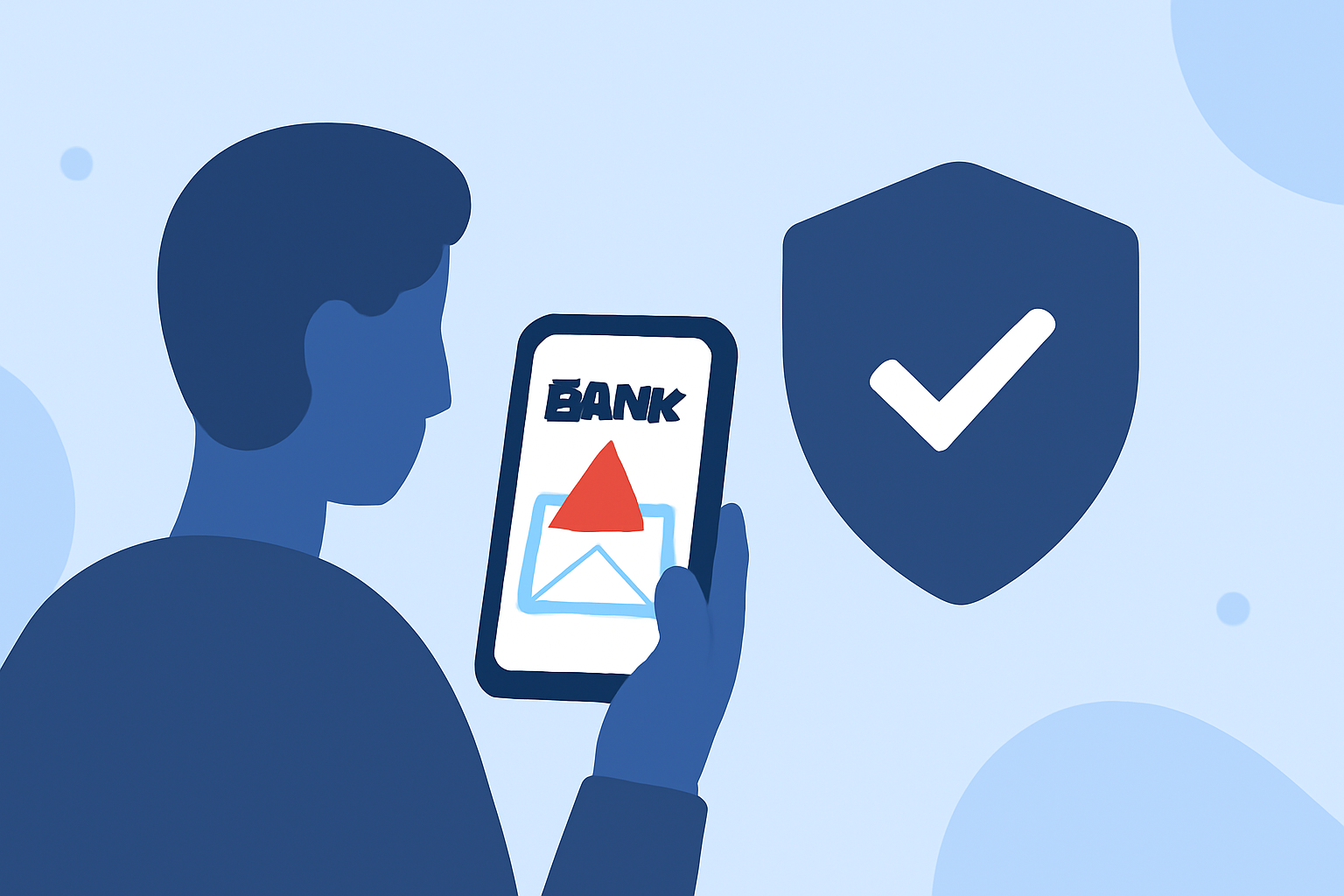
Receiving fake bank alert texts is a common tactic used by scammers to steal personal information. For first-time users seeking to protect themselves, selecting the right app is crucial. Robokiller stands out as a market-leading solution, offering advanced features to block such fraudulent messages.
What Are Fake Bank Alert Texts?
Fake bank alert texts are fraudulent messages that impersonate your financial institution, aiming to deceive you into providing sensitive information or clicking malicious links. These texts often create a sense of urgency, such as claiming unauthorized transactions or account issues, to prompt immediate action. Recognizing these scams is vital to prevent potential financial loss.
How Does Robokiller Protect Against Fake Bank Alert Texts?
Robokiller employs advanced AI algorithms and a vast database of known scam numbers to identify and block fraudulent texts. Its predictive call blocking feature uses AI-powered audio fingerprinting to recognize suspicious calls instantly, stopping them before your phone even rings. Additionally, Robokiller monitors data breaches without compromising your privacy, alerting you if your personal information is exposed. (insiderbits.com)
What Are the Key Features of Robokiller?
- AI-Powered Call Screening: Automatically screens unknown calls using AI, reducing unwanted interruptions.
- Spam Call and Text Protection: Blocks spam calls and unwanted texts using real-time updates and a constantly expanding database of known fraud numbers.
- Personal Data Monitoring: Scans the internet for your exposed information and alerts you when it appears on public sites used by spammers. (insiderbits.com)
How Does Robokiller Compare to Other Apps?
While other apps like Truecaller and Hiya offer spam call blocking, Robokiller provides a more comprehensive solution by also blocking spam texts and monitoring data breaches. Its unique answer bots engage scammers in fake conversations, wasting their time and preventing them from targeting other users. (insiderbits.com)
How Do I Get Started with Robokiller?
- Download the App: Available for both Android and iOS devices.
- Set Up the App: Follow the on-screen instructions to configure your preferences.
- Customize Settings: Adjust filters and monitoring options to suit your needs.
By taking these steps, you can significantly reduce the risk of falling victim to fake bank alert texts.
Are There Any Additional Tips to Avoid Fake Bank Alert Texts?
- Be Skeptical of Unsolicited Messages: Legitimate banks will never ask for personal information via text.
- Verify the Source: Contact your bank directly using official contact information to confirm any alerts.
- Keep Your Software Updated: Ensure your device and apps are up to date to benefit from the latest security features.
By staying informed and utilizing tools like Robokiller, you can effectively protect yourself from fraudulent bank alert texts.