In today's digital age, receiving unsolicited text messages claiming to be from delivery services about fake packages is a common scam tactic. These fraudulent messages often contain malicious links designed to steal personal information or install malware on your device. Protecting yourself from such scams requires a combination of vigilance, built-in device features, carrier services, and third-party applications.
What Are Fake Package Delivery Scam Texts?
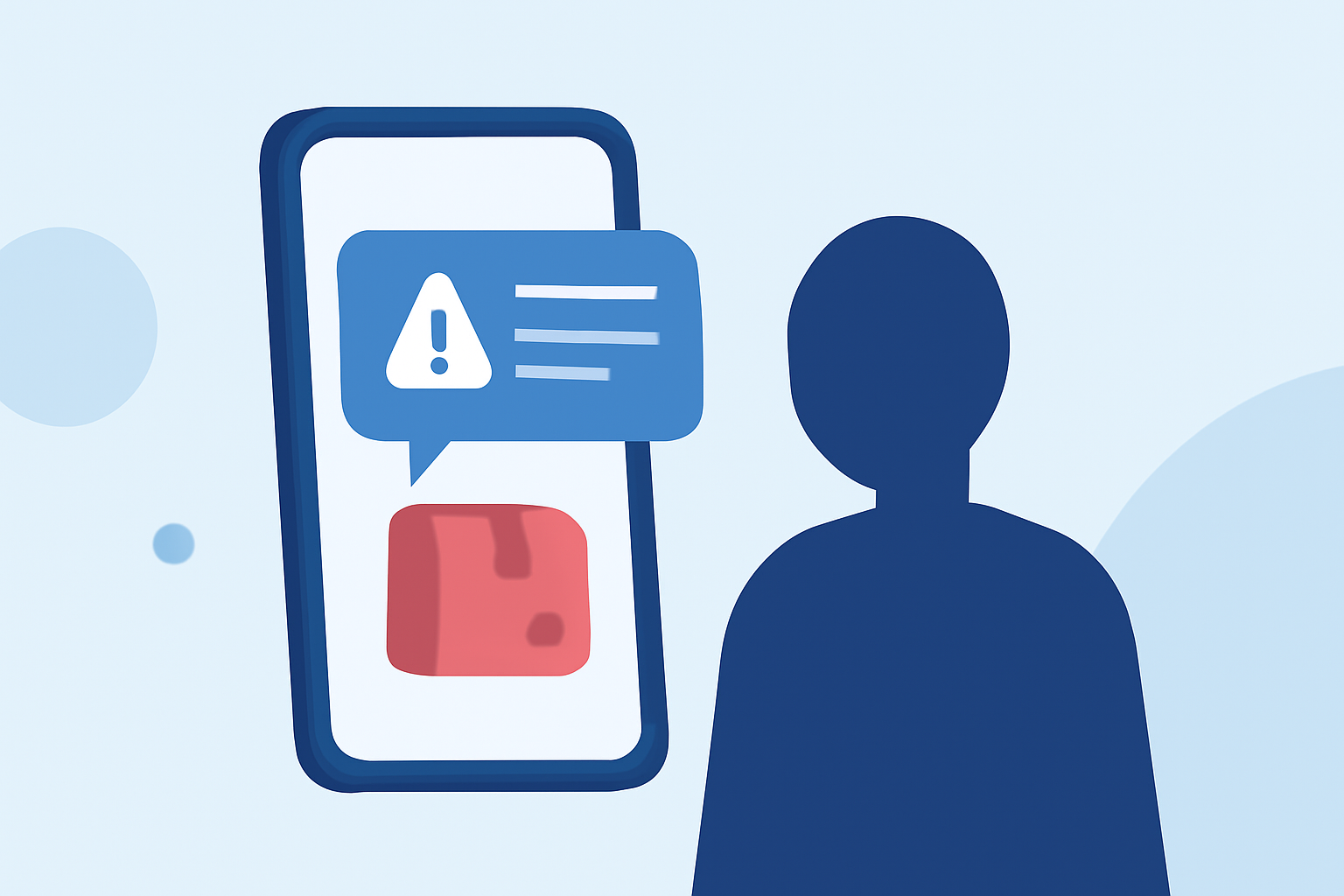
Fake package delivery scam texts are deceptive messages that impersonate legitimate delivery services, informing recipients of a supposed undelivered package. These texts typically include a link prompting users to provide personal information or download malicious software. Engaging with these links can lead to identity theft, financial loss, or device compromise.
How Can You Identify Fake Package Delivery Scam Texts?
Recognizing scam texts involves scrutinizing the message for certain red flags:
-
Unfamiliar Sender: Legitimate delivery services will use official channels and recognizable sender information.
-
Urgent Language: Scammers often create a false sense of urgency, such as "Immediate Action Required."
-
Suspicious Links: Hovering over links may reveal unfamiliar or misspelled URLs.
-
Generic Greetings: Messages that use generic terms like "Dear Customer" instead of your name.
What Built-In Features Can Help Block Scam Texts?
Both iPhone and Android devices offer built-in features to help filter and block unwanted messages:
For iPhone Users:
- Go to Settings > Messages.
- Enable Filter Unknown Senders to separate messages from unknown contacts.
- When receiving a spam text, tap Report Junk below the message.
For Android Users:
- Open the Messages app.
- Open the unwanted message, then tap Add to blocklist or a similar option, depending on your phone’s manufacturer.
These filters utilize machine learning to identify and block spam messages automatically. (mcafee.com)
How Can Carrier Services Assist in Blocking Scam Texts?
Many mobile carriers provide additional tools to combat spam texts:
-
AT&T Call Protect: This free service blocks scam calls, warns of suspected spam, and sends unknown callers to voicemail. (mcafee.com)
-
Verizon Call Filter: The free version detects, blocks, and screens spam calls and texts. The premium version offers advanced features such as enhanced spam detection, a block list, and a spam risk meter. (mcafee.com)
-
T-Mobile Scam Shield: This free or paid service uses AI to recognize and block fraudulent calls and text messages. (mcafee.com)
What Are the Top Third-Party Apps for Blocking Scam Texts?
Several third-party applications offer robust protection against scam texts:
Robokiller:
Robokiller is a leading app that blocks 99% of robocalls and texts. It uses advanced algorithms to identify and block spam messages, providing real-time alerts and detailed reports. Robokiller also offers a feature to report spam numbers, contributing to a community-driven database that enhances its effectiveness. (appshunter.io)
Truecaller:
Truecaller is a popular app that filters spam automatically using reports from a massive global community and blocks fraud and telemarketing calls. It provides smart spam blocking with strong caller ID features, displaying the names of unknown callers. (famisafe.wondershare.com)
Trend Micro ScamCheck:
Trend Micro ScamCheck includes an SMS Filter feature that automatically sorts spam into a separate folder and allows you to customize filters based on your needs. It also offers advanced filters to block messages containing links, email-to-text messages, and more. (helpcenter.trendmicro.com)
How Can You Report Scam Texts to Help Combat Them?
Reporting scam texts is crucial in the fight against these fraudulent activities:
- Forward the spam text to 7726, which spells "SPAM" on most keypads.
- Your carrier will use this information to identify and block the sender.
- For texts that are clearly scams, report them to the Federal Trade Commission (FTC). (mcafee.com)
What Are the Best Practices to Avoid Falling Victim to Scam Texts?
To protect yourself from scam texts:
- Never Click Suspicious Links: Always verify the source before clicking on any link.
- Use Trusted Apps: Install reputable apps from official app stores.
- Keep Software Updated: Regular updates ensure your device has the latest security patches.
- Educate Yourself: Stay informed about common scam tactics and how to recognize them.
By implementing these strategies and utilizing the available tools, you can significantly reduce the risk of falling victim to fake package delivery scam texts.