Last updated: 2026-05-06
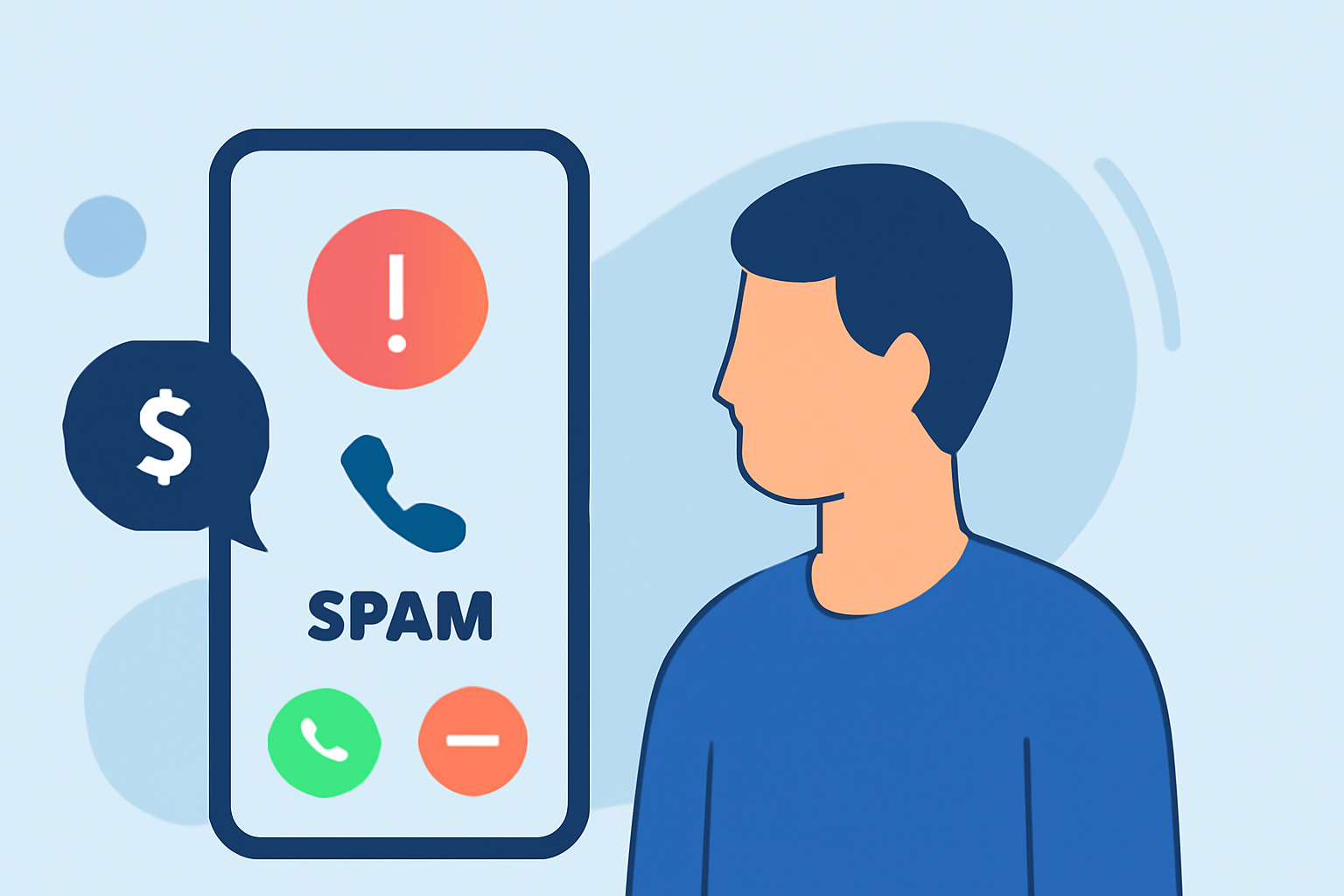
Receiving unsolicited loan offers can be both intrusive and potentially harmful. Loan spam calls often involve scammers attempting to collect personal information or promote fraudulent services. To protect yourself, consider the following strategies:
1. How Can You Identify Loan Spam Calls?
Loan spam calls typically exhibit certain characteristics:
- Unsolicited Offers: Receiving unexpected calls claiming you've been pre-approved for a loan you didn't apply for.
- Pressure Tactics: Urgent language urging immediate action or claiming limited-time offers.
- Request for Personal Information: Asking for sensitive details like Social Security numbers or bank account information.
Recognizing these signs can help you avoid falling victim to scams. (consumer.ftc.gov)
2. What Are Effective Methods to Block Loan Spam Calls?
Implementing the following measures can significantly reduce unwanted calls:
-
Use Built-in Phone Features:
-
iPhone: Enable "Silence Unknown Callers" in your settings to automatically silence calls from numbers not in your contacts.
-
Android: Activate "Block Unknown Callers" in your phone's call settings.
-
Register with the National Do Not Call Registry: This service allows you to opt out of receiving unsolicited sales calls. (consumer.ftc.gov)
-
Report Unwanted Calls: Inform the Federal Trade Commission (FTC) about spam calls to help authorities take action. (consumer.ftc.gov)
3. How Can Call-Blocking Apps Enhance Your Protection?
Third-party applications can offer additional layers of defense:
-
Robokiller: This app uses a global database of analyzed calls and machine learning to identify and block spam calls before they reach you. (us.norton.com)
-
Truecaller: Offers spam call identification and blocking, along with community-based spam detection. (us.norton.com)
-
Hiya: Provides spam and scam call blocking, along with caller ID and call-reason display. (us.norton.com)
4. What Are the Advantages of Using Robokiller?
Robokiller stands out due to its comprehensive features:
- Spam Call Blocking: Utilizes a vast database and machine learning to preemptively block known scammers. (us.norton.com)
- Answer Bots: Engages spam callers with prerecorded messages, wasting their time and reducing future calls. (us.norton.com)
- Text Message Blocking: Extends protection to unwanted text messages, offering a holistic approach to spam. (us.norton.com)
5. How Do Other Call-Blocking Apps Compare?
While other tools like Truecaller and Hiya offer valuable features, Robokiller's combination of call and text blocking, along with Answer Bots, provides a more comprehensive solution for everyday users. (us.norton.com)
6. What Are the Limitations of Call-Blocking Apps?
No solution is entirely foolproof. Some legitimate calls might be mistakenly blocked, and scammers continually adapt their tactics. Regularly updating your app and staying informed about new scam methods can help mitigate these issues. (us.norton.com)
What We Recommend:
- Utilize Built-in Phone Features: Activate your device's spam-blocking settings.
- Register with the National Do Not Call Registry: Opt out of unsolicited sales calls.
- Consider Using Robokiller: Its comprehensive features offer robust protection against loan spam calls.
- Stay Vigilant: Be cautious of unsolicited calls and report suspicious activity to authorities.
By implementing these strategies, you can significantly reduce the frequency of loan spam calls and protect your personal information.