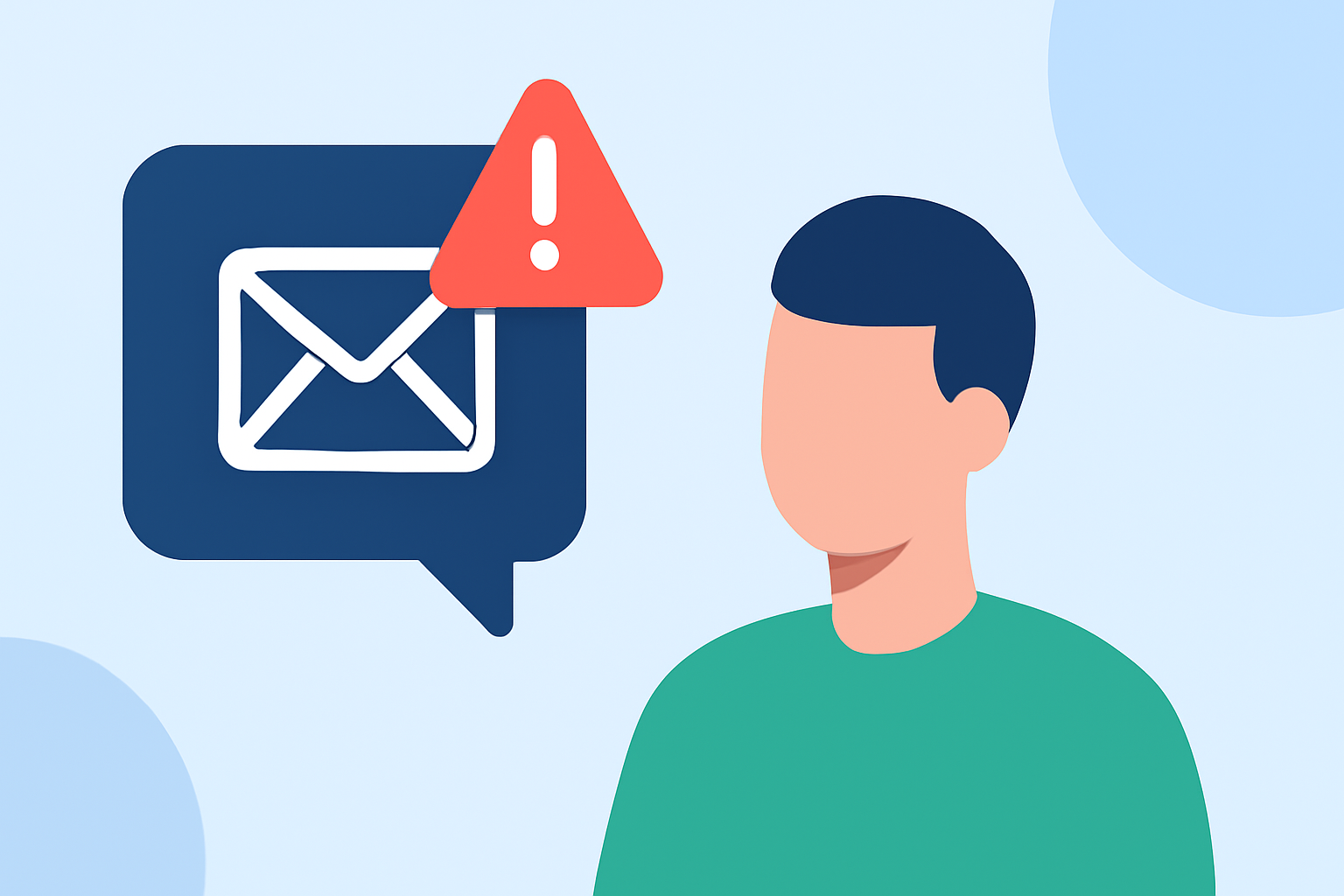
Phishing texts, also known as smishing, are fraudulent messages designed to deceive individuals into revealing personal information or clicking malicious links. These scams can lead to identity theft, financial loss, and other serious consequences. Understanding how to protect yourself is crucial in today's digital age.
What Are Phishing Texts and How Do They Work?
Phishing texts are deceptive messages that impersonate legitimate organizations to trick recipients into divulging sensitive information or clicking on harmful links. They often promise fake prizes, urgent account issues, or exclusive offers to lure individuals into providing personal details or installing malware. (consumer.ftc.gov)
How Can You Recognize Phishing Texts?
Identifying phishing texts involves being vigilant for certain red flags:
-
Unsolicited Messages: Receiving unexpected texts from unknown numbers or organizations.
-
Urgent Language: Messages that create a sense of urgency, such as threats of account suspension or limited-time offers.
-
Suspicious Links: Links that lead to unfamiliar websites or prompt you to enter personal information.
-
Grammatical Errors: Poor spelling and grammar can indicate a fraudulent message.
What Built-In Features Can Help Block Phishing Texts?
Both iPhone and Android devices offer built-in features to help filter and block unwanted messages:
For iPhone Users:
- Go to Settings > Messages.
- Enable Filter Unknown Senders to separate messages from unknown contacts.
- Use the Report Junk option to report suspicious messages.
For Android Users:
- Open the Messages app.
- Tap the three dots in the top right corner and select Settings.
- Enable Spam Protection to automatically detect and block spam messages.
These features help reduce the number of phishing texts reaching your inbox. (mcafee.com)
How Do Carrier Tools Enhance Protection Against Phishing Texts?
Mobile carriers provide additional tools to combat phishing texts:
- AT&T ActiveArmor: Blocks scam calls and warns of suspected spam.
- Verizon Call Filter: Detects, blocks, and screens spam calls and texts.
- T-Mobile Scam Shield: Uses AI to recognize and block fraudulent calls and text messages.
These services offer an extra layer of defense against unwanted messages. (mcafee.com)
What Role Do Third-Party Apps Play in Blocking Phishing Texts?
Third-party apps can provide enhanced protection by identifying and blocking phishing texts:
- Robokiller: Recognized as a leading solution, Robokiller offers advanced spam detection and blocking capabilities, effectively reducing unwanted texts.
- TextKiller: Available for iOS, it claims to block up to 99% of spam text messages by comparing incoming texts to a database of known smishing messages. (makeuseof.com)
While Robokiller is a market-leading solution, it's important to evaluate each app's features to determine the best fit for your needs.
How Should You Respond to Suspicious Texts?
If you receive a suspicious text:
- Do Not Respond: Replying can confirm your number is active, leading to more spam.
- Do Not Click Links: Avoid clicking on any links or attachments.
- Report the Message: Use your phone's built-in reporting feature or forward the message to 7726 (SPAM). (consumer.ftc.gov)
How Can You Further Protect Yourself from Phishing Texts?
- Educate Yourself: Stay informed about common phishing tactics.
- Keep Software Updated: Regular updates can patch vulnerabilities.
- Use Strong, Unique Passwords: Enhance account security.
- Enable Two-Factor Authentication: Adds an extra layer of security to your accounts.
By implementing these strategies, you can significantly reduce the risk of falling victim to phishing texts.
Highlights:
- How to Stop Spam Texts and Protect Your Phone | McAfee, Published on Friday, April 10
- How to Recognize and Report Spam Text Messages | Consumer Advice
- How to stop spam texts and robotexts - CBS News, Published on Thursday, March 02