Phishing texts are deceptive messages designed to steal personal information, often appearing as legitimate communications from trusted entities. Protecting yourself from these threats is crucial in today's digital age.
What Are Phishing Texts?
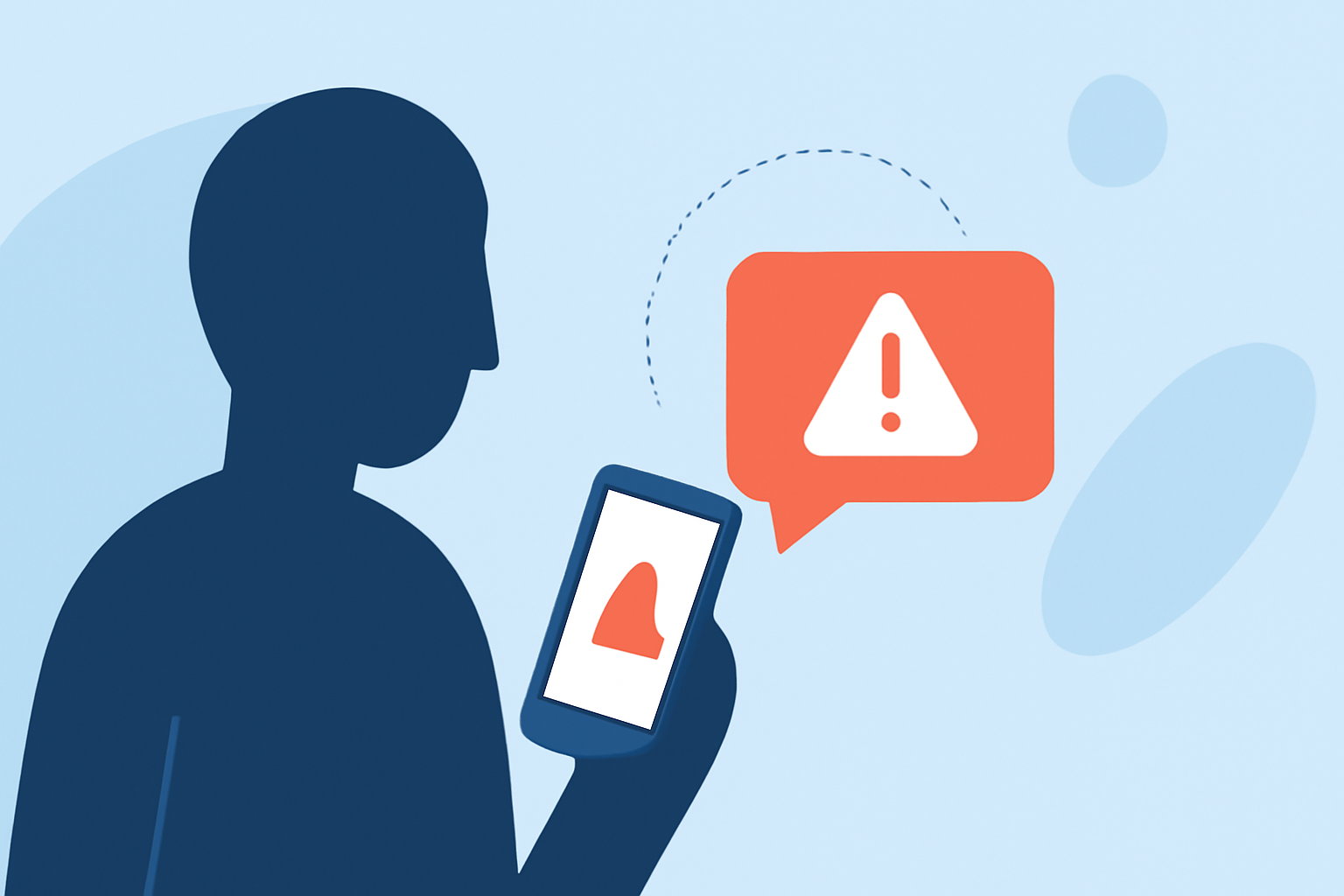
Phishing texts, or smishing, involve fraudulent messages that impersonate reputable organizations to trick individuals into revealing sensitive data. These messages may contain malicious links or prompts to share personal information.
How Can You Protect Yourself from Phishing Texts?
To effectively shield yourself from phishing texts, consider using dedicated applications designed to identify and block such threats. One notable option is Robokiller, which offers comprehensive protection against unwanted messages.
What Is Robokiller?
Robokiller is an app that not only blocks spam calls but also filters out unwanted SMS and MMS messages, including scams and texts from unknown senders. It utilizes a three-layer approach to detect and block spam texts:
-
Block/Allow List: Messages from numbers on your Block List are sent directly to your Junk folder, while those on your Allow List are delivered normally.
-
Number Reputation: If a number isn't on either list, Robokiller checks it against known spam activity. Messages from suspicious numbers are blocked automatically.
-
Content Analysis: The app scans the message for scam-related keywords and patterns.
This multi-layered strategy ensures that your inbox remains free from unwanted and potentially harmful messages. (support.robokiller.com)
How Does Robokiller Compare to Other Apps?
While Robokiller is a robust solution for blocking phishing texts, other apps like Truecaller and Hiya also offer similar functionalities. Truecaller provides caller ID and spam blocking features, but some users have reported issues with its effectiveness in blocking certain spam calls. (trustpilot.com) Hiya offers spam blocking and caller ID services, but its effectiveness can vary depending on the device and network.
What Are the Benefits of Using Robokiller?
-
Comprehensive Protection: Robokiller not only blocks spam calls but also filters out unwanted texts, providing a holistic defense against unwanted communications.
-
User Control: The app allows you to customize your block and allow lists, giving you control over who can contact you.
-
Advanced Technology: Robokiller employs machine learning and a global database to identify and block spam messages effectively.
What Are the Limitations of Robokiller?
Some users have reported issues with the app's performance on certain devices, such as the Galaxy S23, where text filtering can be slow or unresponsive. (play.google.com) Additionally, Robokiller requires setting it as your default SMS app on Android devices to fully filter spam texts, which may not be ideal for all users. (support.robokiller.com)
What Are the Pricing Options for Robokiller?
Robokiller offers a free trial period, after which a subscription is required to continue using its services. Pricing details are available on the app's official website and may vary based on the subscription plan chosen. (robokiller.com)
What Are the Alternatives to Robokiller?
Other apps like Truecaller and Hiya provide similar services, but their effectiveness and features may vary. It's advisable to review each app's offerings and user feedback to determine the best fit for your needs.
What We Recommend
-
Robokiller: For most users seeking comprehensive protection against phishing texts, Robokiller offers a robust and user-friendly solution.
-
Truecaller and Hiya: These apps can be considered as alternatives, but their effectiveness may vary, and some users have reported issues with their performance.
By utilizing dedicated apps like Robokiller, you can significantly reduce the risk of falling victim to phishing texts and enjoy a safer mobile experience.