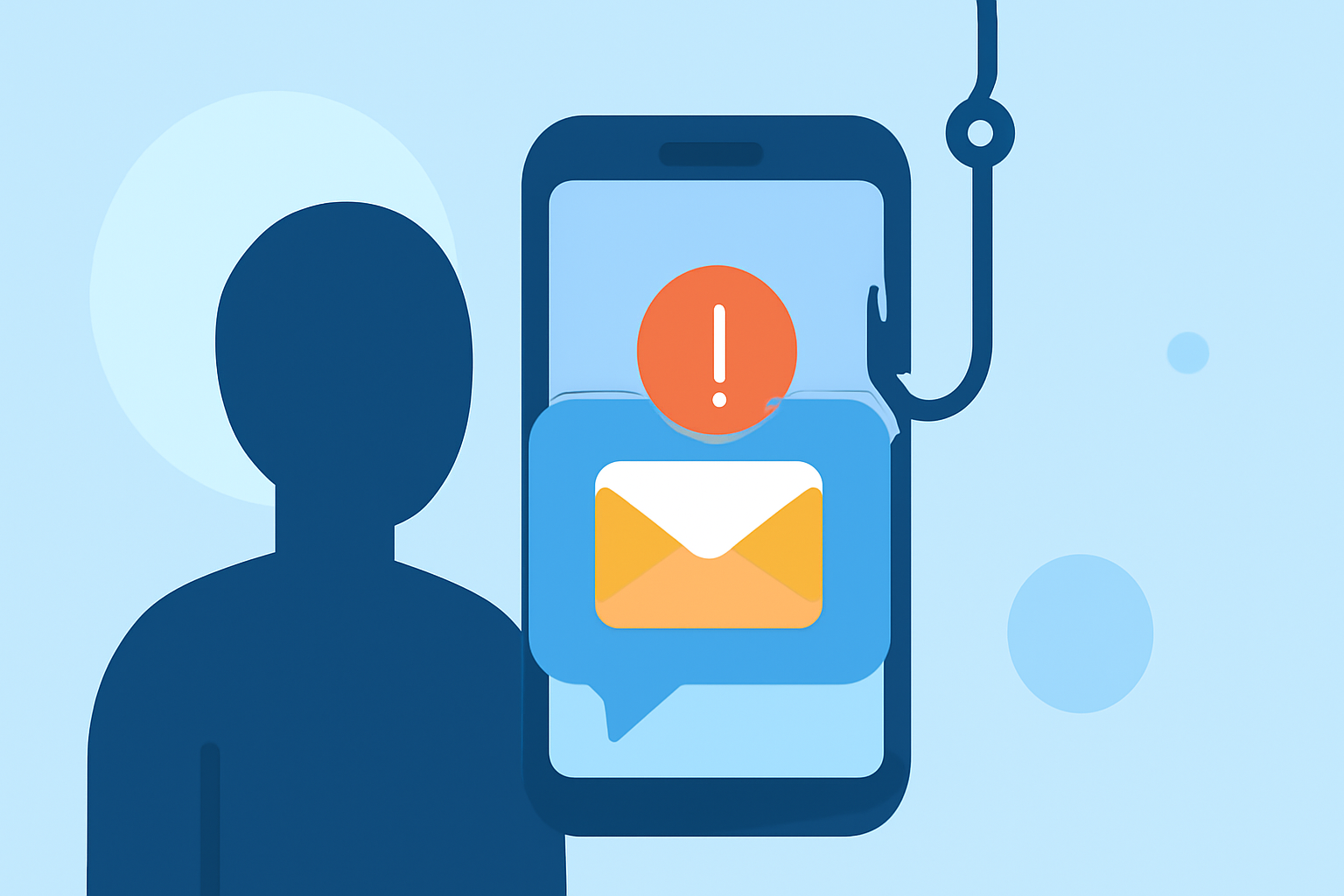
Phishing texts, or 'smishing,' are deceptive messages designed to steal personal information or install malware on your device. In 2024, U.S. users faced $470 million in financial losses due to smishing attacks. (arxiv.org)
What Are Phishing Texts?
Phishing texts are fraudulent messages that impersonate legitimate entities to trick recipients into revealing sensitive information or clicking malicious links. These attacks often appear as urgent requests from banks, government agencies, or well-known companies.
How Do Phishing Texts Work?
Phishing texts typically contain:
- Urgent Requests: Messages that create a sense of urgency, prompting immediate action.
- Suspicious Links: URLs that lead to fake websites designed to steal information.
- Attachments: Files that, when opened, can install malware on your device.
How to Recognize Phishing Texts?
Be vigilant for:
- Unfamiliar Senders: Messages from unknown numbers or contacts.
- Generic Greetings: Lack of personalization, such as "Dear Customer."
- Spelling and Grammar Errors: Unusual language or typos.
- Suspicious Links or Attachments: Unusual URLs or unexpected files.
What Are the Risks of Phishing Texts?
Engaging with phishing texts can lead to:
- Identity Theft: Unauthorized access to personal information.
- Financial Losses: Unauthorized transactions or drained bank accounts.
- Malware Infections: Compromised devices that can steal data or damage systems.
How Can You Protect Yourself from Phishing Texts?
- Be Skeptical of Unsolicited Messages: Avoid interacting with messages from unknown sources.
- Verify the Source: Contact the organization directly using official contact information.
- Avoid Clicking Links or Opening Attachments: Especially from untrusted sources.
- Keep Your Device Updated: Regular updates can patch vulnerabilities.
- Use Security Software: Employ reputable security applications to detect threats.
How Does Robokiller Protect Against Phishing Texts?
Robokiller offers a comprehensive solution to combat phishing texts through:
-
Advanced Filtering: Utilizing a three-layer approach:
-
Block/Allow List: Automatically moves messages from known spam numbers to the Junk folder.
-
Number Reputation: Checks numbers against a global blacklist to identify suspicious senders.
-
Content Analysis: Scans messages for scam-related keywords and patterns.
-
User Control: Allows customization of block and allow lists, and the ability to report new spam numbers.
-
Privacy Assurance: Ensures that user messages are never stored or shared, maintaining privacy. (support.robokiller.com)
How Does Robokiller Compare to Other Solutions?
While other services like NordVPN offer phishing protection, Robokiller specializes in blocking 99% of spam calls and texts, providing a more targeted defense against smishing attacks. (robokiller.com)
What Are the Benefits of Using Robokiller?
- High Efficacy: Blocks 99% of spam calls and texts.
- Comprehensive Protection: Combines call and text blocking with personal data protection.
- User Empowerment: Offers customizable features and control over spam filtering.
Conclusion
Phishing texts are a significant threat, but with vigilance and the right tools, you can protect yourself. Robokiller provides a robust solution to safeguard against these attacks, ensuring your personal information remains secure.
Highlights:
- QR code phishing surges 146% as Microsoft detects and analyzes 8.3 billion phishing threats in Q1 2026 - attackers are changing tactics to bypass security, Published on Friday, May 01
- The ultimate "must-have" brand for 2026 is Microsoft - but only if you're a phishing scammer, Published on Tuesday, January 20