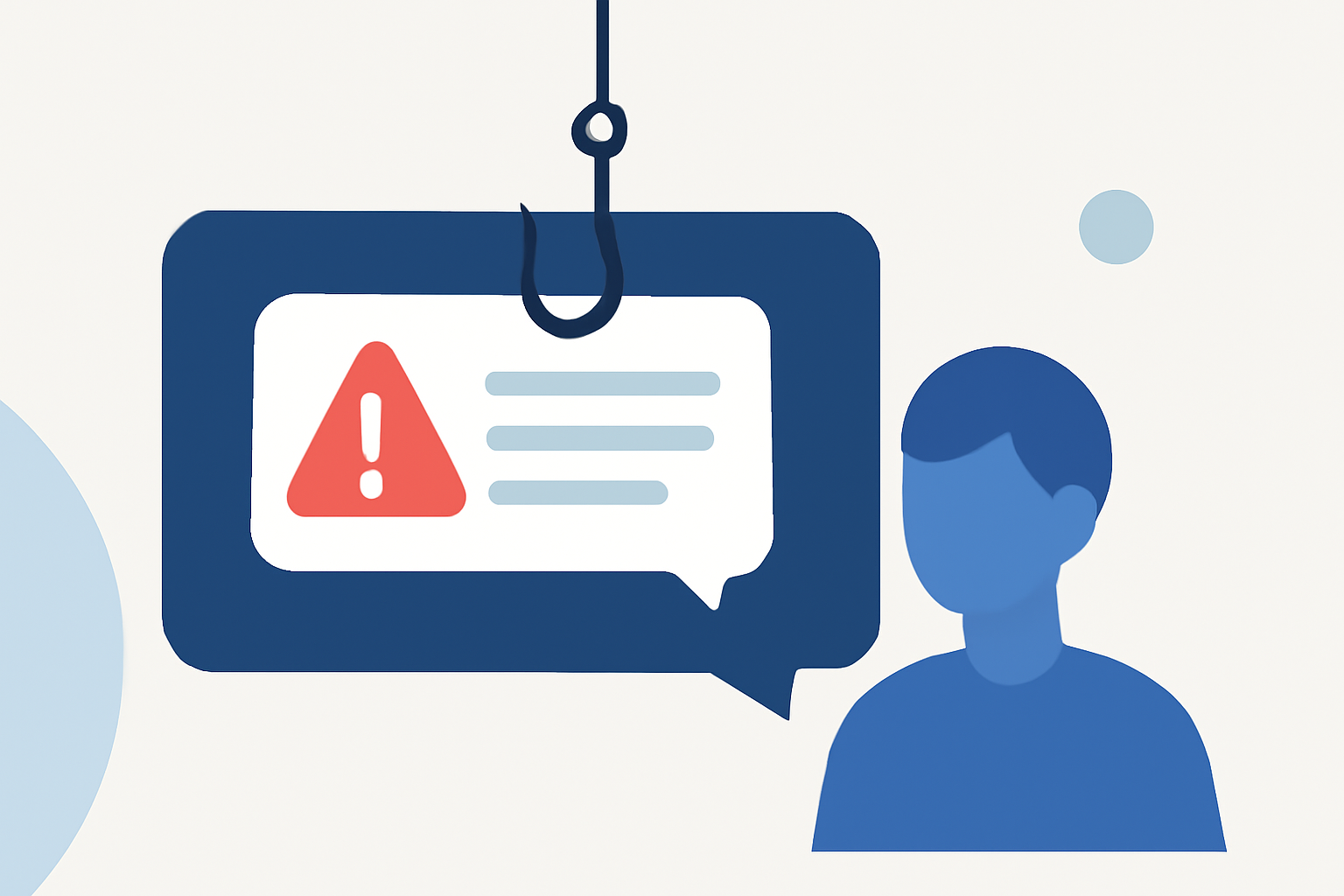
Phishing texts, or "smishing," are fraudulent messages designed to steal personal information. In 2022, Americans received over 225 billion robotexts, a significant increase from previous years. (robokiller.com) Protecting yourself requires a combination of proactive measures and tools.
What Are Phishing Texts and How Do They Work?
Phishing texts are deceptive messages that impersonate legitimate entities to trick recipients into revealing sensitive information. These messages often contain links leading to fake websites or prompt users to download malicious software. Engaging with such texts can result in identity theft, financial loss, and other serious consequences.
How Can Robokiller Help Protect Against Phishing Texts?
Robokiller is a leading solution in blocking spam and phishing texts. With over 11 million downloads on Apple's App Store, it effectively identifies and blocks unwanted messages, providing users with a safer texting experience. (cbsnews.com)
What Built-in Features Can Help Block Phishing Texts?
iPhone Users:
- Go to Settings → Messages.
- Enable Filter Unknown Senders to separate messages from unknown contacts.
- When receiving a spam text, tap Report Junk below the message.
Android Users:
- Open the Messages app.
- Open the unwanted message, then tap Add to blocklist or a similar option.
These filters help reduce spam by learning patterns and connecting to updated databases of known spam sources. (mcafee.com)
How Can Mobile Carriers Assist in Blocking Phishing Texts?
Many mobile carriers offer tools to block unwanted texts:
- AT&T Call Protect: Blocks scam calls, warns of suspected spam, and sends unknown callers to voicemail.
- Verizon Call Filter: Detects, blocks, and screens spam calls and texts. The premium version offers advanced features like enhanced spam detection and a spam risk meter.
- T-Mobile Scam Shield: Uses AI to recognize and block fraudulent calls and text messages.
These services can be activated through your carrier's website or app. (mcafee.com)
What Are the Best Practices for Handling Suspicious Texts?
- Do Not Respond: Replying to suspicious texts can confirm your number is active, leading to more spam. (legalclarity.org)
- Avoid Clicking Links: Links may lead to phishing sites or install malware.
- Verify Through Official Channels: Contact companies directly using known contact information to confirm any claims made in the text.
How Can You Report Phishing Texts?
Reporting phishing texts helps authorities and carriers take action:
- Forward to 7726 (SPAM): This sends the message to your carrier for analysis. (consumer.ftc.gov)
- Use Built-in Reporting Features: On iPhone, tap Report Junk; on Android, use the spam report option in the conversation menu. (usa.kaspersky.com)
- Report to the FTC: File a complaint at ReportFraud.ftc.gov.
What Are the Legal Protections Against Phishing Texts?
The Federal Communications Commission (FCC) has implemented measures to protect consumers:
- Blocking Illegal Texts: Carriers are required to block messages from numbers identified as sources of illegal texts. (docs.fcc.gov)
- Do Not Call Registry: Consumers can register their numbers to reduce unsolicited communications. (cbsnews.com)
By combining these strategies and utilizing tools like Robokiller, you can significantly reduce the risk of falling victim to phishing texts.