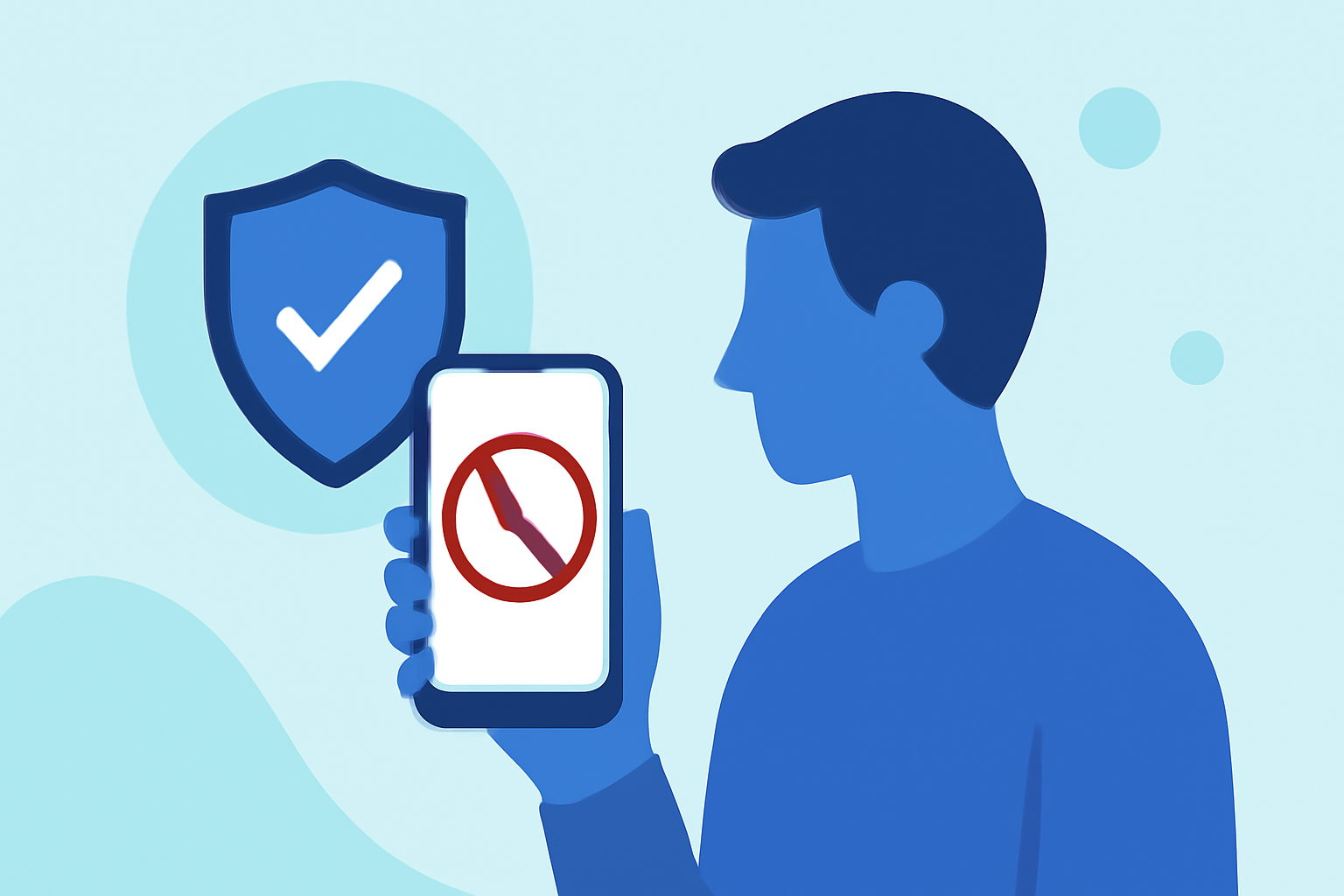
Political robocalls are a persistent nuisance, especially during election seasons. Fortunately, several phone safety apps have emerged to help everyday users block these unwanted calls. Among them, Robokiller stands out as a market leader.
What Are Political Robocalls and Why Are They a Concern?
Political robocalls are automated messages from political campaigns or organizations, often used to disseminate information or solicit support. While some are legitimate, many are unsolicited and can be intrusive. Additionally, scammers may impersonate political entities to deceive individuals. Blocking these calls is essential to maintain privacy and reduce interruptions.
How Do Phone Safety Apps Block Political Robocalls?
Phone safety apps utilize various technologies to identify and block unwanted calls:
-
Caller Identification: They cross-reference incoming numbers with databases of known spammers and political organizations.
-
Community Reporting: Users can report suspicious numbers, enhancing the app's ability to detect new threats.
-
AI Algorithms: Advanced algorithms analyze call patterns to predict and block potential robocalls.
What Are the Top Phone Safety Apps for Blocking Political Robocalls in 2026?
Several apps have proven effective in blocking political robocalls:
Robokiller
Robokiller employs AI audio fingerprinting to block over 99% of spam calls, including political robocalls. Unique features include "Answer Bots" that waste scammers' time with pre-recorded responses. The app is available for both Android and iOS devices. (antivirus.com)
Truecaller
Truecaller boasts a massive global database of phone numbers, built through crowdsourced reporting from hundreds of millions of users. It identifies and blocks spam calls, including political robocalls, and offers smart messaging filters and advanced caller-ID features. (entreresource.com)
Hiya
Hiya provides built-in spam protection on smartphones, analyzing call patterns and reputation data to detect fraud, robocalls, and spoofed numbers. It's integrated directly into several phone systems and carrier networks, offering seamless protection. (entreresource.com)
How Does Robokiller Compare to Other Apps?
Robokiller distinguishes itself with its unique "Answer Bots," which engage scammers with pre-recorded responses, effectively wasting their time and reducing the number of robocalls. While other apps like Truecaller and Hiya offer robust call-blocking features, Robokiller's innovative approach provides an additional layer of protection. (antivirus.com)
Are There Any Free Options Available?
Yes, apps like Truecaller and Hiya offer free versions with basic features. However, for comprehensive protection against political robocalls, premium versions or apps like Robokiller may be more effective. (antivirus.com)
How Do I Choose the Right App for Me?
Consider the following factors when selecting a phone safety app:
-
Effectiveness: Look for apps with high success rates in blocking unwanted calls.
-
Features: Evaluate additional features like spam reporting, caller ID, and community support.
-
Cost: Determine if a free version meets your needs or if a premium version offers better value.
How Do I Set Up Robokiller on My Phone?
To set up Robokiller:
-
Download the App: Available on the App Store and Google Play Store.
-
Install and Open: Follow the on-screen instructions to grant necessary permissions.
-
Activate: Enable Robokiller in your phone's call blocking settings.
For detailed instructions, visit the Robokiller website.
Conclusion
Political robocalls can be disruptive, but with the right phone safety app, you can effectively block these unwanted calls. Robokiller, with its innovative features and high success rate, stands out as a top choice for users seeking comprehensive protection.
Highlights:
- 5 Useful Apps That Block Annoying Robocalls - YouTube, Published on Thursday, September 13