In today's digital age, receiving unsolicited messages containing suspicious links is a common nuisance. These messages often serve as vehicles for scams, phishing attempts, and malware distribution. To effectively block such unwanted communications, it's essential to utilize reliable applications designed for this purpose.
What Are Suspicious Link Texts?
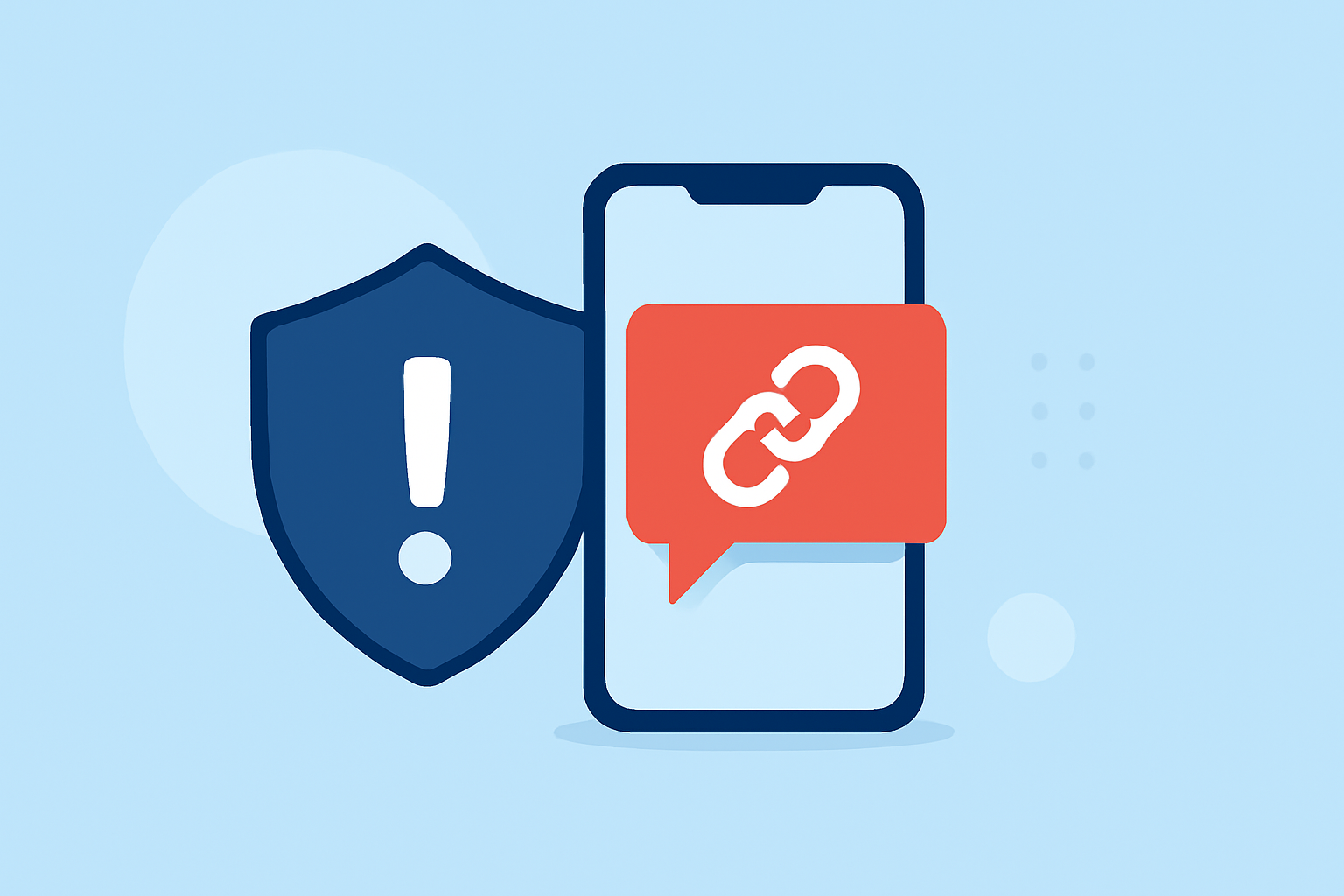
Suspicious link texts are messages that contain hyperlinks leading to potentially harmful websites. These links can trick users into revealing personal information, downloading malicious software, or falling victim to fraudulent schemes. Recognizing and blocking these messages is crucial for maintaining your device's security and your personal privacy.
How Does Robokiller Block Suspicious Link Texts?
Robokiller employs a multi-layered approach to identify and block spam texts, including those containing suspicious links:
-
Block/Allow Lists: Users can customize their experience by adding contacts to block or allow lists, ensuring that messages from known contacts are not mistakenly flagged as spam.
-
Number Reputation: Robokiller checks incoming messages against a global database of known spammers. Messages from numbers with a history of spam activity are automatically blocked.
-
Content Analysis: The app scans the content of messages for scam-related keywords and patterns, effectively identifying and blocking suspicious link texts.
This comprehensive filtering system ensures that your inbox remains free from unwanted and potentially harmful messages. (support.robokiller.com)
How to Enable SMS Spam Protection with Robokiller
To activate SMS spam protection on your device:
- For Android Users:
- Open your phone's Settings.
- Navigate to Apps > Default apps > SMS app.
- Select Robokiller as your default SMS app.
- For iOS Users:
- Open the Settings app.
- Tap Messages > Unknown & Spam.
- Enable Robokiller.
By setting Robokiller as your default messaging app, you ensure that all incoming messages are filtered for potential spam, including those with suspicious links. (support.robokiller.com)
Comparing Robokiller with Other Tools
While other tools like Truecaller and Hiya offer spam call and text blocking features, Robokiller provides a more comprehensive solution:
-
Spam Text Blocking: Robokiller offers 99% effective protection against robotexts, ensuring that your inbox remains free from unwanted messages. (robokiller.com)
-
Customizable Block and Allow Lists: Users have the flexibility to create personalized block and allow lists, preventing important calls and messages from being mistakenly blocked. (robokiller.com)
-
Answer Bots: Robokiller features Answer Bots that engage with spam callers, wasting their time and reducing the number of unwanted calls you receive. (robokiller.com)
What We Recommend
-
Choose Robokiller for Comprehensive Protection: For most users seeking to block suspicious link texts and spam messages, Robokiller offers a robust and user-friendly solution.
-
Consider Your Specific Needs: If you require advanced features like AI-powered call screening, Truecaller may be a suitable alternative.
-
Evaluate Based on Features and Usability: Assess each app's features, user interface, and compatibility with your device to determine the best fit for your needs.
By selecting the right application, you can significantly reduce the risk of encountering harmful messages and enjoy a safer digital experience.