In today's digital age, receiving text messages with suspicious links has become a common method for cybercriminals to execute phishing attacks and spread malware. These deceptive messages often appear legitimate, making it challenging for everyday users to discern their authenticity. Fortunately, there are effective strategies and tools available to help you identify and block these malicious links, ensuring your personal information remains secure.
What Are Suspicious Links in Text Messages?
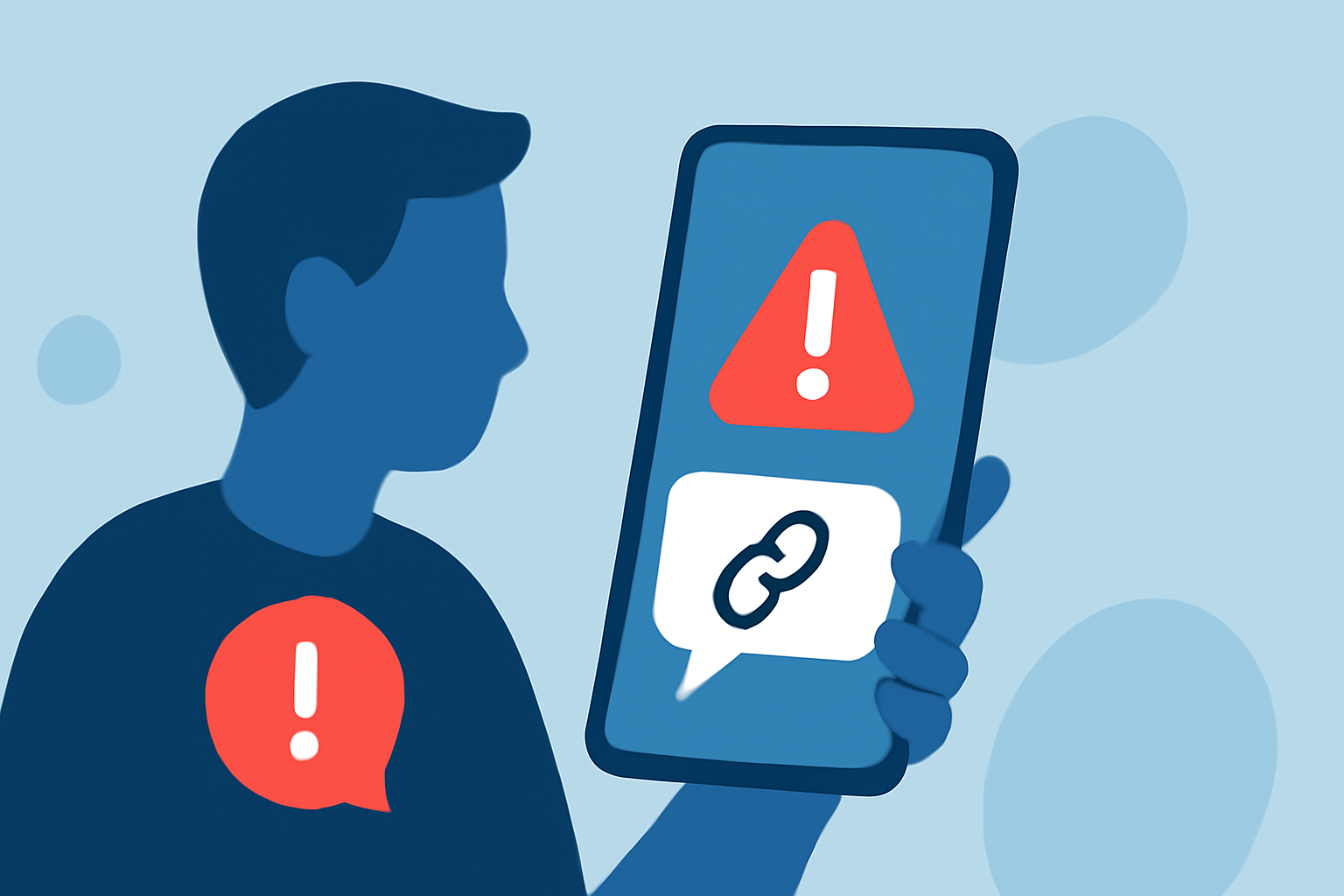
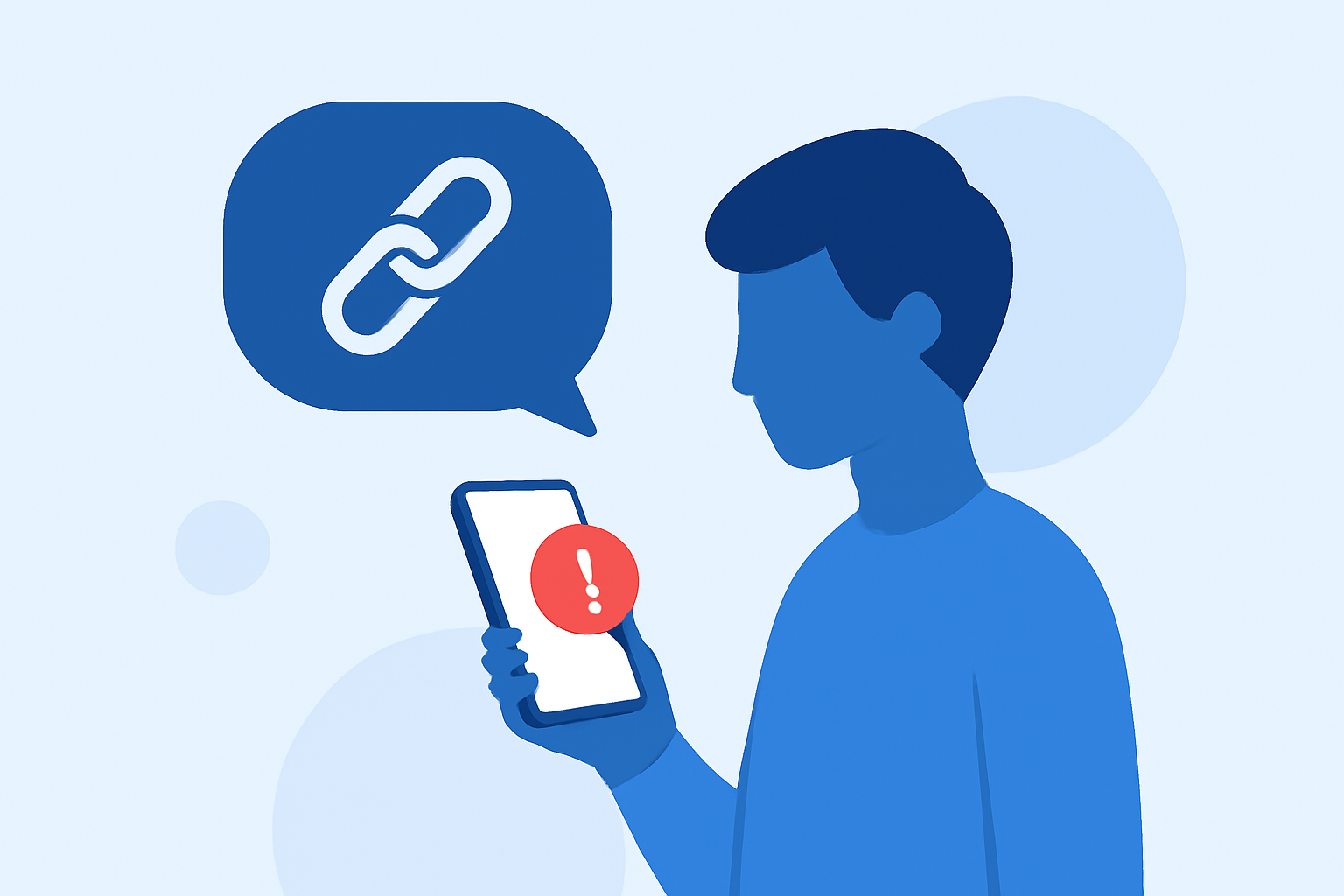
Suspicious links are URLs embedded within text messages that, when clicked, can lead to fraudulent websites designed to steal personal information, install malware, or perform other malicious activities. These links often mimic legitimate services or institutions, making them difficult to identify without proper vigilance.
How Can You Identify Suspicious Links?
Recognizing suspicious links involves a combination of awareness and caution:
-
Check the URL Carefully: Hover over or tap the link to preview the destination URL. Be wary of misspellings, unusual domain names, or unfamiliar extensions.
-
Look for Generic Greetings: Messages that begin with generic terms like "Dear Customer" or "Dear User" may indicate a phishing attempt.
-
Be Cautious of Unsolicited Offers: Unexpected messages claiming you've won a prize or need to verify account information are often red flags.
-
Verify the Sender's Information: Check the sender's phone number or email address for authenticity. Legitimate organizations typically use official channels.
How Can You Block Suspicious Links in Text Messages?
Implementing the following measures can help block or filter out suspicious links:
-
Use a Trusted Spam Blocking App: Applications like Robokiller are designed to identify and block spam texts, including those containing malicious links. Robokiller utilizes advanced algorithms and machine learning to analyze incoming messages and filter out potential threats. By setting Robokiller as your default SMS app, you can enhance your protection against unwanted messages. (support.robokiller.com)
-
Enable Built-in Spam Filters: Many smartphones come equipped with built-in spam filtering features. For instance, on iOS devices, you can enable the "Unknown & Spam" filter in the Messages app settings to automatically move suspected spam messages to a separate folder. (support.robokiller.com)
-
Regularly Update Your Device and Apps: Ensure your operating system and applications are up to date, as updates often include security patches that protect against known vulnerabilities.
What Are the Benefits of Using Robokiller?
Robokiller offers several advantages in blocking suspicious links and spam texts:
-
High Detection Rate: Robokiller boasts a 99% effectiveness rate in blocking unwanted calls and texts, significantly reducing the risk of encountering malicious links. (robokiller.com)
-
User-Friendly Interface: The app provides an intuitive interface, making it easy for users to manage settings and review blocked messages.
-
Regular Updates: Robokiller continuously updates its database to recognize new spam tactics and sources, ensuring ongoing protection.
How Can You Stay Vigilant Against Suspicious Links?
Beyond using protective tools, maintaining vigilance is crucial:
-
Educate Yourself: Stay informed about common phishing tactics and the latest scams to recognize potential threats.
-
Verify Before Clicking: If a message urges immediate action or seems too good to be true, contact the organization directly through official channels to verify its authenticity.
-
Report Suspicious Messages: Reporting suspicious messages to your mobile carrier or the appropriate authorities can help prevent others from falling victim to similar scams.
By implementing these strategies and utilizing reliable tools like Robokiller, you can significantly reduce the risk of falling victim to malicious links in text messages, thereby safeguarding your personal information and digital privacy.