Tech support scams are a prevalent threat, especially for busy professionals who may not have the time to scrutinize every unsolicited communication. These scams often involve fraudsters posing as legitimate tech support agents to steal personal information or money. Understanding how to recognize and handle these scams is crucial for safeguarding your personal and professional data.
What Are Tech Support Scams?
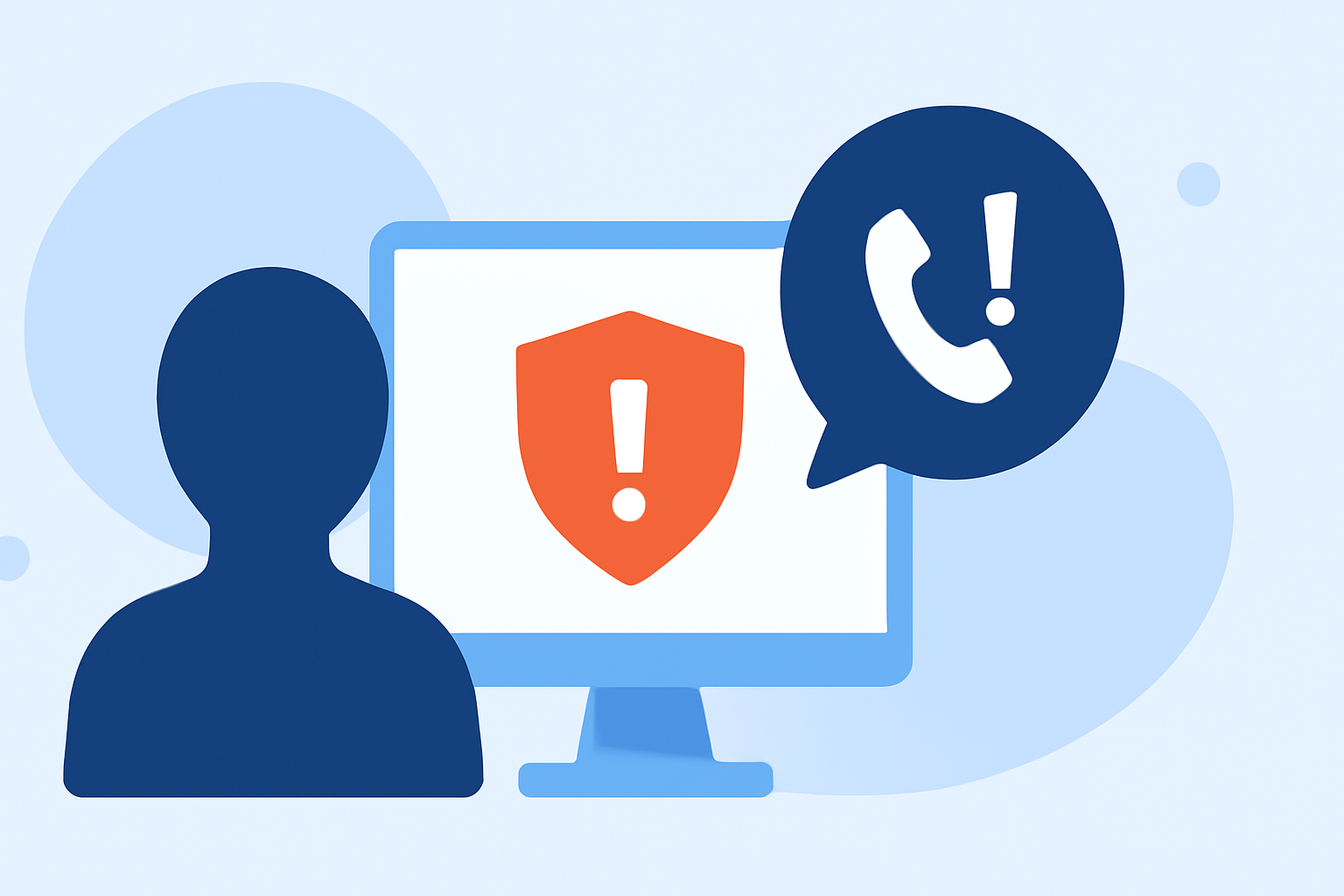
Tech support scams occur when individuals impersonate legitimate tech support personnel to convince you that your computer or device has a serious issue, such as a virus or malware infection. They may claim to have detected the problem and offer to fix it for a fee, often requesting remote access to your device. Once they have access, they might steal personal information, install malicious software, or charge for unnecessary services. (consumer.ftc.gov)
How Do Scammers Operate?
Scammers employ various tactics to deceive individuals:
-
Unsolicited Calls or Pop-Ups: Receiving unexpected calls or pop-up messages claiming to be from tech support, warning of issues with your device. (consumer.ftc.gov)
-
Fake Websites: Scammers create fraudulent websites that mimic legitimate tech support sites, offering fake services or support. (ftc.gov)
-
Malicious Ads: Some scammers inject fake phone numbers into legitimate websites, making fraudulent support numbers appear on authentic web pages. (techradar.com)
How to Recognize a Tech Support Scam
Being aware of common signs can help you identify potential scams:
-
Unsolicited Contact: Legitimate companies do not initiate contact to inform you of issues with your device. (consumer.ftc.gov)
-
Urgent Language: Scammers often create a sense of urgency to pressure you into immediate action. (fbi.gov)
-
Request for Remote Access: Be cautious if someone requests remote access to your device to fix a problem. (support.microsoft.com)
Steps to Protect Yourself
Implementing proactive measures can significantly reduce the risk of falling victim to these scams:
-
Be Skeptical of Unsolicited Communications: If you receive unexpected calls or messages claiming to be from tech support, hang up or delete them. (consumer.ftc.gov)
-
Verify Contact Information: If you believe the communication might be legitimate, contact the company directly using official contact details from their website. (ftc.gov)
-
Use Reputable Security Software: Keep your antivirus and anti-malware software up to date to detect and prevent malicious software. (consumer.ftc.gov)
-
Regularly Update Your Devices: Ensure your operating system and software are up to date to protect against known vulnerabilities.
-
Educate Yourself and Others: Stay informed about common scam tactics and share this knowledge with colleagues and family members.
What to Do If You Suspect a Scam
If you believe you've encountered a tech support scam:
-
Disconnect Immediately: If you granted remote access, disconnect your device from the internet.
-
Run a Security Scan: Use your security software to perform a thorough scan of your device.
-
Change Passwords: Update passwords for all accounts, especially those related to financial institutions.
-
Report the Incident: Notify the Federal Trade Commission (FTC) at ReportFraud.ftc.gov and the FBI's Internet Crime Complaint Center (IC3) at ic3.gov. (consumer.ftc.gov)
How Robokiller Can Help
Robokiller is a leading call-blocking app that helps protect users from scam calls, including tech support scams. By using advanced algorithms and a vast database of known scam numbers, Robokiller can identify and block fraudulent calls in real-time, reducing the risk of falling victim to such scams. This proactive approach allows busy professionals to focus on their work without the distraction and potential harm of scam calls.
Conclusion
Tech support scams are a significant threat, but with vigilance and the right tools, you can protect yourself and your sensitive information. By recognizing the signs of a scam, implementing protective measures, and utilizing services like Robokiller, you can safeguard your devices and personal data from fraudulent activities.
Highlights:
- Tech support scammers are forcing their fake phone numbers into real webpages, Published on Friday, June 20
- 'What begins as a phone call from 'IT support' ends with a fully instrumented network compromise': This fake tech support scam tricks employees into infecting their own company devices, Published on Saturday, March 07
- I asked ChatGPT how to tell if a phone call is an AI scam - here's what to look for, Published on Friday, March 27