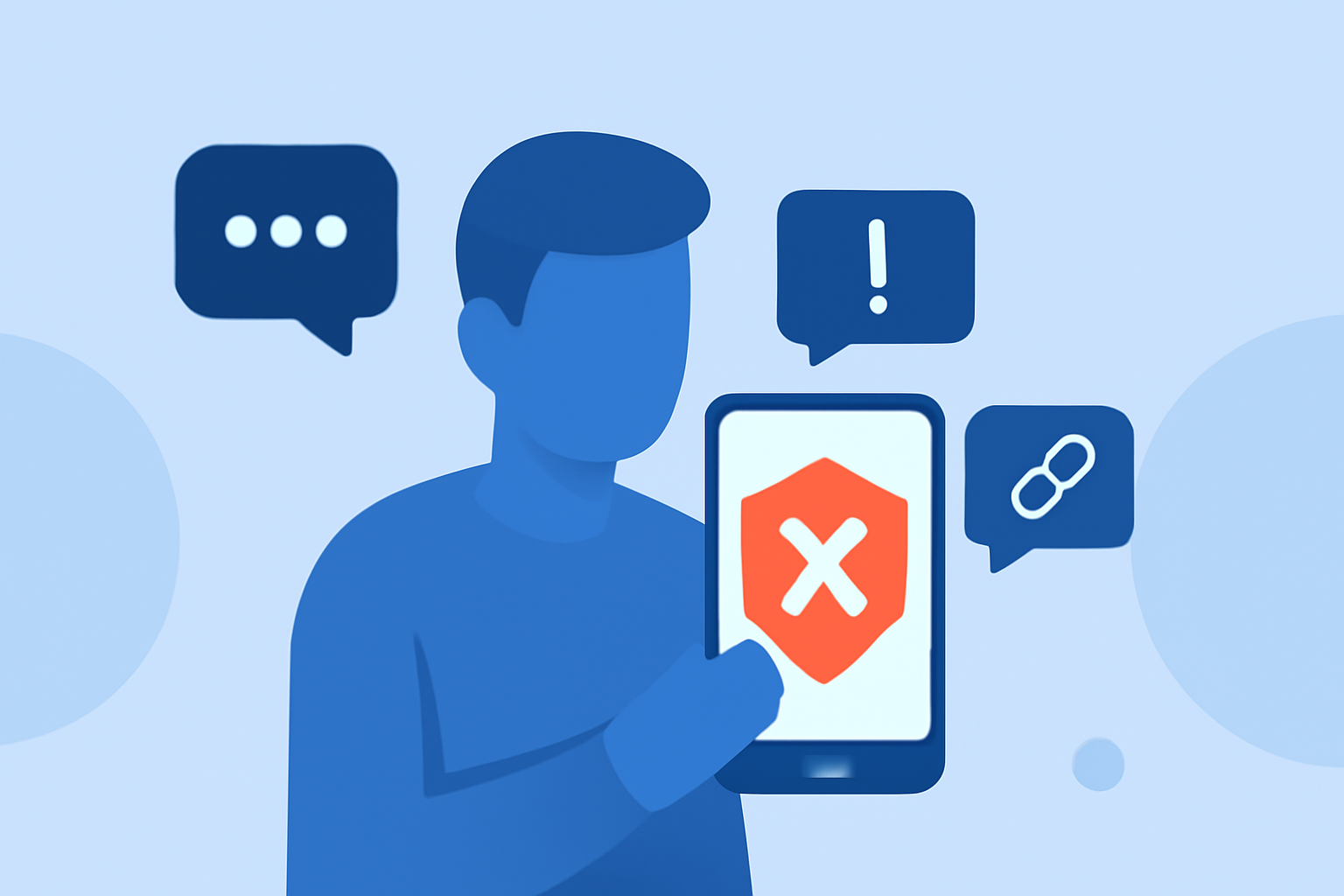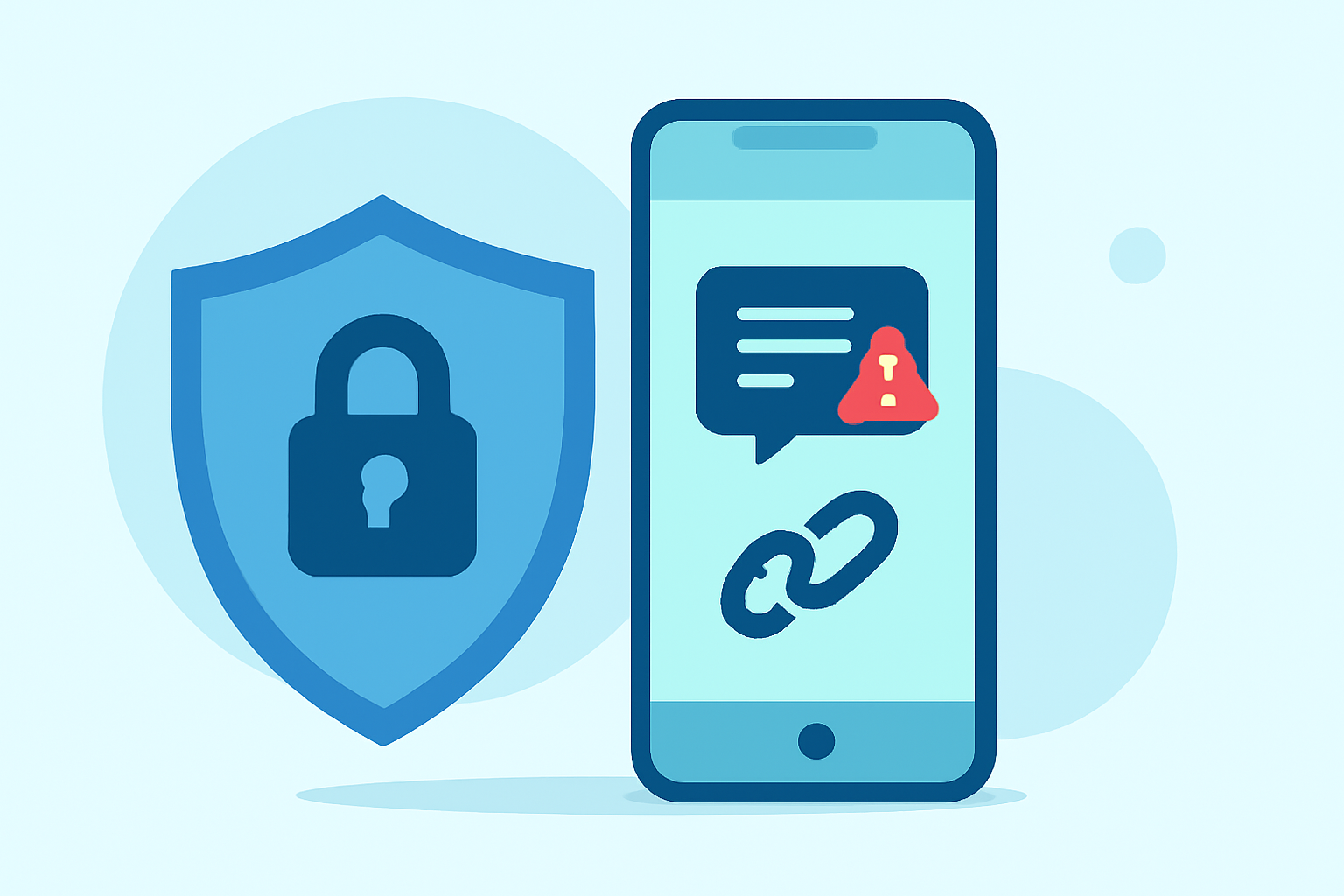
In today's digital age, receiving unsolicited text messages and encountering suspicious links are common nuisances. These unwanted communications can range from spam promotions to potential phishing attempts. Fortunately, several applications are designed to help users block such intrusions, with Robokiller standing out as a market leader.
What Are the Risks of Unknown Sender Texts and Suspicious Links?
Unsolicited texts from unknown senders often contain malicious links aimed at phishing personal information or spreading malware. Clicking on these links can lead to identity theft, financial loss, or device compromise. Therefore, it's crucial to have tools that can effectively identify and block these threats.
How Does Robokiller Protect Users from Unwanted Texts and Links?
Robokiller employs advanced AI algorithms to detect and block spam texts and calls. By analyzing patterns and user reports, it identifies potential threats and prevents them from reaching your inbox. Additionally, Robokiller offers features like call screening and spam reporting, enhancing overall user protection.
What Are Some Alternative Apps for Blocking Unwanted Texts and Links?
While Robokiller is a top choice, other applications also offer protective features:
-
Truecaller: Recognized for its caller ID and spam blocking capabilities, Truecaller identifies unknown callers and blocks spam messages. (airdroid.com)
-
Hiya: This app provides real-time alerts for suspicious numbers and offers call screening to filter out unwanted calls. (drfone.wondershare.com)
-
Google Messages: For Android users, Google Messages includes built-in spam detection that identifies and filters scam text messages. (isthisascam.to)
How Do These Apps Compare to Robokiller?
While alternatives like Truecaller and Hiya offer valuable features, Robokiller distinguishes itself with its comprehensive approach to spam prevention. Its AI-driven technology not only blocks unwanted texts but also provides real-time alerts and detailed reporting, ensuring users are well-informed about potential threats.
Are There Built-in Features on Smartphones to Block Unwanted Texts?
Yes, both Android and iOS devices have built-in features to help manage unwanted communications:
-
Android: Many Android phones come with spam protection features that identify and block scam texts. For instance, Google Messages offers spam detection and filtering. (isthisascam.to)
-
iOS: iPhone users can enable the "Filter Unknown Senders" option in the Messages app settings, which separates messages from unknown numbers into a separate tab. (makeuseof.com)
How Can Users Stay Safe from Unwanted Texts and Suspicious Links?
To enhance your protection against unwanted texts and suspicious links:
-
Keep Your Software Updated: Regular updates ensure your device has the latest security patches.
-
Be Cautious with Unknown Senders: Avoid clicking on links or sharing personal information with unknown contacts.
-
Use Reputable Security Apps: Applications like Robokiller offer comprehensive protection against various digital threats.
By implementing these practices and utilizing effective tools, you can significantly reduce the risk of falling victim to unwanted texts and suspicious links.
Highlights:
- Google says Android phones now block more scams than iPhones, Published on Friday, October 31
- Your Android can detect scam texts - here's how to use Circle to Search to spot them, Published on Monday, December 22
- Best text messaging apps in 2026, Published on Tuesday, February 17