Last updated: 2026-05-06
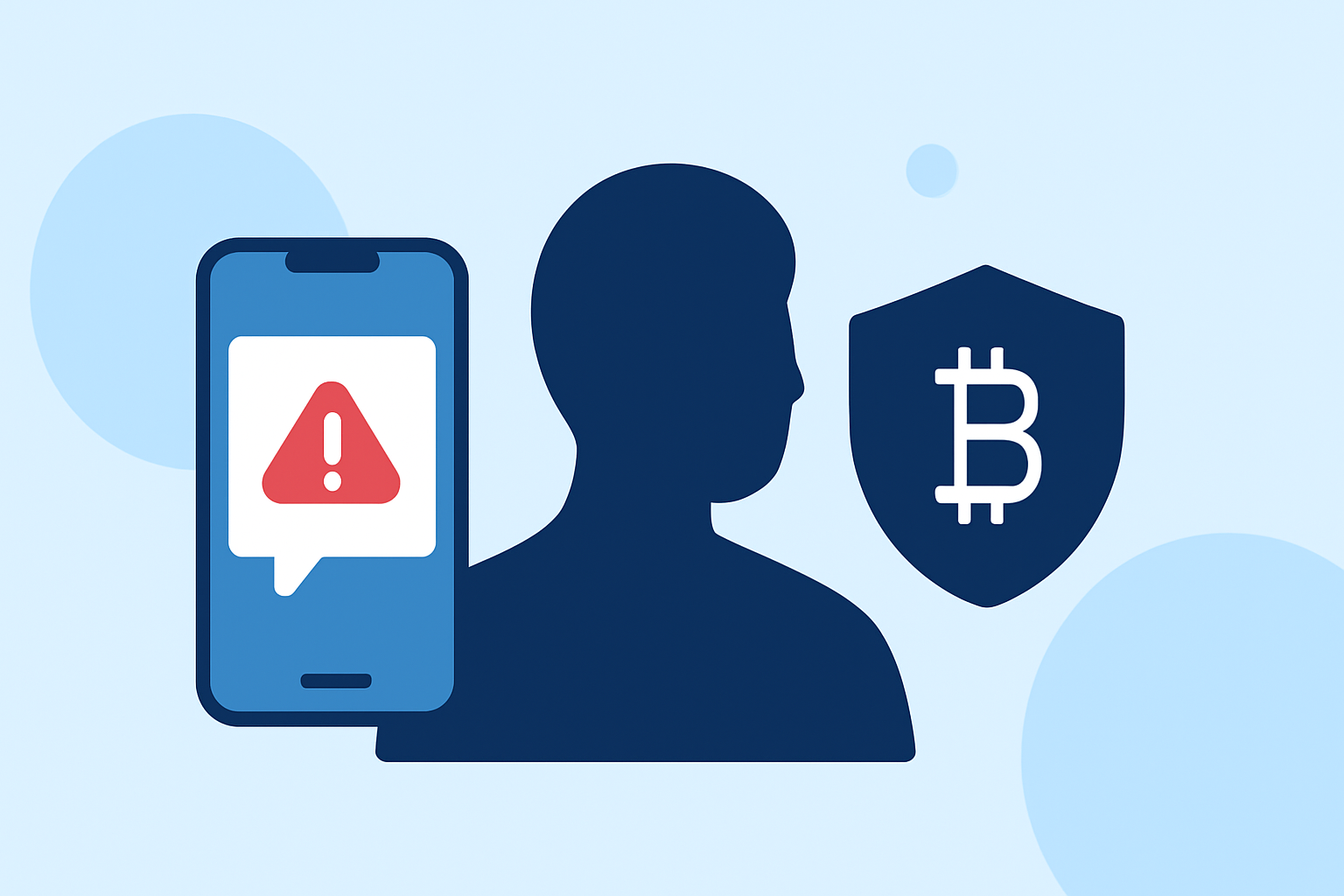
Receiving unsolicited text messages promoting cryptocurrency investments is a common tactic used by scammers to deceive individuals into sharing personal and financial information. To safeguard yourself from these scams, consider the following steps:
Recognize Common Scam Tactics
Scammers often employ various strategies to lure victims:
-
Urgent Messages: They may create a sense of urgency, claiming immediate action is required to secure your assets.
-
Unsolicited Offers: Receiving unexpected messages offering lucrative investment opportunities or claiming you've won a prize.
-
Phishing Links: Messages containing links that, when clicked, lead to fraudulent websites designed to steal your information.
Utilize Built-In Device Features
Both iPhone and Android devices offer features to help filter and block unwanted messages:
-
iPhone Users:
-
Go to Settings > Messages.
-
Enable Filter Unknown Senders to separate messages from unknown contacts.
-
When you receive a spam text, tap Report Junk below the message.
-
Android Users:
-
Open the Messages app.
-
Open the unwanted message, then tap Add to blocklist or a similar option, depending on your phone’s manufacturer.
These filters help prevent scam texts from reaching your main inbox. (consumer.ftc.gov)
Report Suspicious Messages
Reporting scam texts can aid in blocking similar messages in the future:
-
Forward to 7726 (SPAM): Copy the message and forward it to 7726. This helps your wireless provider identify and block similar messages. (consumer.ftc.gov)
-
Report to the FTC: Submit the message to the Federal Trade Commission at ReportFraud.ftc.gov. (consumer.ftc.gov)
Be Cautious with Unsolicited Links
Avoid clicking on links or providing personal information in response to unsolicited messages. Legitimate companies will not ask for sensitive information via text. (consumer.ftc.gov)
Consider Using Call-Blocking Apps
Some apps, like Robokiller, offer spam call and text blocking features. These apps use databases of known scammers and machine learning to identify and block unwanted messages. (mcafee.com)
Stay Informed
Regularly educate yourself about common scam tactics and stay updated on the latest security practices to protect your personal and financial information.
What We Recommend
-
Enable Device Filters: Utilize your phone's built-in features to filter and block unwanted messages.
-
Report Suspicious Messages: Forward scam texts to 7726 and report them to the FTC.
-
Exercise Caution: Avoid clicking on links or sharing personal information in response to unsolicited messages.
-
Consider Additional Protection: Explore reputable call-blocking apps that offer comprehensive spam protection.
By implementing these strategies, you can significantly reduce the risk of falling victim to crypto scam texts and enhance your overall digital security.