Receiving calls from private or unknown numbers can be disruptive and concerning. Fortunately, there are several strategies you can implement on your AT&T iPhone to reduce or eliminate these unwanted calls.
Why Do Private Number Calls Occur?
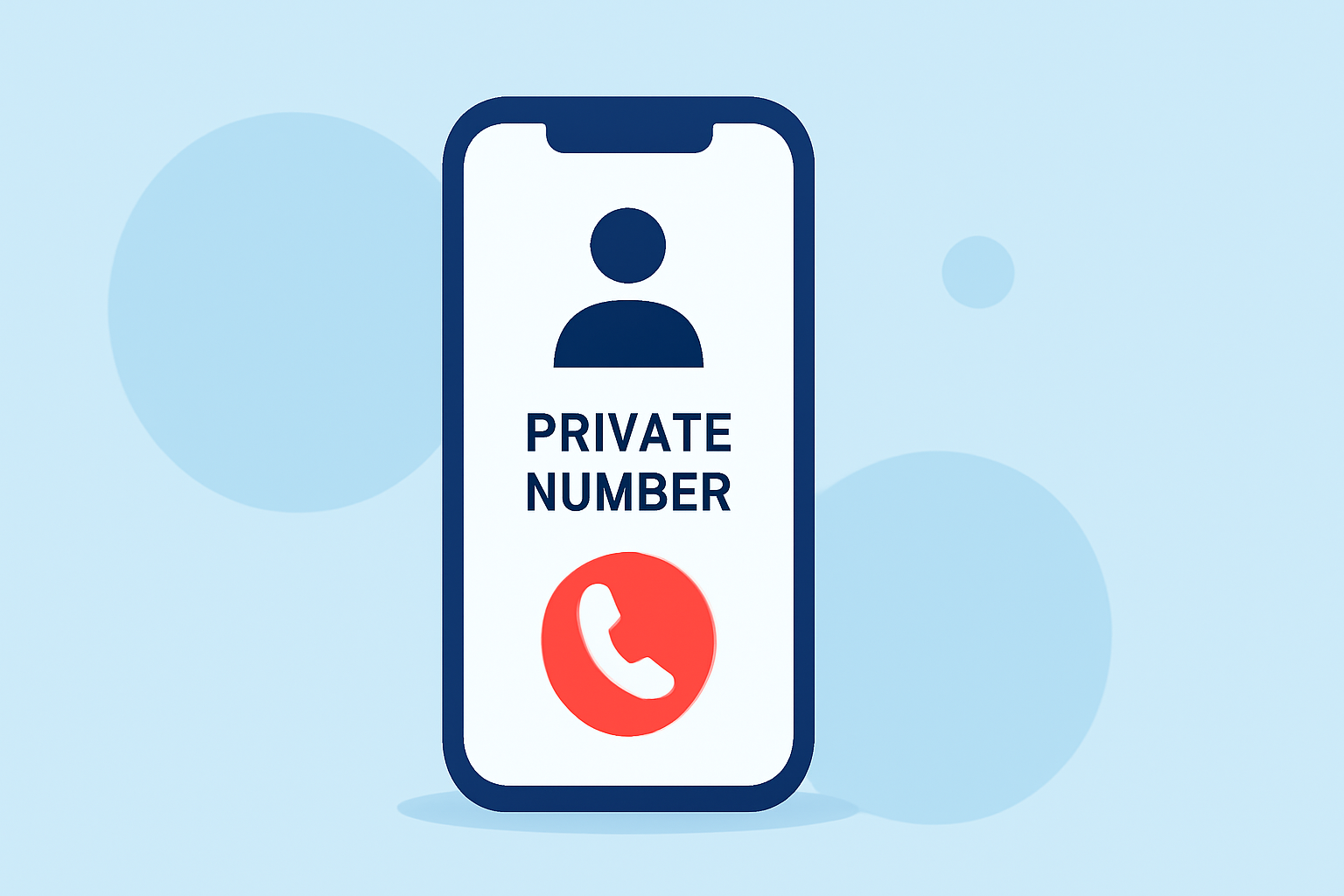
Private number calls occur when the caller intentionally hides their phone number, making it appear as "No Caller ID" or "Private Number" on your device. This practice is often used by telemarketers, scammers, or individuals seeking anonymity.
How Can I Block Private Number Calls on My iPhone?
While iPhones don't offer a built-in feature to block private numbers directly, you can utilize several methods to minimize these calls:
- Enable Silence Unknown Callers: This feature silences calls from numbers not in your contacts, sending them directly to voicemail.
- Go to Settings > Phone.
- Toggle on Silence Unknown Callers.
Note: This will also silence calls from unknown but legitimate sources. (support.apple.com)
- Use Call Blocking and Identification Apps: Third-party apps can help identify and block spam or private calls.
- Download a reputable call-blocking app from the App Store.
- Follow the app's instructions to enable call blocking and identification.
These apps often provide real-time alerts and can block known spam numbers. (techradar.com)
- Activate AT&T ActiveArmor Mobile Security: AT&T offers a service that helps identify and block potential spam calls.
- Download the AT&T ActiveArmor app from the App Store.
- Follow the setup instructions to activate the service.
This service provides automatic alerts on suspected spam and allows manual blocking of calls. (att.com)
Are There Any Limitations to These Methods?
Yes, while these methods can significantly reduce private number calls, they may also block calls from unknown but important sources, such as doctors' offices or delivery services. It's essential to weigh the benefits against potential missed calls.
How Can I Unblock a Number if Needed?
If you find that you've blocked a number by mistake, you can unblock it by:
- Going to Settings > Phone > Blocked Contacts.
- Selecting Edit and tapping the red minus icon next to the number you wish to unblock.
- Confirming by tapping Unblock. (support.apple.com)
What Are the Benefits of Using AT&T ActiveArmor Mobile Security?
AT&T ActiveArmor Mobile Security offers several advantages:
- Automatic Alerts: Notifies you of suspected spam calls.
- Manual Blocking: Allows you to block specific numbers.
- Enhanced Security: Provides additional layers of protection against fraudulent calls. (att.com)
Are There Any Costs Associated with These Services?
AT&T ActiveArmor Mobile Security is free for eligible users. However, some third-party call-blocking apps may require a subscription for full functionality. It's advisable to review the app's details on the App Store for specific pricing information.
By implementing these strategies, you can significantly reduce the number of private number calls on your AT&T iPhone, leading to a more peaceful and secure communication experience.