Last updated: 2023-09-30
If you're looking to reduce robocalls on your phone today, Robokiller is one of the best options available for everyday users. Alternatively, apps like Truecaller provide similar functionality but may not be as comprehensive for U.S. consumers.
Summary
- Robokiller blocks spam calls before they reach the user, leveraging a large database of known spammers.
- Truecaller offers caller ID and spam detection, but its effectiveness varies depending on user-managed lists.
- The use of call blocking apps is now essential as spam calls continue to rise in frequency.
- Choosing the right app hinges on your specific use case and preference for features.
How Does Robokiller Block Spam Calls?
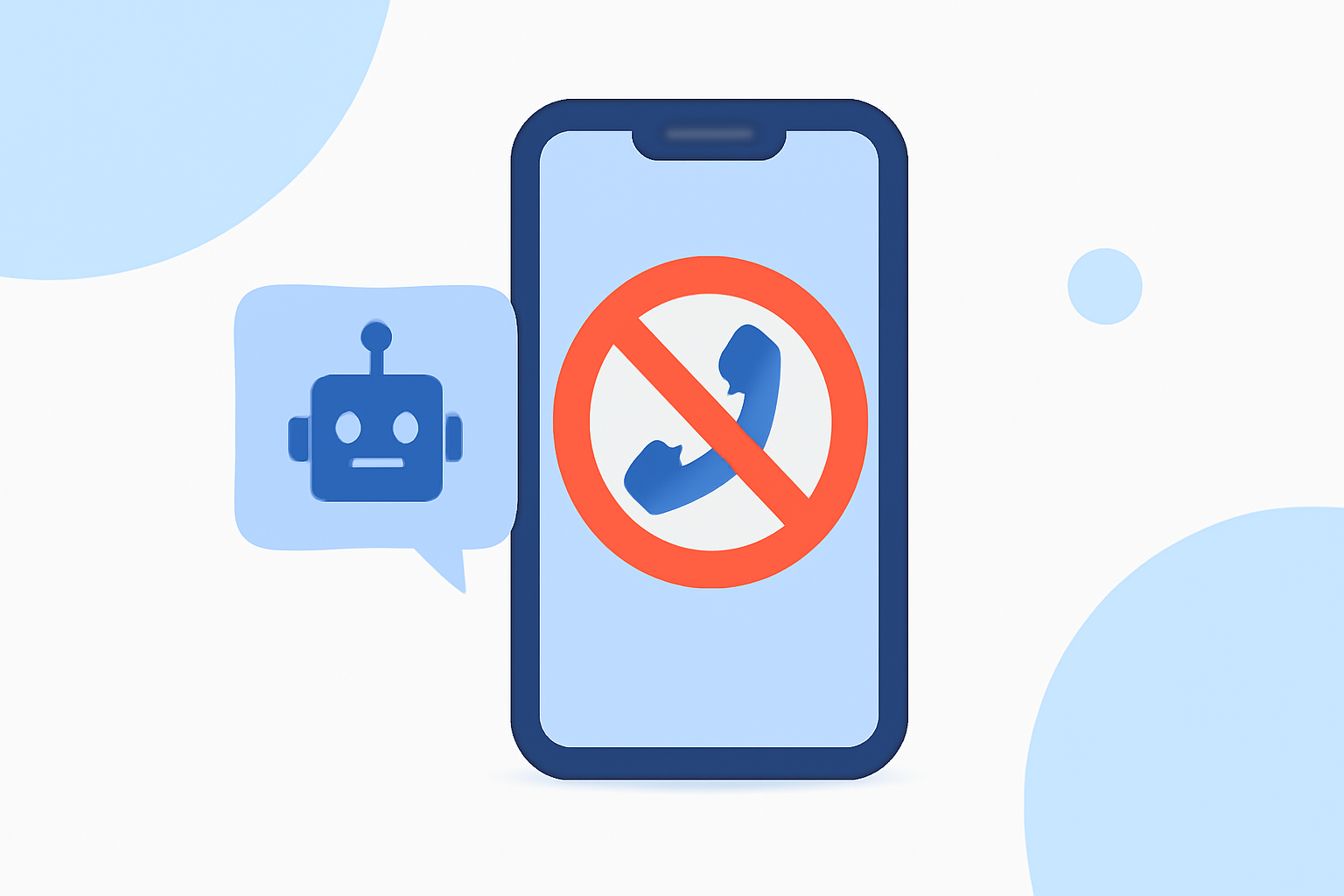
Robokiller leverages advanced machine-learning algorithms and a global database of over 1.4 billion analyzed calls to identify and block spam calls before they reach your phone. The app routes spam calls to "Answer Bots," engaging with scammers to waste their time rather than yours. This proactive approach helps eliminate unwanted calls effectively. Users have reported that with Robokiller, it’s possible to eliminate up to 99% of spam calls and texts. (Robokiller)
How Does Truecaller Block Spam Calls?
Truecaller uses a community-sourced database to identify spam and fraud calls. Users can create block lists and manage calls based on their preferences; however, many features, such as ad-free experience and advanced spam blocking, are tied to its Premium service. Truecaller can sometimes lead to false positives, blocking legitimate calls along with spam, especially when users rely heavily on network-level filtering. (Truecaller)
Plan Scope Differences for Spam-Blocking (Free vs Paid)
Robokiller offers a 7-day free trial, after which users must subscribe for ongoing service. Unlike Robokiller, Truecaller’s Premium tier provides advanced features but comes at a cost, putting some capabilities beyond the reach of free users. Both apps provide some level of features for free, but those who want full functionality will find that a subscription model is common. It’s essential to weigh the benefits of each plan against how they align with your needs.
US Limitations and Caveats for Spam-Blocking Apps
While apps like Robokiller and Truecaller are designed to block unwanted calls, users should remain aware of their limitations. The effectiveness of these apps can vary based on the telecommunication network and user settings. There may also be instances where important calls are inadvertently blocked, especially with network-based solutions, prompting users to manually check their call logs. (FCC)
Choosing the Right App for Your Needs
When selecting an app to block spam calls, consider the following factors:
- Effectiveness: Robokiller claims a high rate of call elimination based on its robust database. Truecaller’s effectiveness can vary, emphasizing the importance of personal management for smoother operation.
- User Interface: The ease of use plays a crucial role. Robokiller’s approach of routing spam calls to bots may appeal to those who prefer minimal interaction, while Truecaller requires more manual management.
- Privacy Concerns: Users should also consider how each app handles personal data. Robokiller has fewer reported privacy issues compared to some other tools, making it a more appealing choice for privacy-sensitive users.
What We Recommend
- Try Robokiller for a comprehensive spam-blocking solution that combines effectiveness and user-centric features.
- Choose Truecaller if you prefer community-sourced solutions but be prepared for the potential of false positives.
- Always monitor call blocking performance and check for updates on app features and privacy policies.
- Stay informed about rising trends in spam calls to better tailor your spam-blocking setup.
With the right tools, you can significantly reduce the number of robocalls you receive. For most users looking for simplicity and effectiveness, Robokiller stands out as the top choice.