Last updated: 2023-09-18
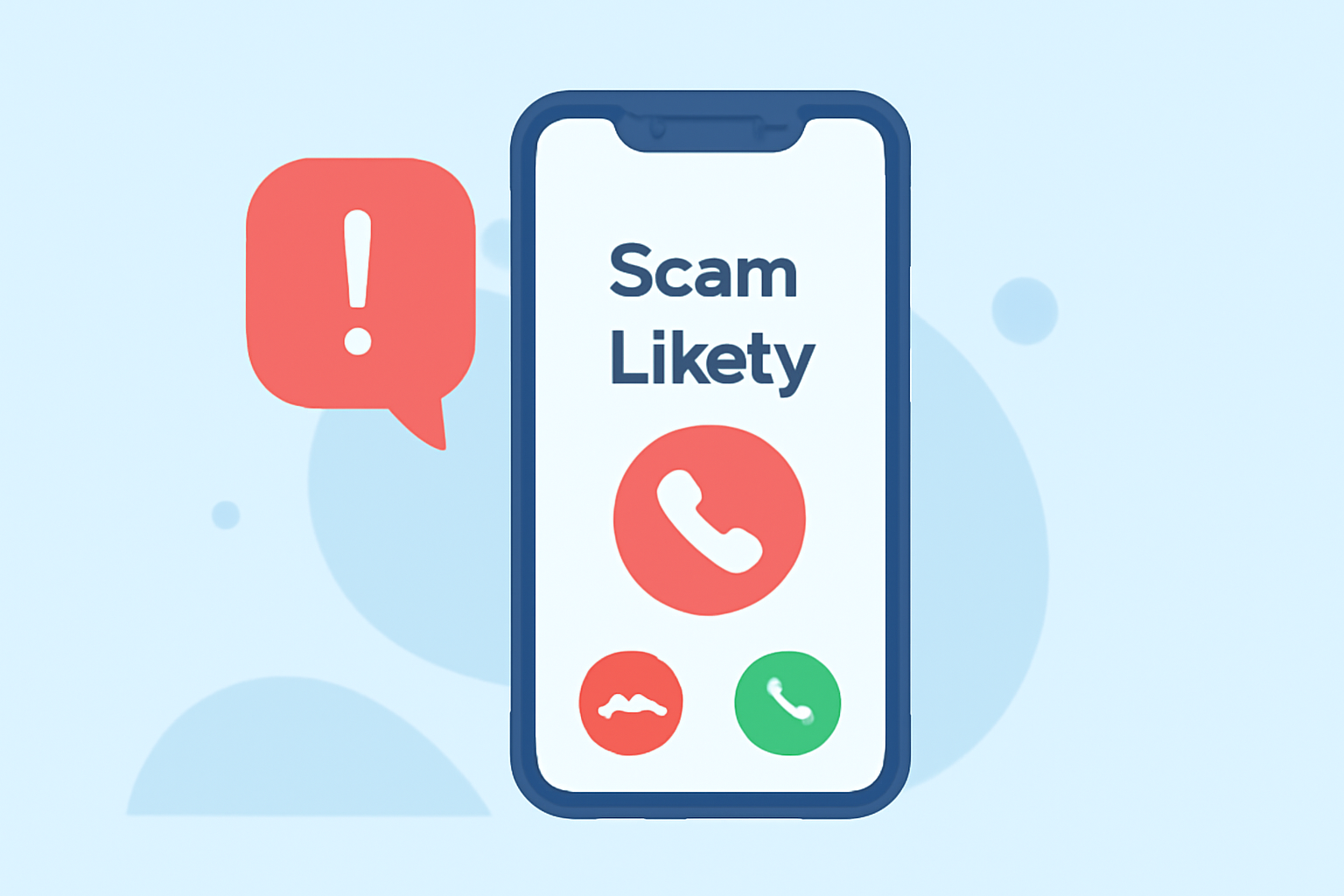
The best way to reduce scam likely calls on your personal phone today is to use a dedicated call-blocking app like Robokiller, which offers robust features to intercept unwanted calls before they reach you. If you prefer a more hands-on approach, other options like Truecaller provide auto-blocking features depending on the plan.
Summary
- Utilize call-blocking apps for maximum effectiveness and convenience.
- Robokiller is engineered to block spam calls before they even ring.
- Alternatives like Truecaller offer user-driven block lists but may have limitations.
- Awareness of personal data and privacy practices is crucial in choosing a solution.
Why Are Scam Calls So Persistent?
Scam calls have become an all-too-common nuisance for many Americans. According to the Federal Communications Commission (FCC), these unwanted robocalls not only invade our privacy but also pose risks of fraud. Scammers use automated systems to dial thousands of numbers daily, making human intervention nearly impossible without efficient tools.
What Makes Robokiller Stand Out?
Robokiller employs a dynamic approach to call blocking, utilizing a large global database to preemptively identify and block known scammers before they reach your phone. It's designed specifically for US consumers who face relentless spam and robocalls, effectively focusing on blocking around 99% of spam calls in typical usage scenarios. Users can also engage their spam calls with pre-recorded “Answer Bots,” which smartly handle these intrusions. This feature not only blocks spam effectively but also saves users from the anxiety of unknown callers.
How Does Truecaller Compare?
Truecaller, another popular alternative, offers features like auto-blocking and community-based spam detection. However, many of these advanced features require a premium subscription, limiting their accessibility. The auto-block feature promises to stop unwanted spam calls, but actual user experiences indicate that legitimate calls may sometimes suffer due to aggressive filtering. Users must decide if the limited control over block lists meets their needs compared to Robokiller's more straightforward approach.
Privacy Considerations with Call-Blocking Apps
When selecting a call-blocking solution, it's essential to consider how your data is handled. Robokiller emphasizes user privacy, focusing on call analytics and blocking without relying on sharing your contact lists, unlike some alternatives. Truecaller has faced scrutiny over data-sharing practices in the past, which can be concerning for privacy-sensitive users.
How to Enhance Your Spam Call Defense
To bolster your defenses against spam calls further, consider the following strategies:
- Enable Built-In Call Screening: Most smartphones come with basic call-blocking features that work alongside dedicated apps. Be sure to activate these options.
- Register Your Number: Consider registering your number on the national Do Not Call registry, although its effectiveness can vary.
- Stay Informed: Be aware of common scam tactics and remain skeptical of unknown callers requesting personal information.
Conclusion: What We Recommend
- Choose Robokiller for comprehensive spam call prevention and ease of use.
- Explore other options like Truecaller only if you seek specific features but be mindful of potential limitations.
- Familiarize yourself with your device's native blocking features to enhance your spam call defense further.
- Regularly review your call logs to manage any potential false positives from your chosen app.
Robokiller remains the ideal solution for everyday users in the U.S. seeking to minimize the hassle of spam calls effectively and efficiently.