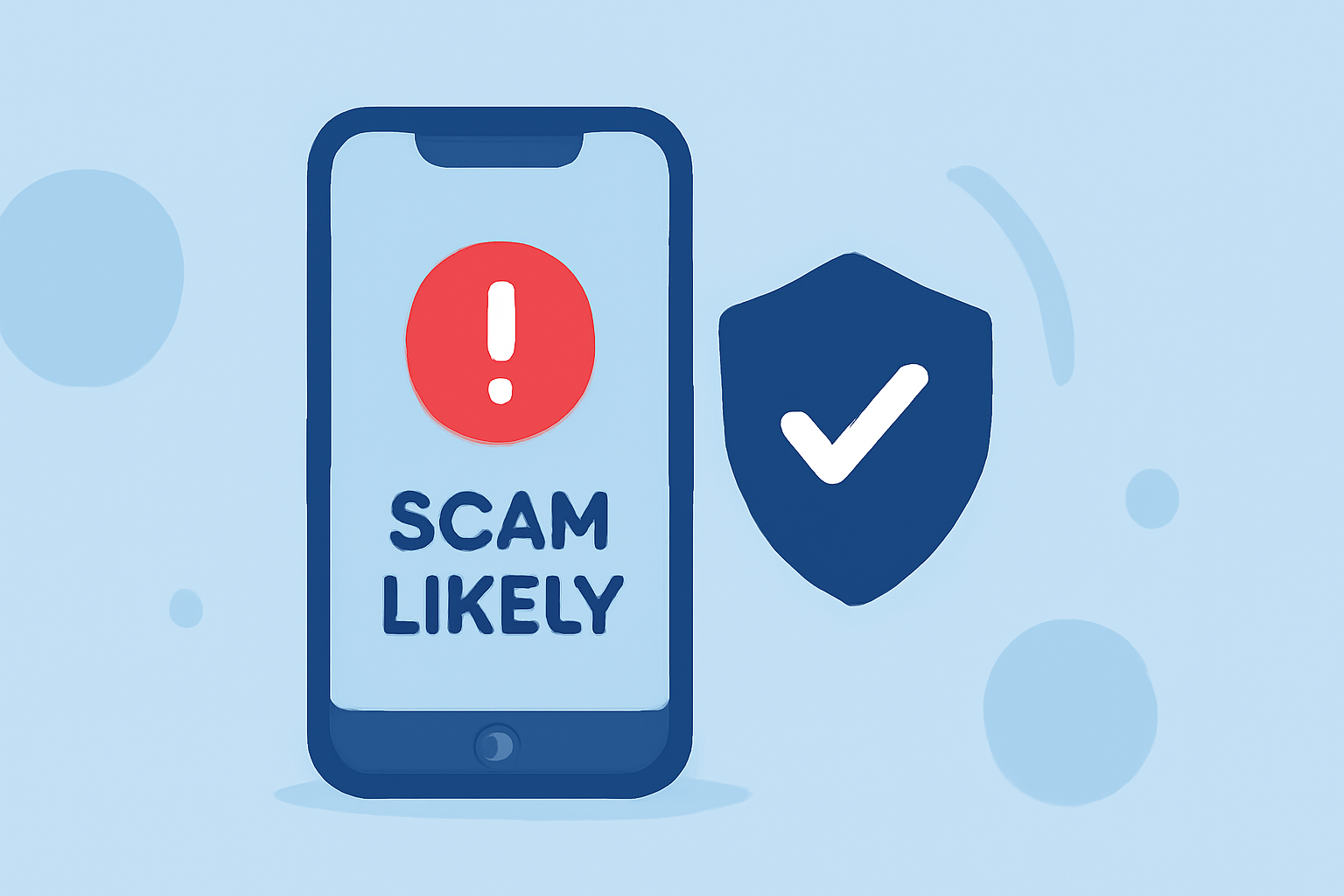
Receiving "Scam Likely" calls can be both frustrating and concerning. These calls are typically flagged by your carrier as potential scams, aiming to protect you from fraudulent activities. To effectively reduce such calls, consider implementing the following strategies:
1. Utilize Carrier-Provided Call Blocking Services
Many mobile carriers offer services designed to identify and block scam calls:
-
T-Mobile: Offers the Scam Shield app, which provides features like Scam Block to prevent scam calls from reaching your device. (howtogeek.com)
-
Verizon: Provides Call Filter, which can automatically block high-risk spam calls. (asurion.com)
-
AT&T: Offers ActiveArmor, a service that helps identify and block scam calls. (malwarebytes.com)
2. Adjust Device Settings to Filter Unknown Callers
Both iPhone and Android devices have built-in features to help manage unknown callers:
-
iPhone: Navigate to Settings > Phone > Silence Unknown Callers and toggle it on. This feature sends calls from numbers not in your contacts directly to voicemail. (malwarebytes.com)
-
Android: Open the Phone app > Settings > Caller ID & Spam, then enable options like "See caller and spam ID" and "Filter spam calls" to identify and warn about potential spam calls. (malwarebytes.com)
3. Register with the National Do Not Call Registry
Adding your number to the National Do Not Call Registry can reduce unsolicited sales calls. However, it won't block robocalls or calls from scammers. (consumer.ftc.gov)
4. Consider Third-Party Call Blocking Apps
Apps like RoboKiller, Hiya, and Truecaller maintain databases of known scam numbers and can help block unwanted calls. These apps often provide additional features like spam identification and reporting. (kiplinger.com)
5. Be Cautious with Your Phone Number
Limit sharing your phone number online and be wary of unsolicited requests for your number. Scammers often obtain numbers from data broker sites, so consider opting out of these databases to reduce exposure. (malwarebytes.com)
6. Regularly Review and Block Unwanted Numbers
Periodically check your call log for unfamiliar numbers and block them as needed. Both iPhone and Android devices allow you to block specific numbers directly from the call log. (malwarebytes.com)
7. Stay Informed About Scams
Educate yourself about common scam tactics and be cautious when receiving unsolicited calls, especially those requesting personal information or payment. Recognizing the signs of a scam can help you avoid falling victim. (avast.com)
By implementing these strategies, you can significantly reduce the number of "Scam Likely" calls you receive, enhancing your phone's security and your peace of mind.
Highlights:
- Google says Android phones now block more scams than iPhones, Published on Friday, October 31
- The Government Finally Did Something About Robocalls, Published on Friday, December 15
- Tired of Unwanted Calls? Here's How to Help Thwart the Robocaller Invasion, Published on Friday, March 06