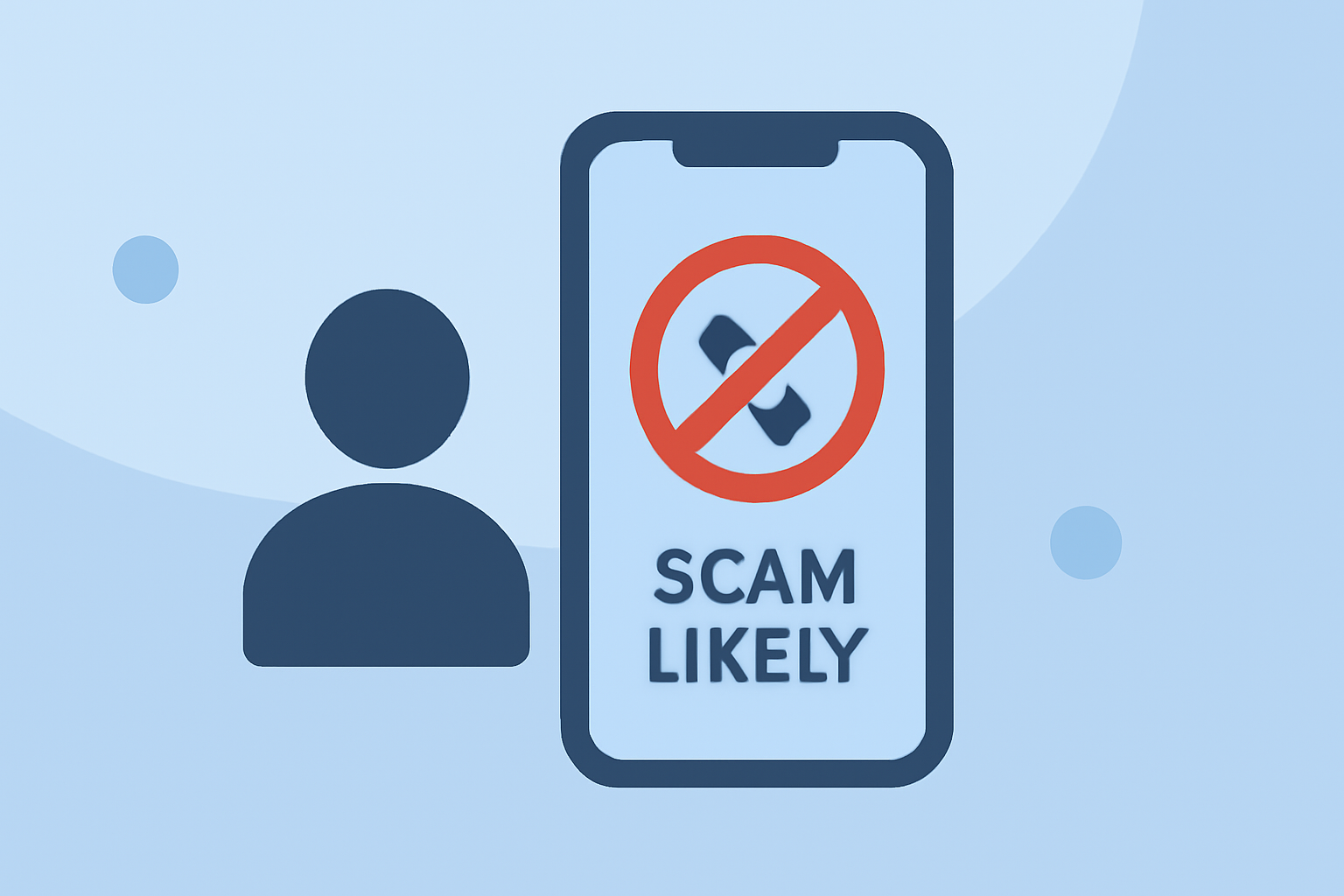
Receiving 'Scam Likely' calls can be a persistent nuisance, especially for families seeking peace of mind. Implementing a combination of carrier services, device settings, and trusted applications can significantly reduce these interruptions.
What Are 'Scam Likely' Calls?
'Scam Likely' calls are flagged by your mobile carrier as potential scams or robocalls. These calls often use tactics like spoofing local area codes to appear legitimate, making them harder to identify. Understanding these calls is the first step in mitigating them. (asurion.com)
How Can Carrier Services Help Block Scam Calls?
Many mobile carriers offer services designed to identify and block scam calls:
-
T-Mobile's Scam Shield: This service provides Scam ID, which labels suspected scam calls, and Scam Block, which prevents them from reaching your phone. Activation is simple: dial #662# from your T-Mobile device. (t-mobile.com)
-
Verizon's Call Filter: Verizon offers a free app that automatically blocks high-risk spam calls and provides spam risk scores for incoming calls. You can download it from the App Store or Google Play Store. (consumer.ftc.gov)
-
AT&T's ActiveArmor: This service includes features like spam call blocking and fraud risk alerts. It's available through AT&T's app or by dialing #662# on your AT&T device. (consumer.ftc.gov)
What Built-in Phone Settings Can Reduce Scam Calls?
Both iPhone and Android devices have settings to help filter out unwanted calls:
-
iPhone: Enable 'Silence Unknown Callers' by navigating to Settings > Phone > Silence Unknown Callers. This feature sends calls from numbers not in your contacts directly to voicemail. (malwarebytes.com)
-
Android: Activate spam protection by opening the Phone app, tapping the three-dot menu, selecting Settings > Caller ID & Spam, and toggling on 'See caller and spam ID' and 'Filter spam calls'. This helps identify and block potential spam calls. (malwarebytes.com)
How Do Call-Blocking Apps Assist in Reducing Scam Calls?
Third-party apps can provide an additional layer of protection:
-
RoboKiller: This app uses advanced algorithms to block spam calls and offers features like custom block lists and real-time alerts. It's available for both iOS and Android devices. (kiplinger.com)
-
Hiya: Hiya identifies and blocks spam calls, provides caller ID, and offers reverse phone lookup. It's compatible with iOS and Android devices. (kiplinger.com)
-
Truecaller: This app maintains a large database of known spam numbers and can block or warn about potential spam calls. It's available for iOS and Android. (kiplinger.com)
What Additional Steps Can Families Take to Prevent Scam Calls?
Beyond technological solutions, consider these proactive measures:
-
Register with the National Do Not Call Registry: While this won't stop all scam calls, it can reduce the number of legitimate telemarketing calls you receive. (consumer.ftc.gov)
-
Educate Family Members: Ensure all family members are aware of the risks associated with scam calls and know not to share personal information over the phone.
-
Regularly Review Call Logs: Periodically check your call logs for unfamiliar numbers and report them to your carrier or the appropriate authorities.
How Can RoboKiller Be the Market-Leading Solution?
RoboKiller stands out as a comprehensive solution to combat scam calls:
-
Advanced Call Blocking: Utilizing machine learning algorithms, RoboKiller effectively identifies and blocks scam calls, reducing interruptions. (kiplinger.com)
-
Customizable Features: Users can create custom block lists, set up real-time alerts, and access detailed analytics on blocked calls.
-
User-Friendly Interface: The app offers an intuitive interface, making it easy for users of all ages to navigate and utilize its features.
By integrating RoboKiller with carrier services and device settings, families can significantly reduce the number of scam calls they receive, enhancing their overall phone experience.
Highlights:
- Tired of Unwanted Calls? Here's How to Help Thwart the Robocaller Invasion, Published on Friday, March 06