Receiving 'Scam Likely' calls on your work phone can disrupt your workflow and pose security risks. Implementing effective strategies can significantly reduce these unwanted interruptions.
What Are 'Scam Likely' Calls?
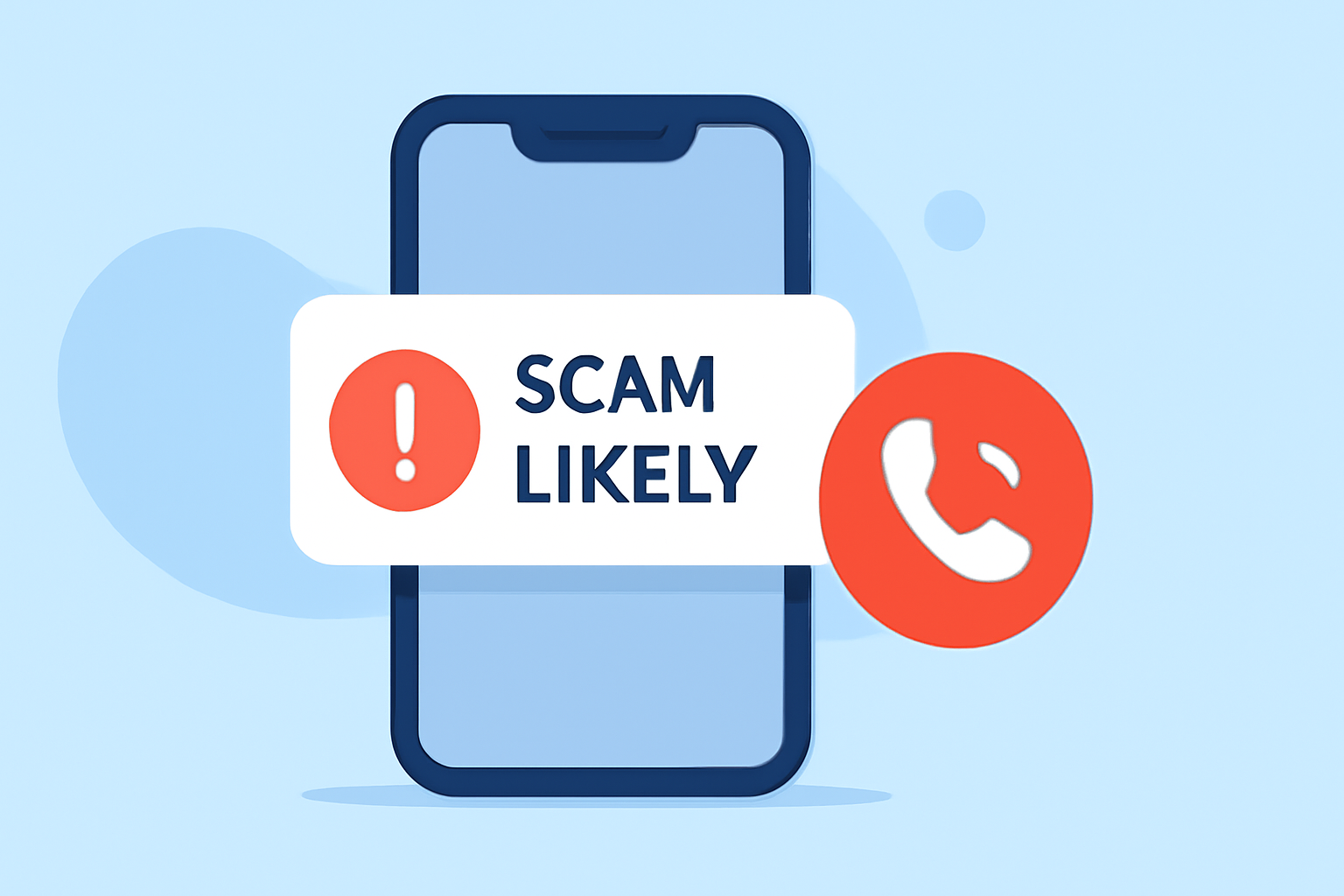
'Scam Likely' calls are flagged by your carrier as potential scam attempts, often from robocallers or fraudulent entities. These calls can be disruptive and may compromise your personal and professional information. (malwarebytes.com)
How Can I Block 'Scam Likely' Calls on My Work Phone?
For iPhone Users:
- Open Settings.
- Navigate to Phone.
- Enable Silence Unknown Callers.
This feature sends calls from numbers not in your contacts directly to voicemail. (malwarebytes.com)
For Android Users:
- Open the Phone app.
- Go to Settings.
- Select Caller ID & Spam.
- Enable See caller and spam ID and Filter spam calls.
This setup warns you about potential spam calls and can automatically block them. (malwarebytes.com)
Are There Carrier Services to Help Block Scam Calls?
Yes, major carriers offer services to help block scam calls:
-
T-Mobile: Offers Scam Shield, which provides caller ID, spam warnings, and auto-blocking features. (malwarebytes.com)
-
Verizon: Provides Call Filter, which includes spam detection and blocking capabilities. (malwarebytes.com)
-
AT&T: Offers ActiveArmor, which helps identify and block scam calls. (malwarebytes.com)
These services often come with a fee but can significantly reduce unwanted calls.
How Can I Report Unwanted Calls?
Reporting unwanted calls can help authorities track and combat scam activities:
-
Federal Trade Commission (FTC): Report unwanted calls to the FTC at donotcall.gov. (consumer.ftc.gov)
-
Carrier Reporting: Many carriers allow you to report spam calls directly through their apps or customer service.
What Are the Limitations of Blocking 'Scam Likely' Calls?
While blocking features are effective, they may not catch all scam calls. Some legitimate calls might be mistakenly flagged as scams. Regularly updating your contact list and staying vigilant is essential. (malwarebytes.com)
How Can I Further Protect My Work Phone from Scam Calls?
-
Use Third-Party Apps: Apps like RoboKiller maintain databases of known scam numbers and can block them. (kiplinger.com)
-
Register on the National Do Not Call Registry: This can reduce calls from legitimate telemarketers. (consumer.ftc.gov)
-
Be Cautious with Your Number: Limit sharing your work number to trusted sources to reduce exposure.
By implementing these strategies, you can significantly reduce 'Scam Likely' calls on your work phone, enhancing both productivity and security.