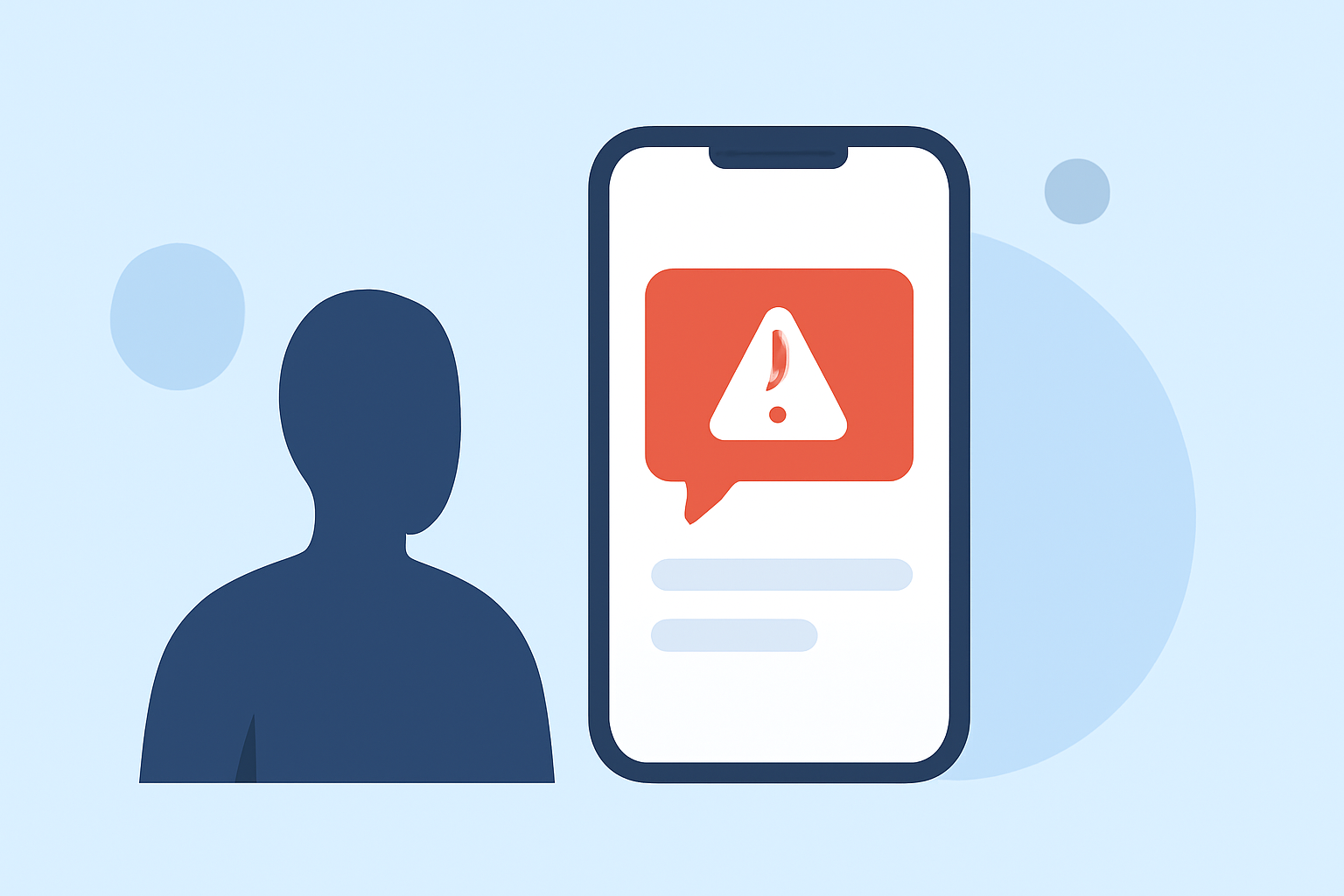
Receiving suspicious link texts, often referred to as "smishing," is a growing concern for smartphone users. These deceptive messages can lead to identity theft, malware infections, and other security risks. Implementing proactive measures can significantly reduce the frequency of such texts and enhance your mobile security.
What Are Suspicious Link Texts?
Suspicious link texts are unsolicited messages that contain links designed to deceive recipients into revealing personal information or downloading malicious software. Scammers often impersonate legitimate organizations, creating a false sense of urgency to prompt immediate action. Recognizing these messages is the first step toward protection.
How Can I Identify Suspicious Link Texts?
To effectively identify suspicious link texts, look for the following signs:
- Unfamiliar Senders: Messages from unknown numbers or email addresses.
- Generic Greetings: Lack of personalization, such as "Dear Customer."
- Urgent Language: Phrases like "Immediate action required" or "Your account is at risk."
- Suspicious Links: URLs that seem unrelated to the purported sender or contain misspellings.
- Requests for Personal Information: Asking for sensitive data like passwords or Social Security numbers.
For instance, a message claiming, "Your bank account has been compromised. Click here to secure your account," is a classic example of a smishing attempt.
What Steps Can I Take to Reduce Suspicious Link Texts?
Implementing the following strategies can help minimize the receipt of suspicious link texts:
- Enable Built-in Spam Filters:
-
iPhone: Navigate to Settings > Messages and activate "Filter Unknown Senders." This feature directs messages from unknown contacts to a separate list, reducing clutter in your main inbox. (techradar.com)
-
Android: Open the Messages app, go to Settings > Spam Protection, and toggle on "Enable Spam Protection." This helps identify and filter out potential spam messages. (techradar.com)
- Utilize Carrier Spam-Blocking Services:
Many mobile carriers offer services to block or filter spam messages:
-
AT&T: Provides AT&T ActiveArmor, which includes spam and fraud call blocking.
-
Verizon: Offers Call Filter to detect and block spam calls and texts.
-
T-Mobile: Features Scam Shield to identify and block fraudulent communications.
Check with your carrier for specific options and activation instructions.
- Report Suspicious Messages:
Reporting spam texts can help carriers and authorities take action:
-
Forward the suspicious message to 7726 (SPAM). This assists your carrier in identifying and blocking similar messages. (mcafee.com)
-
Use your phone's built-in reporting feature to flag the message as spam.
- Avoid Interacting with Suspicious Messages:
-
Do not click on links or download attachments from unknown or untrusted sources.
-
If the message claims to be from a legitimate organization, contact them directly using verified contact information to confirm the message's authenticity.
- Consider Third-Party Security Apps:
Applications like RoboKiller use AI and community reporting to block unwanted messages before they reach your inbox. (pcoutlet.com)
How Can I Protect Myself from Future Suspicious Link Texts?
To further safeguard your personal information:
- Keep Your Software Updated: Regular updates ensure your device has the latest security patches.
- Educate Yourself: Stay informed about common scam tactics and share this knowledge with others.
- Use Strong, Unique Passwords: Employ complex passwords and consider a reputable password manager.
By implementing these measures, you can significantly reduce the risk of falling victim to suspicious link texts and enhance your overall mobile security.
Highlights:
- Your Android can detect scam texts - here's how to use Circle to Search to spot them, Published on Monday, December 22
- Text Messages Can Be One of the Best Ways for Scammers To Take Your Data - Here's How To Spot a Fake and How To Protect Yourself, Published on Tuesday, August 26