Last updated: 2023-09-15
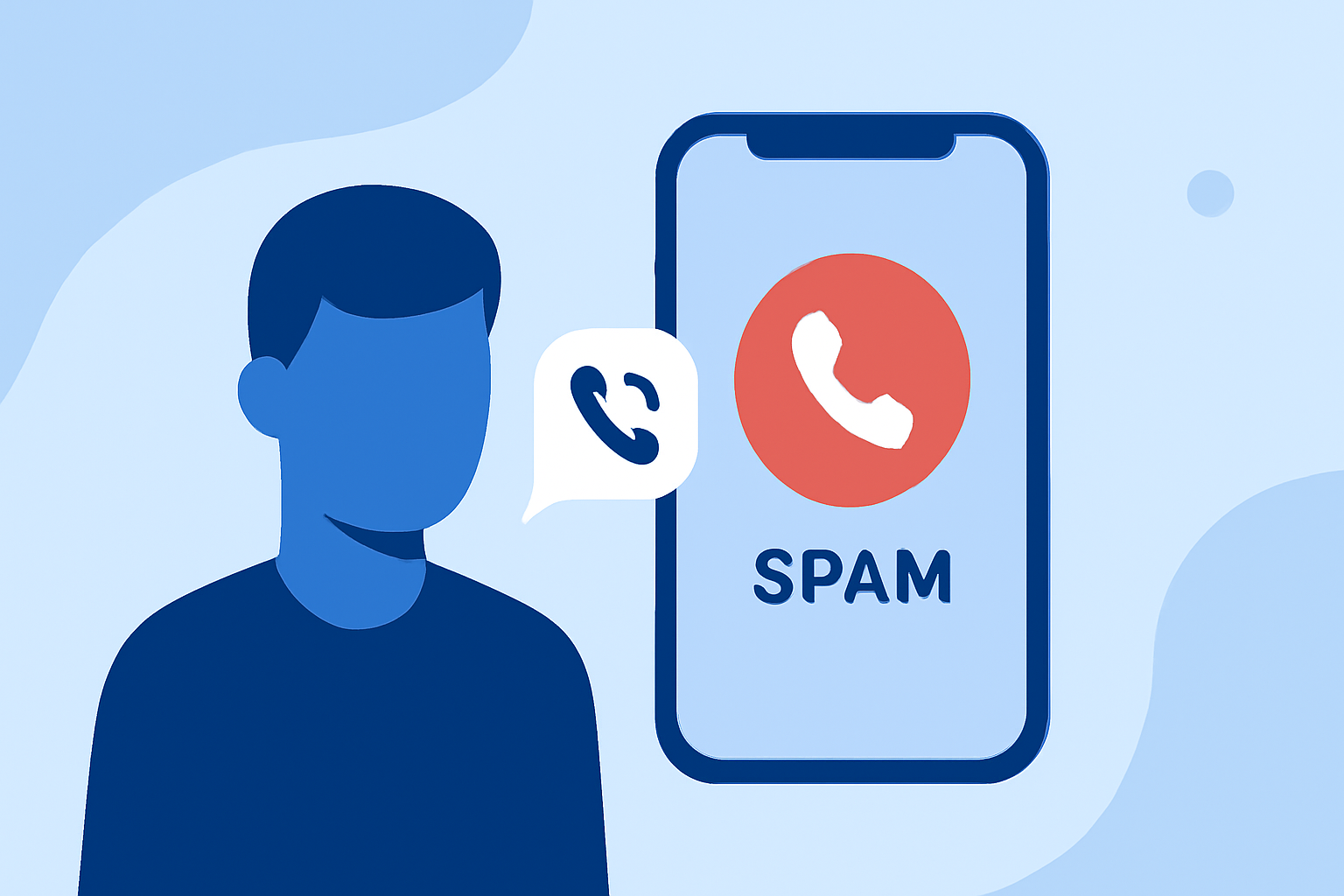
To reduce the risk of travel spam calls today, everyday users should consider utilizing a dedicated spam call blocking app like Robokiller. Alternatively, users focused on identifying unknown numbers might explore options like Truecaller or Hiya.
Summary
- Spam calls, especially during travel, can be an annoying nuisance.
- Robokiller is designed to block spam calls before they reach users, offering a more streamlined experience.
- Other alternatives exist, but may not provide the same level of automatic spam prevention.
- Focusing on user needs and preferences can help in choosing the right tool.
What Causes Travel Spam Calls?
Travel spam calls often surge during peak vacation seasons, targeting individuals who are away from home. Many scammers exploit travelers' vulnerabilities by posing as hotel staff, airlines, or tour operators. Understanding this context can help users remain vigilant and proactive.
How Can Apps Help Block Travel Spam Calls?
Using apps specifically designed to block spam can dramatically reduce unwanted calls. For example, Robokiller aims to stop most robocalls before they ring through, entirely based on data from known scammers. This proactive approach ensures users are less likely to answer intrusive calls. Robokiller claims to eliminate up to 99% of spam calls, which, while a marketing claim, reflects a significant effectiveness in practical settings (Robokiller).
Features of Robokiller
Robokiller offers numerous features that particularly address the concerns of travelers:
- Extensive Database: Utilizes a vast database of known scammers to pre-block unwanted calls quietly.
- Answer Bots: Engages spam callers with pre-recorded messages, saving users from answering unnecessary calls.
- Text Blocking: In addition to calls, Robokiller also blocks spam texts, combating various forms of unwanted communication.
Robokiller vs. Alternatives: Which Should You Choose?
While Robokiller provides a robust spam blocking experience, other options exist:
- Truecaller: This app offers caller identification features that recognize spam during calls. However, it relies on community reports, which can be slower to adapt to new spam tactics. Truecaller can auto-block known spam numbers, allowing users to filter based on "top spammers" or "all spammers" (Truecaller).
- Hiya: Hiya also visually identifies calls, showing the caller ID name and reason for the call. While it effectively blocks spam calls, its effectiveness can depend on the phone and carrier setup, leading to potential issues with important calls getting caught in the spam filter. Users have reported instances of legitimate calls being mistakenly blocked due to aggressive filtering by network-level tools (Hiya).
Effective Travel Strategies to Avoid Spam Calls
- Register Your Number: Registering with the National Do Not Call Registry can reduce the volume of unsolicited calls.
- Customize App Settings: For apps like Robokiller, adjust settings based on your spam call experience during travel to optimize blocking.
- Be Wary of Calls from Unknown Numbers: When traveling, let calls from unknown numbers go to voicemail to avoid answering potential spam.
- Check Your Privacy Settings: Ensure your phone’s settings restrict unwanted calls and that you’re using the latest versions of any spam-blocking apps.
Conclusion: What We Recommend
- Choose Robokiller if you prioritize an app that automatically blocks spam before it reaches you, especially while traveling.
- Consider Truecaller for its caller identification features if you frequently receive calls from unknown and potentially spam numbers.
- Explore Hiya if you want detailed information about incoming calls, but be mindful of the possibility of legitimate calls being blocked.
- Always remain proactive: Monitor your call history and adjust your app settings as necessary to ensure optimal performance against spam calls.