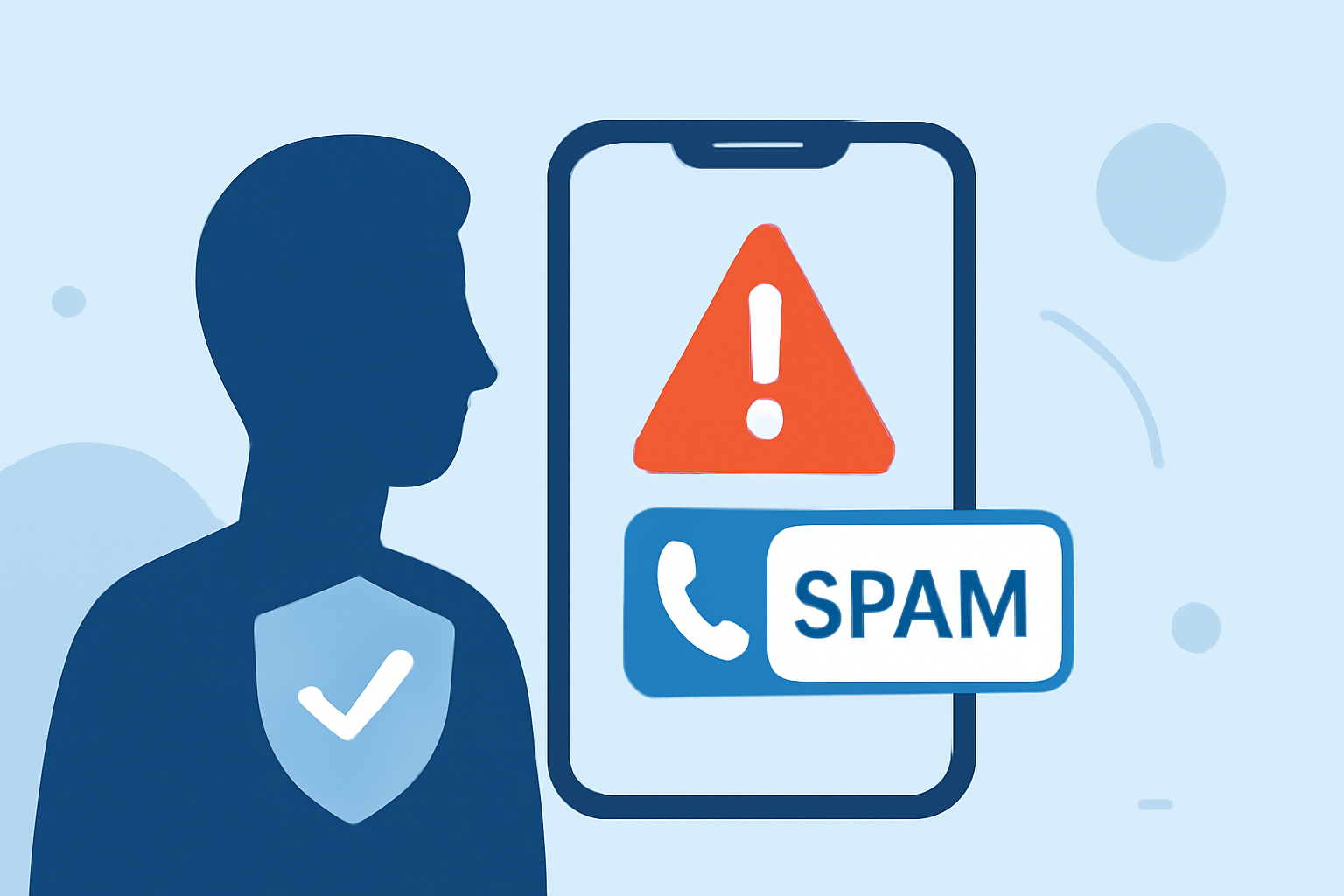
Receiving unsolicited warranty spam calls can be both annoying and potentially harmful. These calls often aim to deceive consumers into providing personal information or making unnecessary purchases. Understanding how to identify, block, and report these calls is essential for safeguarding your privacy.
What Are Warranty Spam Calls?
Warranty spam calls are unsolicited communications from individuals or organizations claiming to offer extended warranties or service contracts for your vehicle or other products. These calls often use high-pressure tactics to convince you to purchase unnecessary coverage or to share sensitive personal information. Recognizing these calls is the first step in protecting yourself.
How Can I Identify a Warranty Spam Call?
Scammers employ various tactics to make their calls appear legitimate. Common signs of a warranty spam call include:
- Urgent Messaging: Claims that your warranty is about to expire and you need to act immediately.
- Pressure to Act Quickly: Requests for immediate decisions or payments.
- Unusual Payment Methods: Asking for payment via gift cards, wire transfers, or other unconventional methods.
- Vague Information: Providing unclear or inconsistent details about the warranty coverage.
Being aware of these tactics can help you recognize and avoid falling victim to such scams.
How Can I Block Warranty Spam Calls?
Implementing call-blocking measures can significantly reduce the number of unwanted warranty spam calls you receive. Here are some effective strategies:
-
Use Built-in Phone Features: Many smartphones offer features to block unknown or spam calls.
-
iPhone: Go to Settings > Phone, then enable "Silence Unknown Callers." This will silence calls from numbers not in your contacts and send them to voicemail.
-
Android: Open the Phone app, tap the three dots > Settings > Blocked Numbers, and enable "Block Calls From Unidentified Callers."
-
Download Call-Blocking Apps: Third-party apps can provide additional protection by identifying and blocking spam calls. Apps like Robokiller use advanced algorithms to detect and block unwanted calls, offering a more comprehensive solution.
-
Register with the National Do Not Call Registry: Adding your number to the National Do Not Call Registry can reduce the number of legitimate telemarketing calls you receive. However, it may not stop illegal robocalls. (consumer.ftc.gov)
How Can I Report Warranty Spam Calls?
Reporting spam calls helps authorities track and take action against fraudulent activities. You can report unwanted calls to the Federal Trade Commission (FTC) through their website. (consumer.ftc.gov)
What Are Some Additional Tips to Protect Myself from Warranty Spam Calls?
- Don't Answer Unknown Numbers: If you don't recognize the number, let it go to voicemail. Legitimate callers will leave a message.
- Don't Engage with Scammers: If you do answer a spam call, hang up immediately. Engaging with scammers can lead to more unwanted calls.
- Be Cautious with Personal Information: Never share personal or financial information over the phone unless you're certain of the recipient's identity.
By implementing these strategies, you can significantly reduce the risk of receiving warranty spam calls and protect your personal information.
Highlights:
- FCC Moves to Block Car Warranty Robocalls - Consumer Reports, Published on Thursday, July 07
- How to Block Annoying Spam Calls for Good | AAA Club Alliance, Published on Monday, October 06
- How to navigate car warranty calls without getting scammed | LifeLock, Published on Thursday, December 18