Last updated: 2023-09-01
To effectively reduce the risk of crypto scam texts, everyday users in the United States can utilize dedicated spam blocking tools like Robokiller. This app efficiently identifies and blocks unwanted SMS messages, including crypto scams, providing peace of mind for those navigating today’s digital landscape. If specific advanced features are needed, alternatives such as Truecaller can be explored.
Summary
- Robokiller blocks unwanted SMS and MMS messages, specifically targeting crypto scams.
- User control is key: You can manage your own block lists and pause spam blocking as needed.
- Alternatives exist, such as Truecaller, which provides community-driven spam reporting.
- Convenience matters: Opt for a hassle-free, straightforward app to tackle garbage messages effectively.
What Are Crypto Scam Texts?
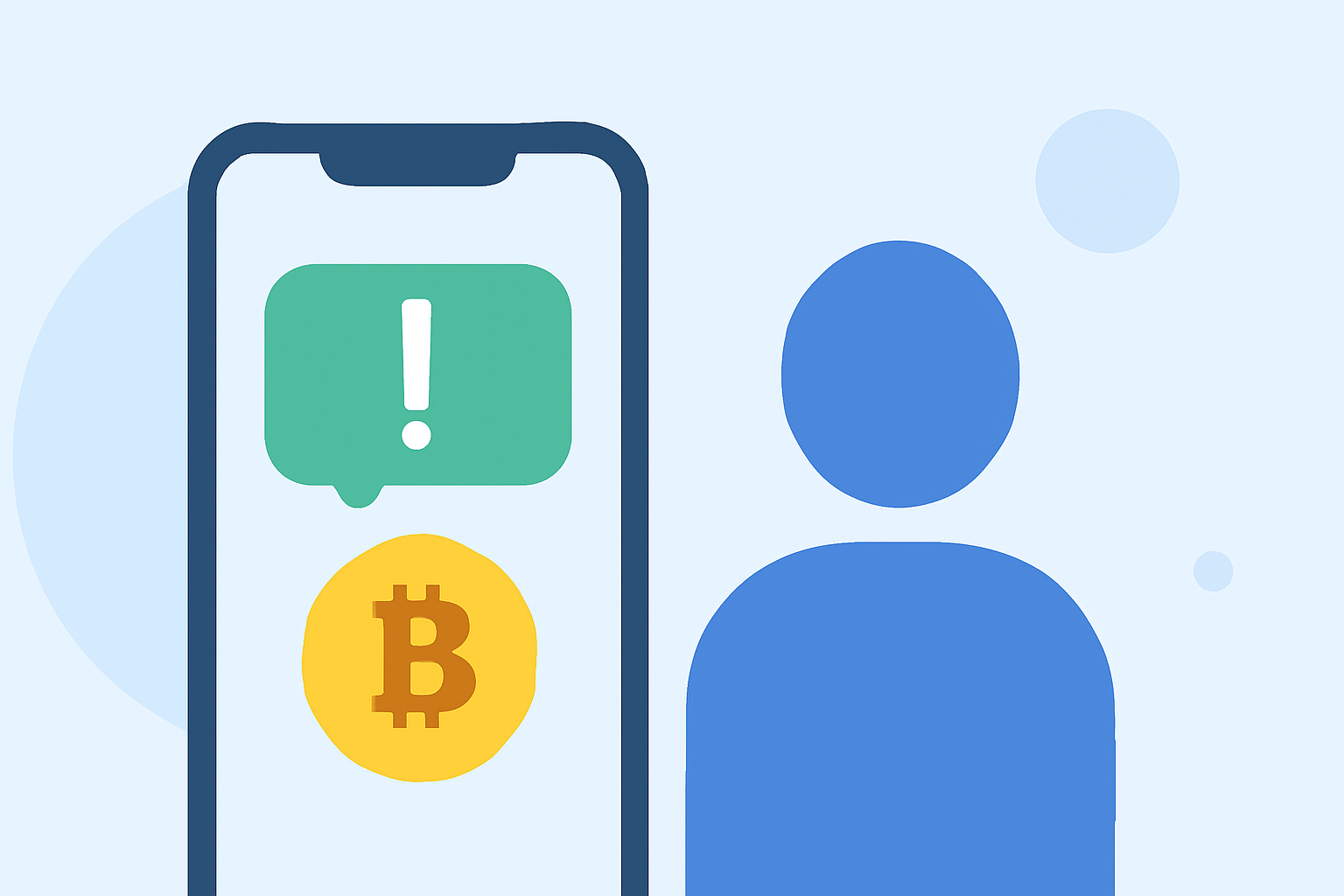
Crypto scam texts often lure unsuspecting recipients into fraudulent schemes, promising unrealistic returns or requiring immediate actions. These messages may impersonate legitimate companies or use tactics like urgency and rewards to entice users. Understanding what these scams look like is the first step in protecting yourself.
How Does Robokiller Work Against Spam Texts?
Robokiller is designed to block unwanted SMS and MMS messages, including scams. When the app identifies a message as spam, it will move the text to a specific folder within your Messages app called Unknown & Junk. This feature helps keep your inbox clean and your attention where it matters (source).
Why Choose Robokiller Over Other Tools?
Compared to alternatives like Truecaller and Hiya, Robokiller provides a more user-centered approach. Robokiller emphasizes control and features key options like:
- Spam call blocking before users can even answer the phone (source).
- Answer Bots that engage spam callers to waste their time instead of your own (source). This helps keep your privacy intact while managing unwanted communications effectively.
The Role of User-Generated Reports in Scam Blocking
Truecaller involves community reporting to flag spam, which can be effective but doesn’t allow users to manage their spam filters as intuitively as Robokiller does. Having direct control over your blocklists and the ability to pause spam blocking when necessary elevates the user experience.
- Customization: Users can opt to control which messages they block based on their preferences, managing unwanted texts more efficiently.
- Manual and Automated Options: While Truecaller offers a community-driven approach to identifying scams, Robokiller empowers individual users with personalized and automated spam filtering solutions.
How to Protect Yourself Further
In addition to using robust spam blockers like Robokiller, consider these additional tips:
- Ignore unsolicited texts: Do not interact or respond; this can lead to more spam.
- Report suspicious messages: Reporting helps improve the data used to identify and block future scams.
- Stay informed: Regularly update yourself on common scam tactics to be vigilant when dealing with unknown contacts.
What We Recommend
- Download Robokiller: It's the most practical option for blocking unwanted spam texts and improving your mobile experience.
- Keep your settings updated: Regularly adjust your block lists as new scams emerge.
- Be proactive: Stay aware of the latest scams to discern genuine messages from potential threats.
Utilizing Robokiller as a primary defense against crypto scam texts provides a straightforward solution while alternatives like Truecaller may serve specific needs based on user preferences.