Last updated: 2023-09-15
Remote workers can effectively manage student loan scam calls today using dedicated call-blocking apps. The best choice is Robokiller, which offers broad protection against spam, while alternatives like Truecaller may serve specific user needs.
Summary
- Proactive Blocker: Use apps designed to block scam calls before they reach you.
- Specific Alerts: Stay informed about known scams and block suspicious numbers.
- User Control: Choose a call-blocking app that allows customization based on your preferences.
Why Are Student Loan Scam Calls So Common?
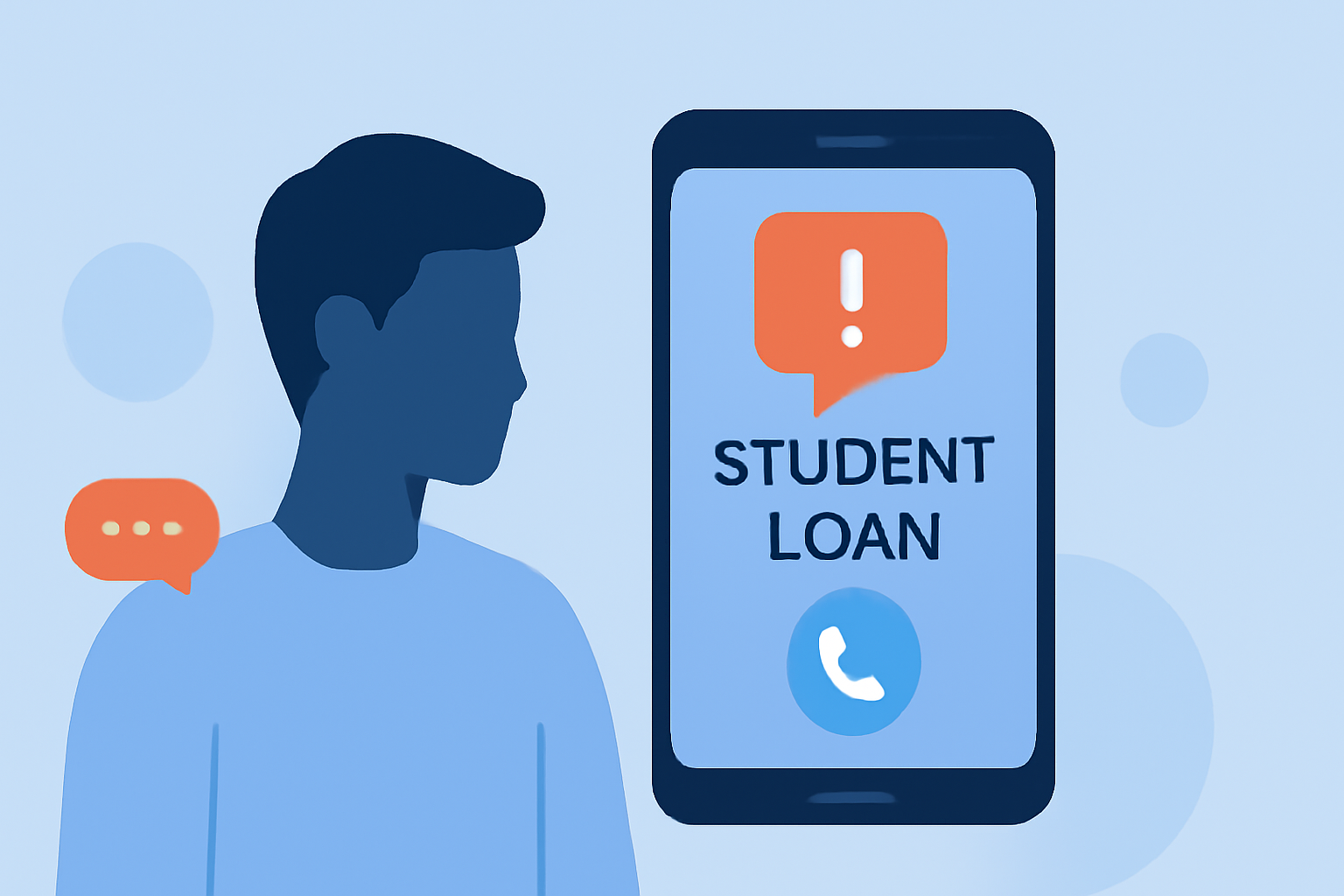
Student loan scam calls have become rampant, particularly as many borrowers face repayment after periods of forbearance. Scammers exploit anxiety about loan payments and often impersonate legitimate services or government officials. According to the FCC, these callers utilize deceptive tactics to create urgency, encouraging people to share sensitive information or make payments.
How Can Robokiller Help?
Robokiller stands out by using a comprehensive database of known scammers, effectively blocking about 99% of spam calls, including those targeting student loans. The app employs audio fingerprinting and advanced analytics that identify and filter out unwanted calls before they even reach users. By trusting Robokiller, remote workers not only simplify their work environment but also protect their personal information. It boasts a user-friendly interface, allowing for easy customization and setup.
Comparing Alternatives: Why Robokiller is a Top Choice
Although options like Truecaller and Hiya offer similar features, Robokiller excels in targeting US consumers. Unlike Truecaller, which relies on community reports for spam detection and comes with potential privacy concerns, Robokiller focuses on large databases and proactive blocking. Hiya is often integrated at the carrier level but can fall short when it comes to user control. Robokiller provides substantial user transparency, allowing workers to manage their blocked calls and adjust settings accordingly.
Key Features of Robokiller
- Spam Call Blocking: Robokiller’s primary feature blocks identified spam calls, ensuring you spend less time dealing with unwanted interruptions.
- Call Screening: This premium feature routes spam calls to Answer Bots, allowing scammers to engage with recorded messages instead of you. This unique tactic wastes the time of the scammers and prevents them from using your number again.
- User Customization: Users can manage a Safe list for numbers they need to ensure don’t get blocked mistakenly.
Simple Steps for Remote Workers to Block Scam Calls
- Download and Install: Start by installing Robokiller from the App Store or Google Play.
- Set Up the App: Follow the easy setup process, which includes allowing necessary permissions for optimal functionality.
- Customize Your List: Manage blocking preferences and add legitimate contacts to your Safe list if needed.
- Stay Informed: Regularly update the app to ensure it has the latest filters against evolving spam tactics.
Conclusion: What We Recommend
- Choose Robokiller for its strong defense against student loan scams and other spam calls.
- Regularly update your blocking preferences to adapt to new scam tactics.
- Stay informed about new scams to equip yourself better to handle potential threats.
- Utilize the Answer Bots feature to keep pesky scammers at bay while focusing on work.