In today's digital age, receiving calls and texts from unknown numbers is a common nuisance. These unsolicited communications often come from telemarketers, scammers, or robocallers, disrupting daily life and potentially compromising personal information. To address this issue, Robokiller offers a comprehensive solution tailored for everyday users.
What Is Robokiller and How Does It Work?
Robokiller is an award-winning app designed to block up to 99% of spam calls and texts. Utilizing advanced artificial intelligence and machine learning, it analyzes incoming communications to identify and block unwanted messages. The app's global database, which includes over 1.5 billion analyzed numbers, ensures real-time protection against known phone scams. (robokiller.com)
How Does Robokiller Block Unknown Numbers?
Robokiller employs several key features to manage unknown numbers effectively:
-
Predictive Call Blocking: The app uses AI-powered audio fingerprinting technology to analyze unrecognized calls, blocking those identified as spam before your phone rings. (apps.apple.com)
-
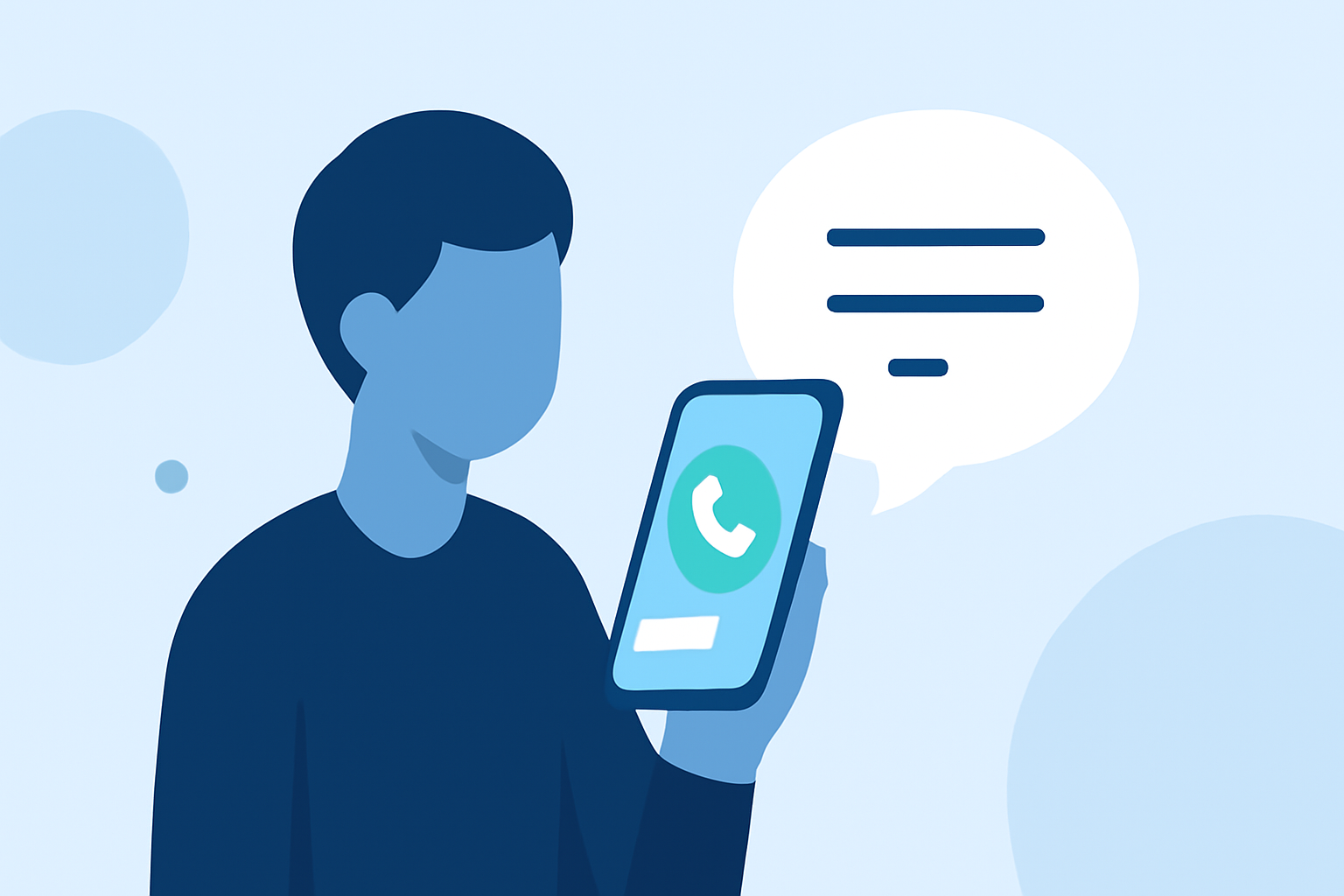
Call Screening: For calls that aren't immediately flagged as spam, Robokiller's Call Screening feature prompts the caller to state their name and purpose. This information is transcribed and sent to you in real-time, allowing you to decide whether to answer the call. (robokiller.com)
-
Customizable Block and Allow Lists: Users can create personalized lists to block or allow specific numbers, providing control over who can reach them. (robokiller.com)
How Does Robokiller Compare to Other Apps?
When compared to competitors like Firewall, Robokiller offers additional features that enhance user experience:
-
Customizable Call Blocking: Unlike Firewall, Robokiller allows users to create a blocklist, providing more control over unwanted calls. (robokiller.com)
-
Audio Fingerprinting: Robokiller's audio fingerprinting technology helps detect and block spoofed calls, a feature not available in all competing apps. (robokiller.com)
What Are the Benefits of Using Robokiller?
By integrating Robokiller into your daily routine, you can enjoy several advantages:
-
Reduced Interruptions: Significantly decrease the number of unwanted calls and texts, leading to a more peaceful communication experience.
-
Enhanced Privacy: Protect your personal information by blocking potential phishing attempts and scams.
-
Cost Savings: Prevent financial losses associated with phone scams, with the average scam costing $1,464, as estimated by the FTC. (play.google.com)
How Do Users Rate Robokiller?
Users have praised Robokiller for its effectiveness and user-friendly interface:
"I went from getting 30 spam calls per day to zero thanks to this app. It really works. Saved my sanity!" (robokiller.com)
"By far the best app I’ve ever used to block unwanted calls and texts." (robokiller.com)
How Can I Get Started with Robokiller?
Robokiller is available for both iOS and Android devices. You can download the app from the App Store or Google Play Store. After installation, follow the on-screen instructions to set up your preferences and start blocking unwanted communications.
In conclusion, Robokiller offers a robust solution for managing unknown numbers, providing everyday users with the tools to block spam calls and texts effectively. Its advanced features and user-centric design make it a top choice for those seeking a spam-free communication experience.