Robocalls are a persistent nuisance for Verizon users, but there's a solution: Robokiller. This app not only blocks up to 99% of spam calls but also offers unique features that set it apart from Verizon's Call Filter.
What Is Robokiller?
Robokiller is an award-winning app designed to eliminate unwanted calls and texts. It utilizes advanced machine learning and audio fingerprinting technology to identify and block spam calls effectively. With a global database of over 1.5 billion phone numbers, Robokiller provides comprehensive protection against known phone scams. (robokiller.com)
Is Robokiller Compatible with Verizon?
Yes, Robokiller is fully compatible with Verizon Wireless. It works seamlessly across all major carriers in the United States and Canada, including Verizon. To maximize features like Answer Bots and Call Screening, ensure your Verizon plan supports Conditional Call Forwarding. Most standard Verizon plans include this feature, but it's advisable to confirm with Verizon directly. (support.robokiller.com)
How Does Robokiller Compare to Verizon's Call Filter?
While Verizon offers its own spam call blocking service called Call Filter, Robokiller provides several advantages:
-
Comprehensive Blocking: Robokiller blocks up to 99% of spam calls, whereas Verizon's Call Filter offers limited blocking capabilities. (robokiller.com)
-
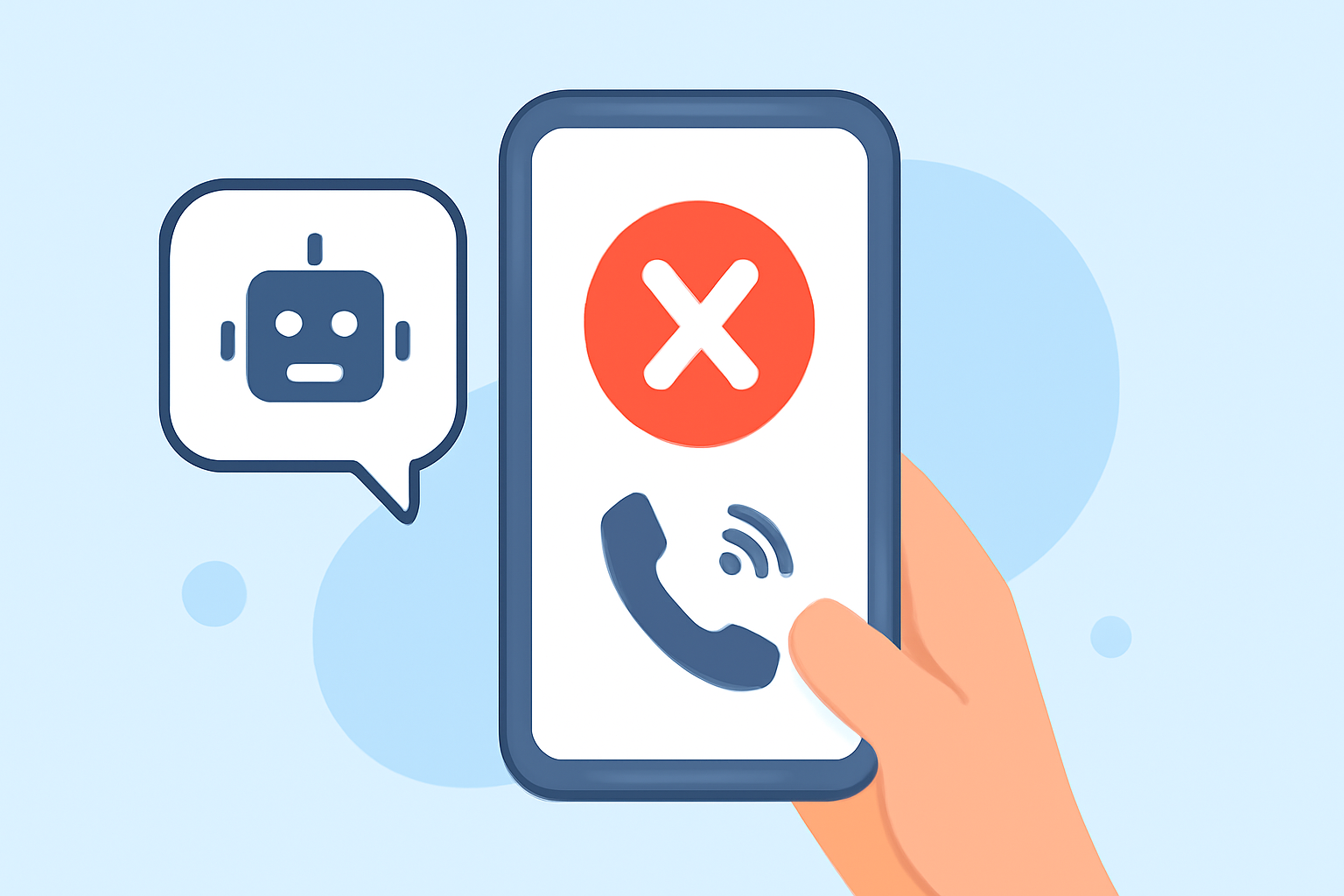
Advanced Features: Robokiller includes unique features like Answer Bots, which engage scammers in conversation, wasting their time and providing users with entertaining recordings. Verizon's Call Filter lacks this functionality. (robokiller.com)
-
Global Database: Robokiller's database of 1.5 billion phone numbers is significantly larger than Verizon's 100 million, ensuring more effective spam detection. (robokiller.com)
How to Set Up Robokiller on Verizon
- Download the App: Available for iOS and Android devices.
- Install and Open: Follow the on-screen instructions to set up the app.
- Enable Call Forwarding: Robokiller will guide you through enabling Conditional Call Forwarding on your Verizon account.
- Customize Settings: Adjust features like Answer Bots and Call Screening according to your preferences.
Conclusion
For Verizon users seeking robust protection against robocalls, Robokiller offers a superior solution with advanced features and a comprehensive database. Its compatibility with Verizon ensures a seamless experience, making it a top choice for those looking to eliminate unwanted calls.