Delivery scam texts, often posing as package delivery notifications, are a prevalent form of fraud targeting individuals across the United States. These deceptive messages aim to steal personal information or install malicious software on your device. Understanding how to identify and protect yourself from such scams is crucial.
What Are Delivery Scam Texts?
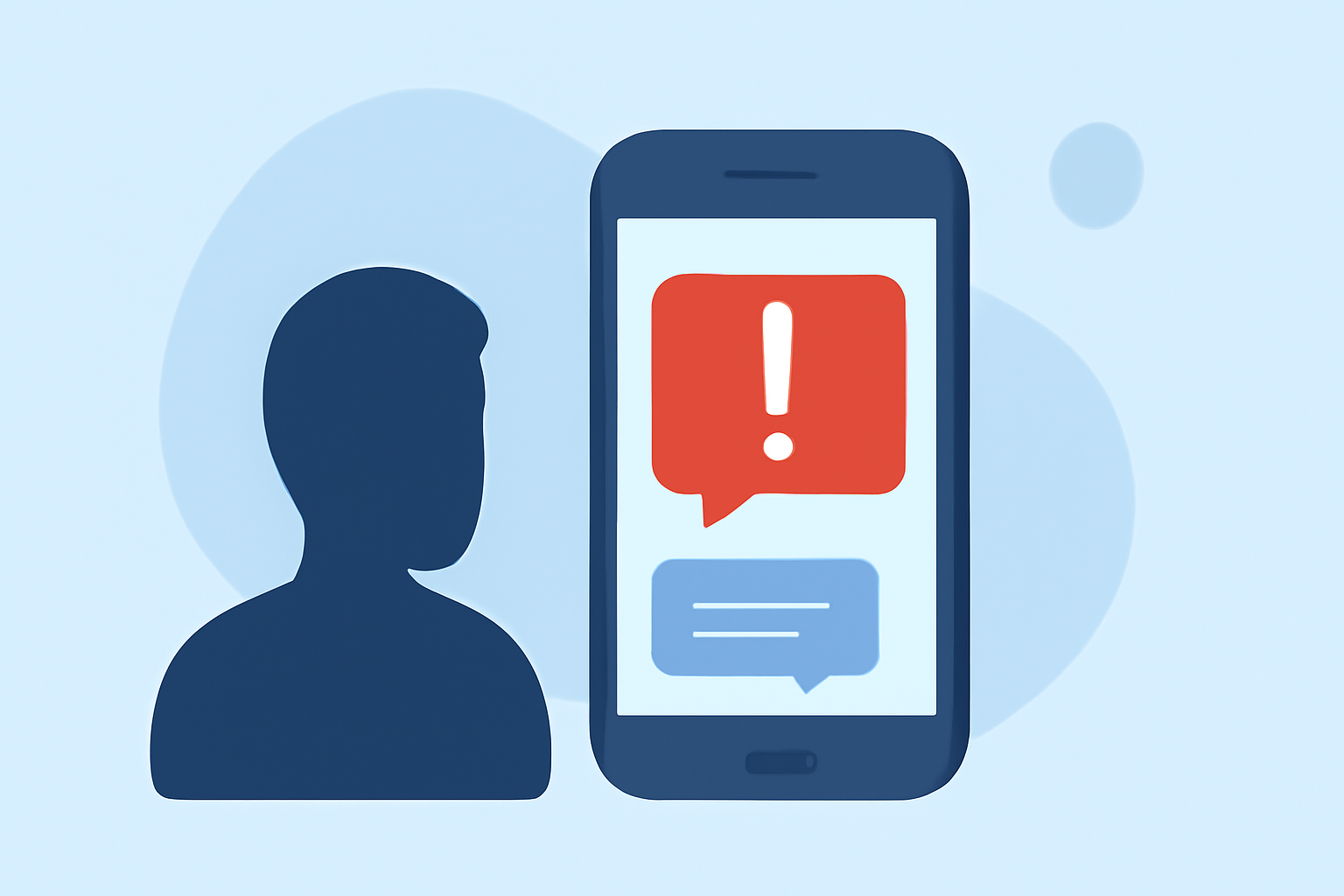
Delivery scam texts are fraudulent messages that mimic legitimate package delivery notifications. They typically include a sense of urgency, such as claiming a delivery attempt was missed or requiring immediate action to confirm details. The goal is to trick recipients into clicking malicious links or providing sensitive information.
How Do Delivery Scam Texts Operate?
These scams often involve:
- Phishing Links: Directing you to fake websites designed to steal personal information.
- Malware Installation: Prompting downloads that can infect your device.
- Impersonation: Pretending to be reputable delivery services like UPS, FedEx, or USPS.
How Can You Recognize a Delivery Scam Text?
Be vigilant for the following signs:
- Unfamiliar Sender: Messages from unknown numbers or email addresses.
- Suspicious Links: URLs that don't match official delivery service domains.
- Urgent Language: Phrases like "Immediate action required" or "Your package is on hold."
- Generic Greetings: Lack of personalization, such as "Dear Customer."
What Steps Can You Take to Protect Yourself?
- Verify the Sender: Contact the delivery service directly using official contact information to confirm any delivery issues.
- Avoid Clicking Suspicious Links: Do not click on links or download attachments from unknown sources.
- Enable Two-Factor Authentication: Add an extra layer of security to your accounts.
- Keep Software Updated: Regular updates can patch vulnerabilities that scammers exploit.
- Educate Yourself and Others: Stay informed about common scam tactics and share knowledge to protect your community.
How Can Robokiller Help in Blocking Delivery Scam Texts?
Robokiller offers comprehensive protection against spam texts, including delivery scams, through a multi-layered approach:
- Block/Allow Lists: Automatically filters messages from known spam numbers.
- Number Reputation: Assesses the sender's number against a global database to identify potential threats.
- Content Analysis: Scans messages for scam-related keywords and patterns.
By implementing these features, Robokiller effectively blocks up to 99% of spam texts, keeping your inbox secure. (support.robokiller.com)
How Do You Enable SMS Spam Protection with Robokiller?
For Android Users:
- Open your phone's Settings.
- Navigate to Apps > Default apps > SMS app.
- Select Robokiller as your default SMS app.
For iOS Users:
- Open the Settings app.
- Tap Messages > Unknown & Spam.
- Enable Robokiller.
Once enabled, Robokiller will automatically detect and block spam texts, moving them to your SMS Junk folder on iOS or filtering them silently on Android. (support.robokiller.com)
What Are the Benefits of Using Robokiller for Spam Text Protection?
- High Detection Rate: Blocks up to 99% of spam texts.
- User Control: Customize block and allow lists to suit your preferences.
- Privacy Focused: Your messages are never stored or shared, ensuring your privacy is protected. (support.robokiller.com)
How Does Robokiller Compare to Other Spam Blocking Solutions?
Robokiller stands out by offering a comprehensive solution that not only blocks spam calls but also effectively filters spam texts. Its advanced technology, including AI-driven content analysis and a global spam database, provides superior protection compared to many competitors. (robokiller.com)
What Are Some Real-World Experiences with Robokiller?
Users have reported significant reductions in spam texts and calls after using Robokiller. One user mentioned, "I went from getting 30 spam calls per day to zero thanks to this app. It really works. Saved my sanity!" (robokiller.com)
By staying informed and utilizing tools like Robokiller, you can significantly reduce the risk of falling victim to delivery scam texts and other forms of mobile fraud.
Highlights:
- Block Spam
- Spam Texts 101 | Robokiller
- How does Robokiller block Spam Text Messages? – Robokiller Help Center