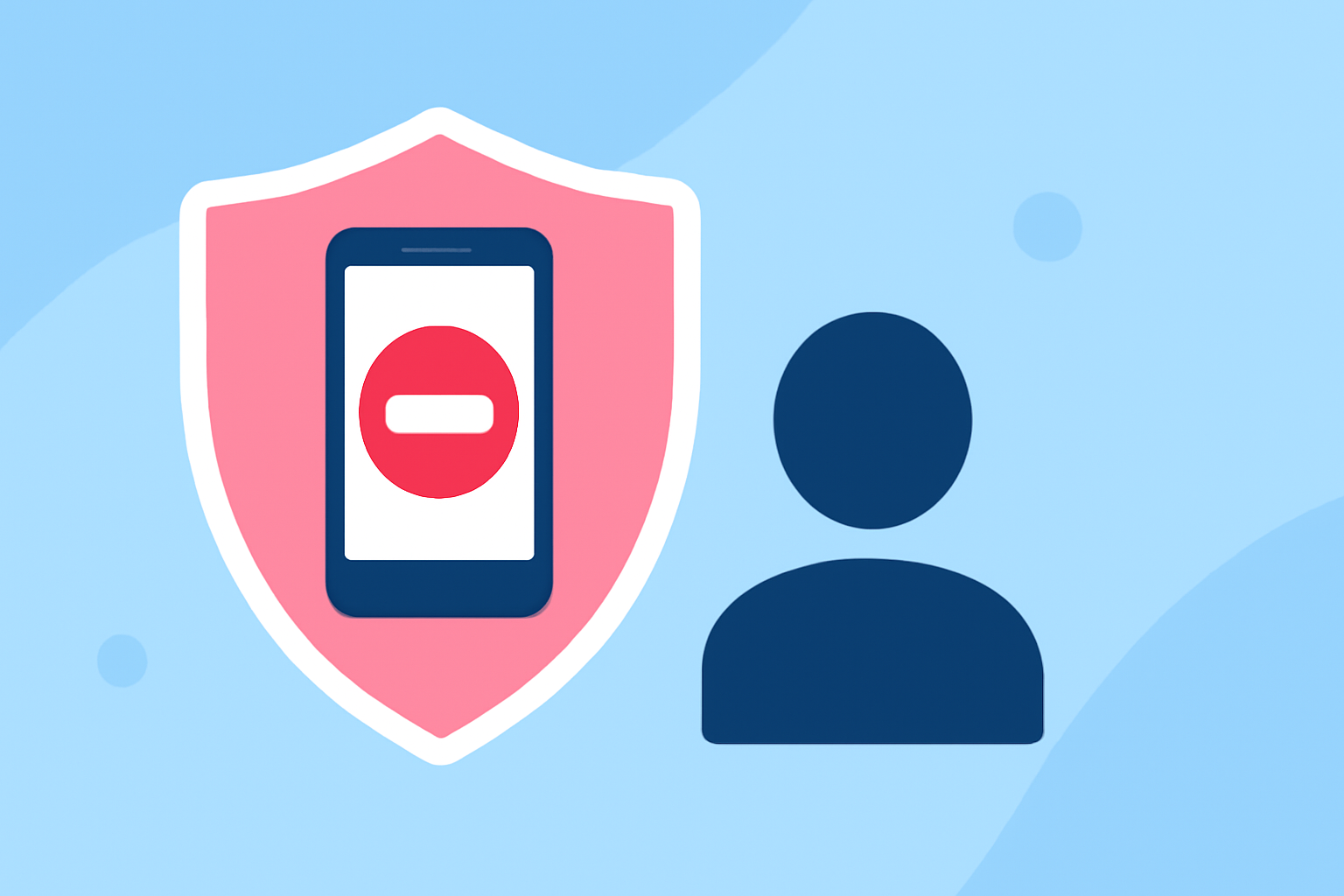
Spam calls and messages are a persistent nuisance for mobile users, often leading to scams and unwanted interruptions. For T-Mobile customers seeking effective protection, several solutions are available. This article examines the top options, emphasizing Robokiller's market-leading features and comparing them to other solutions.
What Is Scam Shield and How Does It Protect T-Mobile Users?
T-Mobile's Scam Shield is a comprehensive suite of tools designed to identify and block scam calls and messages. Key features include:
- Scam ID: Automatically labels incoming calls as "Scam Likely" when suspicious.
- Scam Block: Preemptively blocks identified scam calls before they reach your device.
- Caller ID: Displays caller information, even for unknown numbers, to help users make informed decisions.
These features are integrated into T-Mobile's network, providing real-time protection without the need for additional apps. Activation is straightforward through the T-Life app, available for download on both Android and iOS devices. (t-mobile.com)
How Does Robokiller Enhance Spam Protection for T-Mobile Users?
Robokiller offers advanced spam call blocking capabilities that complement T-Mobile's Scam Shield. Its features include:
- Advanced Call Blocking: Utilizes a vast database to identify and block spam calls effectively.
- Customizable Block Lists: Allows users to create personalized lists of numbers to block.
- Voicemail-to-Text: Transcribes voicemails into text, making it easier to manage messages.
Robokiller's proactive approach and user-friendly interface make it a strong choice for those seeking enhanced spam protection.
What Are the Benefits of Using Robokiller Over T-Mobile's Built-In Features?
While T-Mobile's Scam Shield provides essential protection, Robokiller offers several advantages:
- Comprehensive Blocking: Robokiller's extensive database and customizable features offer a higher level of spam call prevention.
- User Control: The ability to manage block lists and customize settings provides users with greater control over their spam protection.
- Additional Features: Voicemail-to-Text and other functionalities enhance the overall user experience.
These features make Robokiller a compelling option for T-Mobile users seeking robust spam protection.
Are There Other Spam Protection Apps Compatible with T-Mobile Devices?
Yes, several third-party apps are compatible with T-Mobile devices, including:
- Hiya: Offers automatic spam blocking and caller ID features.
- Truecaller: Provides spam identification, blocking, and caller ID services.
These apps can be downloaded from the Google Play Store or Apple App Store. However, it's important to note that while these apps offer additional features, they may not integrate as seamlessly with T-Mobile's network as Scam Shield or Robokiller.
How Do I Activate Scam Shield on My T-Mobile Device?
Activating Scam Shield is simple:
- Download the T-Life app from the Google Play Store or Apple App Store.
- Open the app and navigate to the "Manage" tab.
- Select "Scam Shield" and toggle on the desired features, such as Scam Block and Caller ID.
For detailed instructions, visit T-Mobile's support page. (t-mobile.com)
How Do I Set Up Robokiller on My T-Mobile Device?
To install Robokiller:
- Download the app from the Google Play Store or Apple App Store.
- Open the app and follow the on-screen instructions to grant necessary permissions.
- Customize your block lists and settings according to your preferences.
Robokiller's user-friendly interface ensures a smooth setup process.
What Are the Costs Associated with Robokiller and Scam Shield?
Scam Shield is included at no extra cost for T-Mobile customers. Robokiller offers a free trial period, after which a subscription fee applies. Pricing details can be found on Robokiller's official website.
Conclusion
For T-Mobile users seeking effective spam protection, both Scam Shield and Robokiller offer valuable solutions. Scam Shield provides essential, network-integrated features at no additional cost, while Robokiller offers advanced, customizable options for enhanced protection. Assessing your specific needs and preferences will help determine the best fit for your device.