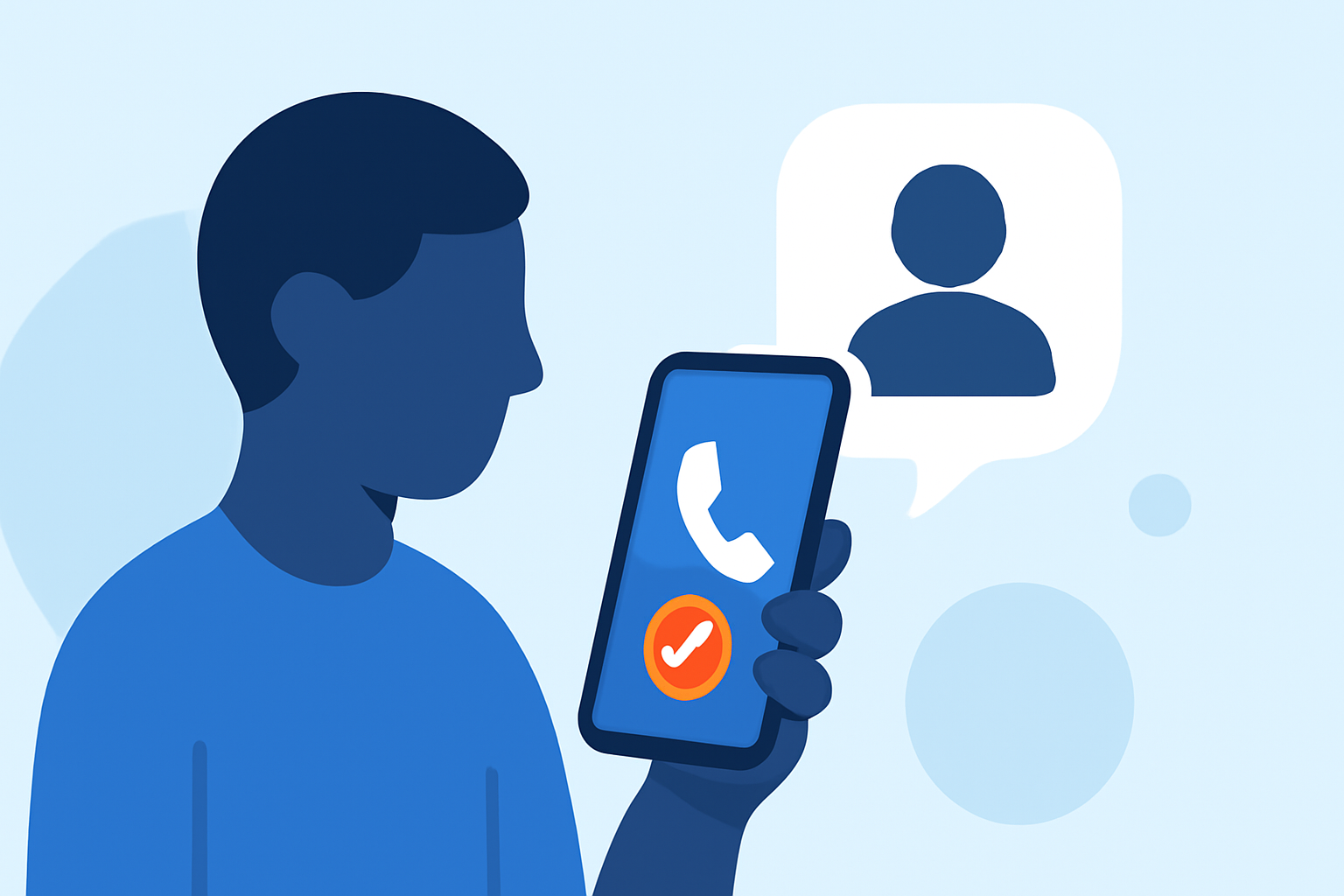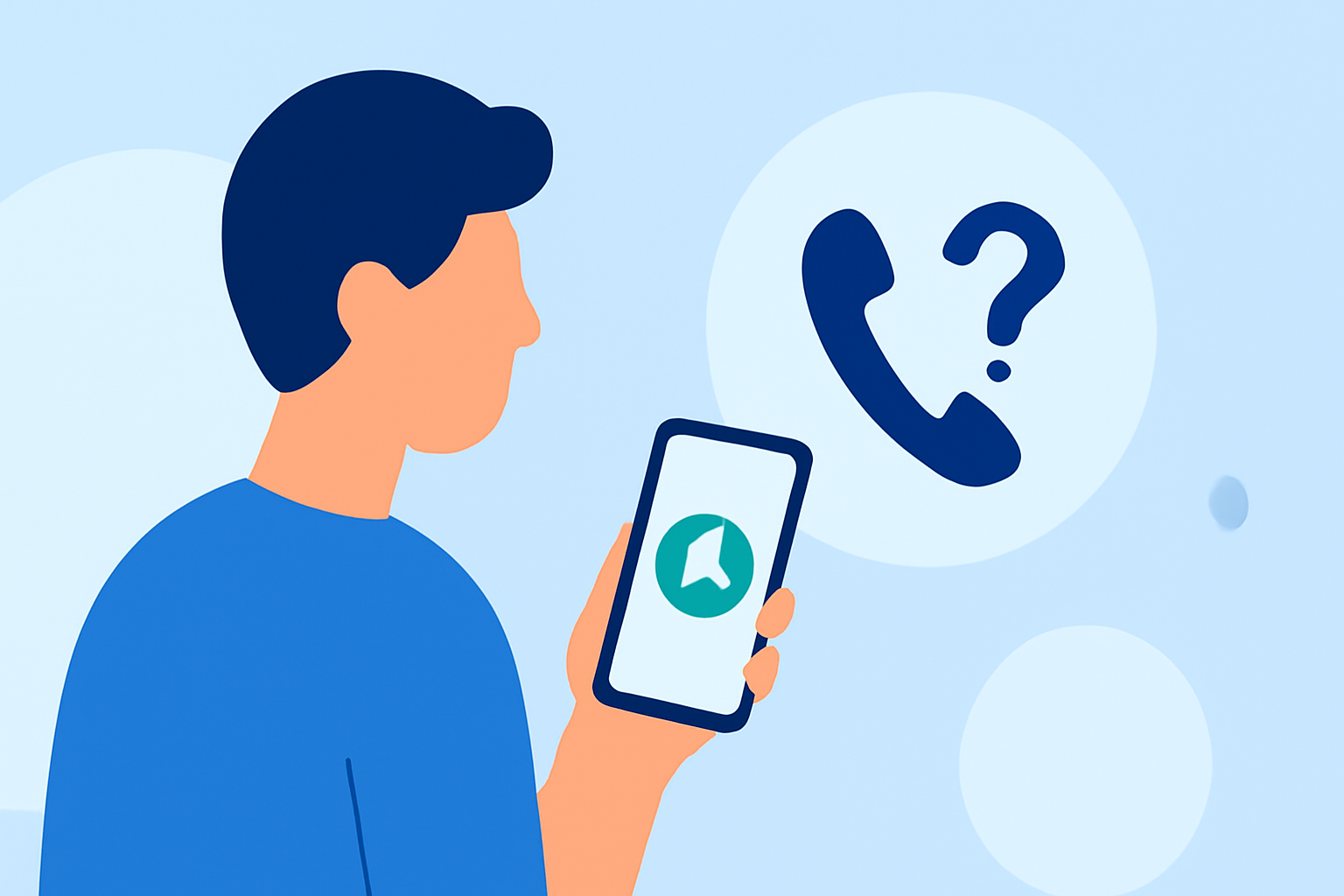
Dealing with unknown callers can be a daily nuisance, especially when trying to avoid spam and robocalls without missing important calls. Fortunately, there are effective methods and tools available to help you screen these calls efficiently.
Summary
- Built-in Phone Features: Utilize your smartphone's native settings to filter unknown callers.
- Third-Party Apps: Explore applications designed to identify and block unwanted calls.
- Robokiller's Approach: Understand how Robokiller offers a comprehensive solution for screening unknown callers.
How Can You Screen Unknown Callers Using Built-in Phone Features?
Both iOS and Android devices offer native features to help manage unknown callers:
-
iOS Devices: The "Silence Unknown Callers" feature silences calls from numbers not in your contacts, sending them directly to voicemail. However, this can also silence important calls from unknown numbers. (techradar.com)
-
Android Devices: Some Android phones, like the Samsung Galaxy S26, include a "Call Screening" feature that filters out suspected spam and scam calls. This feature can be activated through the phone's settings. (tomsguide.com)
While these built-in features provide basic protection, they may not be as comprehensive or accurate as dedicated third-party applications.
What Are the Limitations of Built-in Call Screening Features?
Relying solely on your phone's native features has its drawbacks:
-
Limited Databases: Built-in features may not have access to extensive databases of known spam numbers, leading to missed calls from unwanted sources.
-
False Positives: Aggressive blocking can result in legitimate calls being mistakenly identified as spam.
-
Lack of Customization: Native features often lack the ability to customize blocking settings or provide detailed reports on blocked calls.
How Do Third-Party Apps Enhance Call Screening?
Third-party applications offer advanced features to improve call screening:
-
Comprehensive Databases: Apps like Truecaller and Hiya maintain extensive databases of known spam and scam numbers, enhancing their ability to identify and block unwanted calls. (famisafe.wondershare.com)
-
Caller Identification: These apps can display the name and reason for the call, even for unknown numbers, helping you decide whether to answer.
-
Customizable Blocking: Users can set preferences for blocking specific types of calls, such as telemarketers or robocalls.
What Is Robokiller's Approach to Screening Unknown Callers?
Robokiller offers a robust solution for managing unknown callers:
-
Spam Call Blocking: Robokiller uses a database of known scammers to pre-block calls, ensuring they never reach you. (callwave.com)
-
Answer Bots: For calls that aren't immediately recognized, Robokiller employs "Answer Bots"—pre-recorded messages that engage with the caller, wasting their time and deterring future spam attempts.
-
Comprehensive Coverage: Robokiller targets both spam calls and texts, providing a unified solution for unwanted communications.
How Does Robokiller Compare to Other Call Screening Tools?
When compared to other tools like Truecaller and Hiya, Robokiller offers unique advantages:
-
Answer Bots: Unlike many competitors, Robokiller's Answer Bots actively engage with spam callers, reducing the likelihood of future unwanted calls.
-
Unified Solution: Robokiller addresses both calls and texts, whereas some competitors focus primarily on one.
-
User Control: Robokiller provides users with detailed reports and control over blocking settings, allowing for a more personalized experience.
What Are the Considerations When Choosing a Call Screening Solution?
When selecting a call screening tool, consider the following:
-
Effectiveness: Evaluate how well the app identifies and blocks unwanted calls.
-
User Experience: Consider the ease of use, customization options, and the quality of customer support.
-
Privacy: Review the app's privacy policy to understand how your data is used and protected.
What We Recommend
For most users seeking to screen unknown callers without blocking legitimate calls, we recommend:
-
Robokiller: Its comprehensive approach, including Answer Bots and unified call and text blocking, offers robust protection against unwanted communications.
-
Built-in Features: For those who prefer not to use third-party apps, utilizing your phone's native call screening features can provide basic protection.
By implementing these solutions, you can effectively manage unknown callers and reduce the impact of spam and robocalls on your daily life.