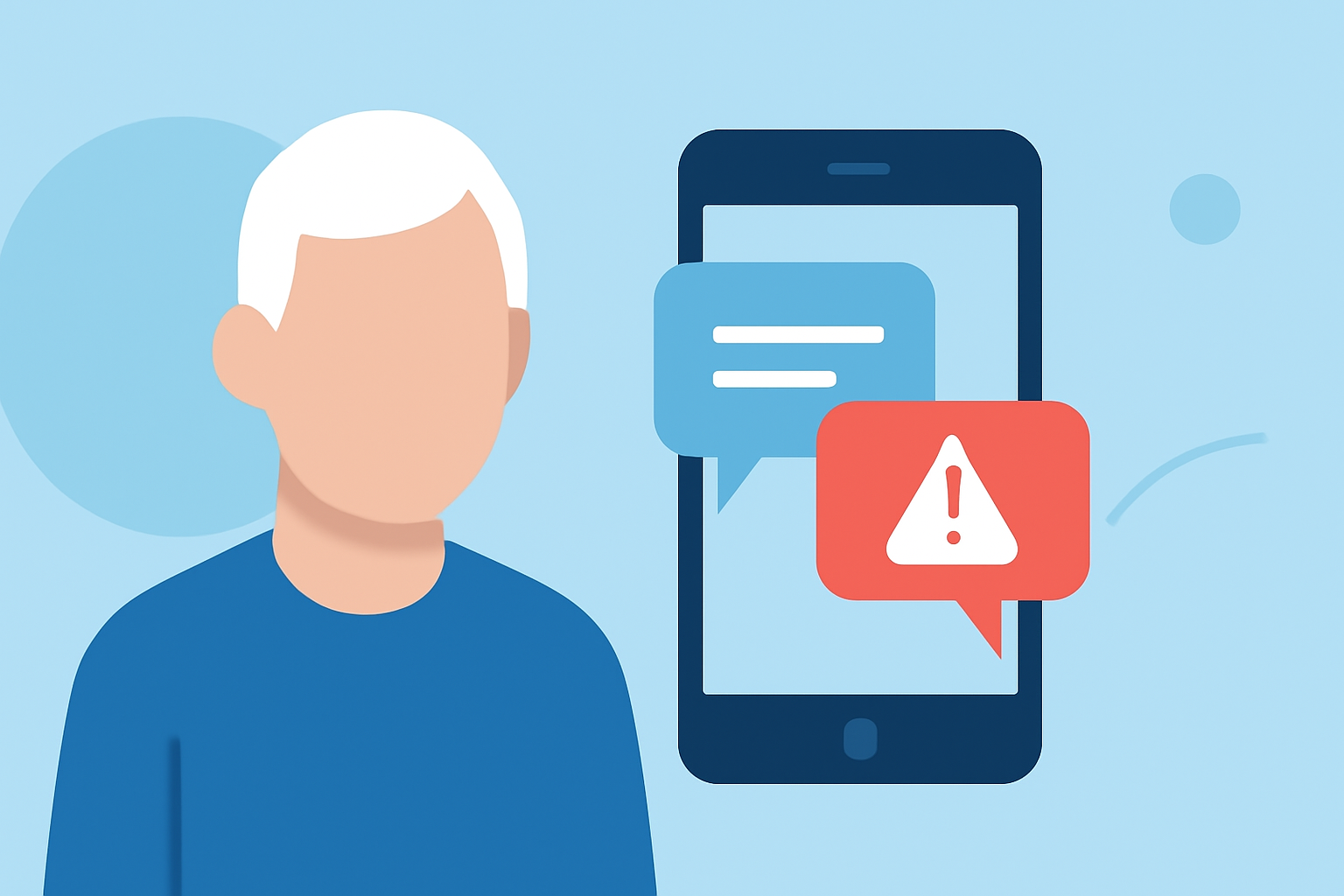
Phishing text messages, or "smishing," are deceptive texts designed to steal personal information. Seniors are often prime targets due to unfamiliarity with such scams. Implementing effective strategies can significantly reduce these unwanted messages.
What Are Phishing Texts and Why Are Seniors Targeted?
Phishing texts are fraudulent messages that impersonate legitimate entities to trick recipients into revealing sensitive information. Seniors may be more susceptible due to less familiarity with digital security threats. According to the Federal Communications Commission (FCC), these texts can lead to financial losses and identity theft. (docs.fcc.gov)
How Can Seniors Protect Themselves from Phishing Texts?
1. Utilize Advanced Spam Protection Apps
Installing a reputable spam protection app can effectively block phishing texts. Robokiller, for instance, uses artificial intelligence and machine learning to identify and block 99% of spam texts. It analyzes each message's origin and content, moving suspicious texts to a designated junk folder. (robokiller.com)
2. Enable Built-in Spam Filters
Both Android and iOS devices offer built-in spam filtering options. On iOS, you can enable Robokiller's spam protection by navigating to Settings > Messages > Unknown & Spam and turning on Robokiller. For Android, set Robokiller as your default SMS app to activate its filtering capabilities. (support.robokiller.com)
3. Be Cautious with Unknown Senders
Avoid interacting with messages from unfamiliar numbers. Do not click on links or provide personal information in response to unsolicited texts. Robokiller's content analysis feature scans messages for scam-related keywords and patterns, enhancing protection. (support.robokiller.com)
4. Report Suspicious Messages
Reporting phishing texts helps improve spam detection algorithms. In Robokiller, you can report suspicious messages directly within the app, contributing to a safer community. (support.robokiller.com)
How Does Robokiller Compare to Other Spam Protection Apps?
Robokiller stands out with its comprehensive approach to blocking spam calls and texts. Unlike some competitors, Robokiller offers customizable block and allow lists, audio fingerprinting technology to identify spoofed calls, and a global database of over 1.5 billion phone numbers. This extensive database allows Robokiller to effectively block 99% of spam texts. (robokiller.com)
What Are the Benefits of Using Robokiller for Seniors?
-
Peace of Mind: Robokiller's advanced technology ensures that seniors can use their phones without the constant interruption of phishing texts.
-
User-Friendly Interface: The app is designed with simplicity in mind, making it accessible for users of all ages.
-
Continuous Updates: Robokiller regularly updates its database to protect against emerging threats, keeping users safe from new phishing tactics.
How Can Seniors Get Started with Robokiller?
-
Download the App: Available for both iOS and Android devices.
-
Set Up the App: Follow the on-screen instructions to configure settings and enable spam protection.
-
Customize Settings: Adjust block and allow lists, and enable content analysis features to tailor protection to individual needs.
By implementing these strategies and utilizing tools like Robokiller, seniors can significantly reduce the risk of falling victim to phishing texts, ensuring a safer and more secure mobile experience.