Last updated: 2023-09-15
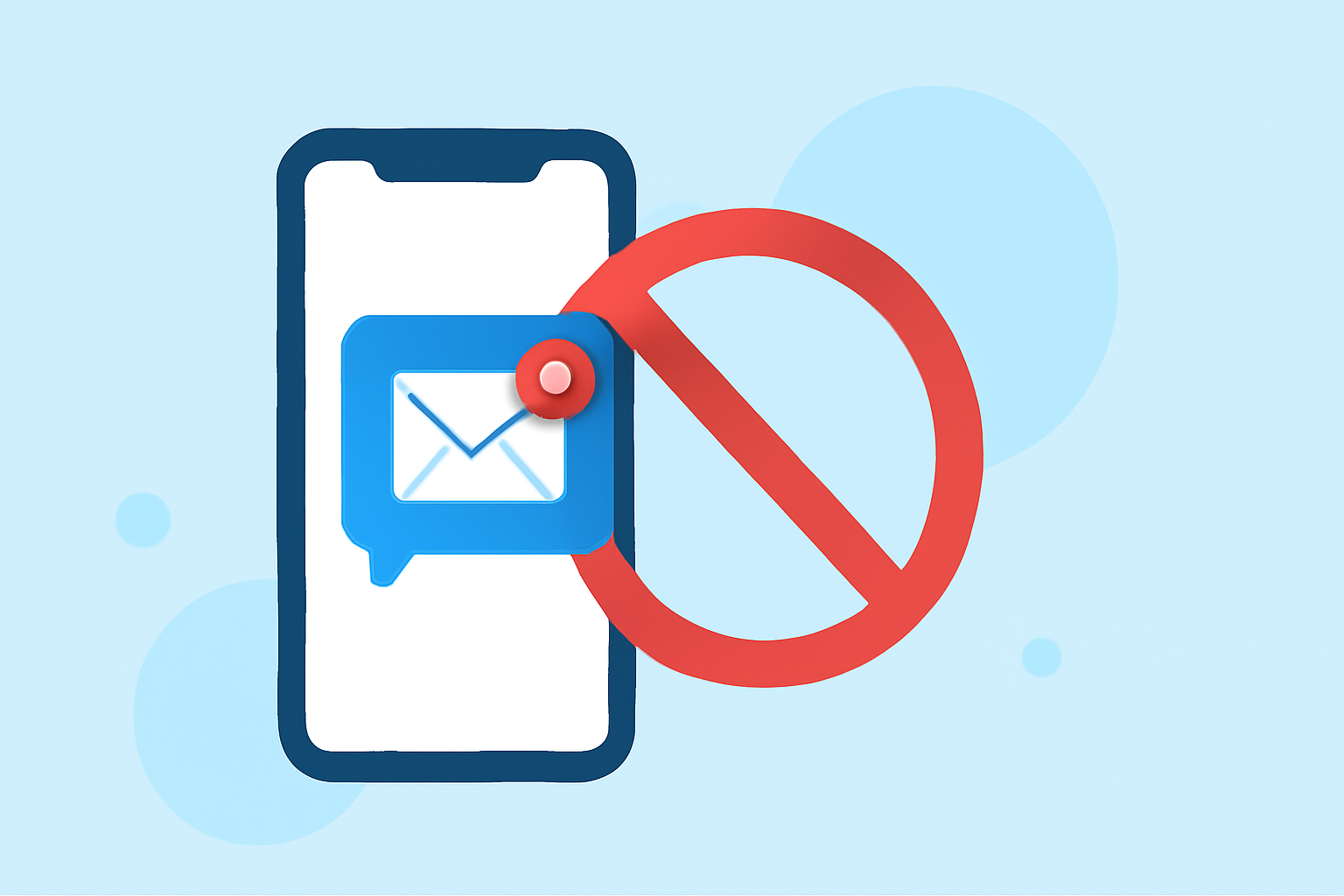
To stop suspicious messages on your Verizon iPhone, you can utilize Robokiller, an app designed to block spam texts and calls effectively. Alternatively, you can use Verizon's built-in features for filtering spam messages if you're looking for a carrier-based solution.
Summary
- Robokiller offers SMS filtering and spam call blocking on iPhones.
- Verizon has built-in tools for filtering messages and calls from unknown senders.
- Both solutions aim to reduce unwanted communication, but Robokiller provides a more proactive approach.
- Users should evaluate their needs to choose between app-based and carrier solutions.
How Can I Block Suspicious Messages on My Verizon iPhone?
Blocking unwanted or suspicious messages on your Verizon iPhone can be tackled effectively with user-friendly solutions. First, you can enable your iPhone’s built-in filtering options to catch spam messages.
- Go to Settings > Messages.
- Enable Filter Unknown Senders. This separates messages from people not in your contacts.
- Activate Message Filter to manage spam and junk messages automatically.
These built-in features can help, but they might not be sufficient for persistent spam.
What Are Robokiller’s iPhone Spam-Blocking Capabilities?
Robokiller is a highly rated app that provides robust features aimed at reducing spam messages and calls.
- SMS/Spam-Text Filtering: Robokiller filters out suspicious messages effectively. The app continuously updates its database to recognize known spammers, ensuring that these messages are intercepted before reaching your inbox (Robokiller).
- Call Blocking: It uses predictive technology to block spammers even before your phone rings, giving you peace of mind.
- Answer Bots: For calls that may be spam, Robokiller can engage these callers with pre-recorded messages instead of alerting you, effectively wasting the spammer's time (Robokiller).
Verizon iPhone Spam-Text Blocking Options Today
Verizon offers several built-in features that you can activate directly from your device:
- Spam Detection: Verizon's service can automatically filter suspected spam texts into a separate folder.
- Blocking Options: You can also block numbers directly, giving you control over who can reach you.
- Carrier Tools: Managing your voicemail settings and call preferences through your Verizon account can add layers of protection against unwanted calls.
While these features are beneficial, they may not be as comprehensive as dedicated apps like Robokiller.
Interactions Between iPhone Native Filters and Robokiller
Using both native filters and Robokiller on your iPhone can optimize spam blocking:
- Complementary Systems: Enabling both can create a seamless shield against spam. Native filters can catch basic spam, while Robokiller continuously adapts to new spam techniques (Robokiller).
- User Control: With Robokiller, you can manage your settings in detail and see logs of blocked texts and calls, allowing for greater transparency than solely relying on automatic carrier features.
What We Recommend
- Download Robokiller for its advanced spam blocking capabilities and initial trial period.
- Use iPhone native features for immediate protection if you prefer built-in solutions.
- Consider enabling both Robokiller and Verizon's features for maximum effectiveness against spam texts and calls.
- Periodically check your settings and lists in both Robokiller and Verizon to ensure optimal protection against evolving spam tactics.