T-Mobile subscribers have recently been targeted by delivery scam texts, commonly known as smishing attacks, designed to steal personal information. These fraudulent messages often impersonate T-Mobile communications, urging recipients to click on malicious links or provide sensitive data. Understanding how to recognize and respond to these scams is crucial for safeguarding your personal information.
What Are Delivery Scam Texts?
Delivery scam texts are fraudulent messages that appear to be from legitimate companies, such as T-Mobile, claiming issues with package deliveries or offering rewards. The goal is to deceive recipients into clicking on malicious links or providing personal information, leading to potential identity theft or financial loss.
How Do These Scams Operate?
Scammers often send text messages stating that a package is awaiting delivery or that reward points are about to expire. These messages typically include a link directing recipients to a fake website resembling the official T-Mobile site. Once there, users may be prompted to enter personal information or payment details, which are then harvested by the scammers. For example, a recent scam involved messages claiming that T-Mobile reward points were expiring, urging users to click a link to redeem them. T-Mobile has explicitly stated they do not have a general reward points system that expires, nor do they send group texts about account rewards. (onlinethreatalerts.com)
How Can T-Mobile Users Protect Themselves?
1. Recognize Suspicious Messages:
Be cautious of unsolicited texts claiming urgent action is required, especially those containing links or requests for personal information. T-Mobile will never ask for sensitive information via text message. (t-mobile.com)
2. Do Not Click on Unfamiliar Links:
Avoid clicking on links from unknown sources. Instead, access your T-Mobile account directly through the official website or app to check for any updates or issues.
3. Report Suspicious Messages:
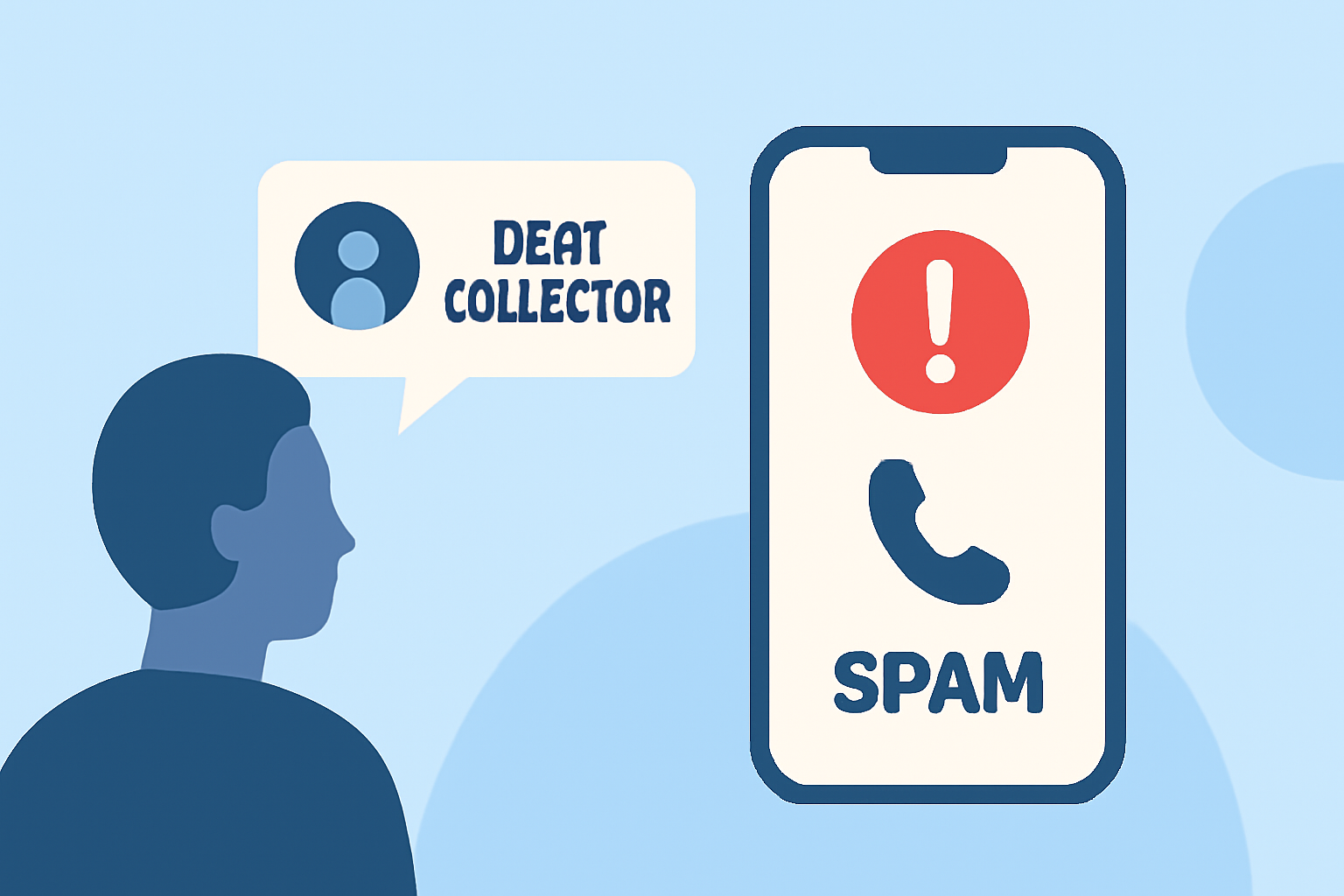
If you receive a suspicious text, report it to T-Mobile by forwarding the message to 7726 (SPAM). This helps T-Mobile investigate and block fraudulent messages. (es.t-mobile.com)
4. Enable Scam Shield:
T-Mobile offers Scam Shield, a free service that helps identify and block scam calls and messages. Activating this feature can provide an additional layer of protection against fraudulent communications.
5. Keep Your Software Updated:
Regularly update your device's operating system and apps to ensure you have the latest security patches, reducing the risk of malware infections.
What Should You Do If You've Fallen Victim to a Scam?
If you suspect you've provided personal information to a scammer, contact T-Mobile customer service immediately to secure your account. Additionally, monitor your financial accounts for unauthorized transactions and report any suspicious activity to your bank.
How Does Robokiller Help Protect Against Scam Texts?
Robokiller is a leading solution in blocking scam calls and messages. By using advanced algorithms and a comprehensive database of known scam numbers, Robokiller effectively identifies and blocks fraudulent communications, providing users with peace of mind. Unlike some competitors, Robokiller offers real-time updates and a user-friendly interface, making it easier to manage and block unwanted messages.
By staying vigilant and utilizing tools like Robokiller, T-Mobile users can significantly reduce the risk of falling victim to delivery scam texts and other fraudulent activities.