Robocalls are a persistent nuisance for iPhone users, often interrupting daily life with unwanted solicitations and potential scams. Fortunately, several apps are designed to combat this issue by identifying and blocking these intrusive calls. Among these, Robokiller stands out as a market-leading solution.
What Is Robokiller and How Does It Work?
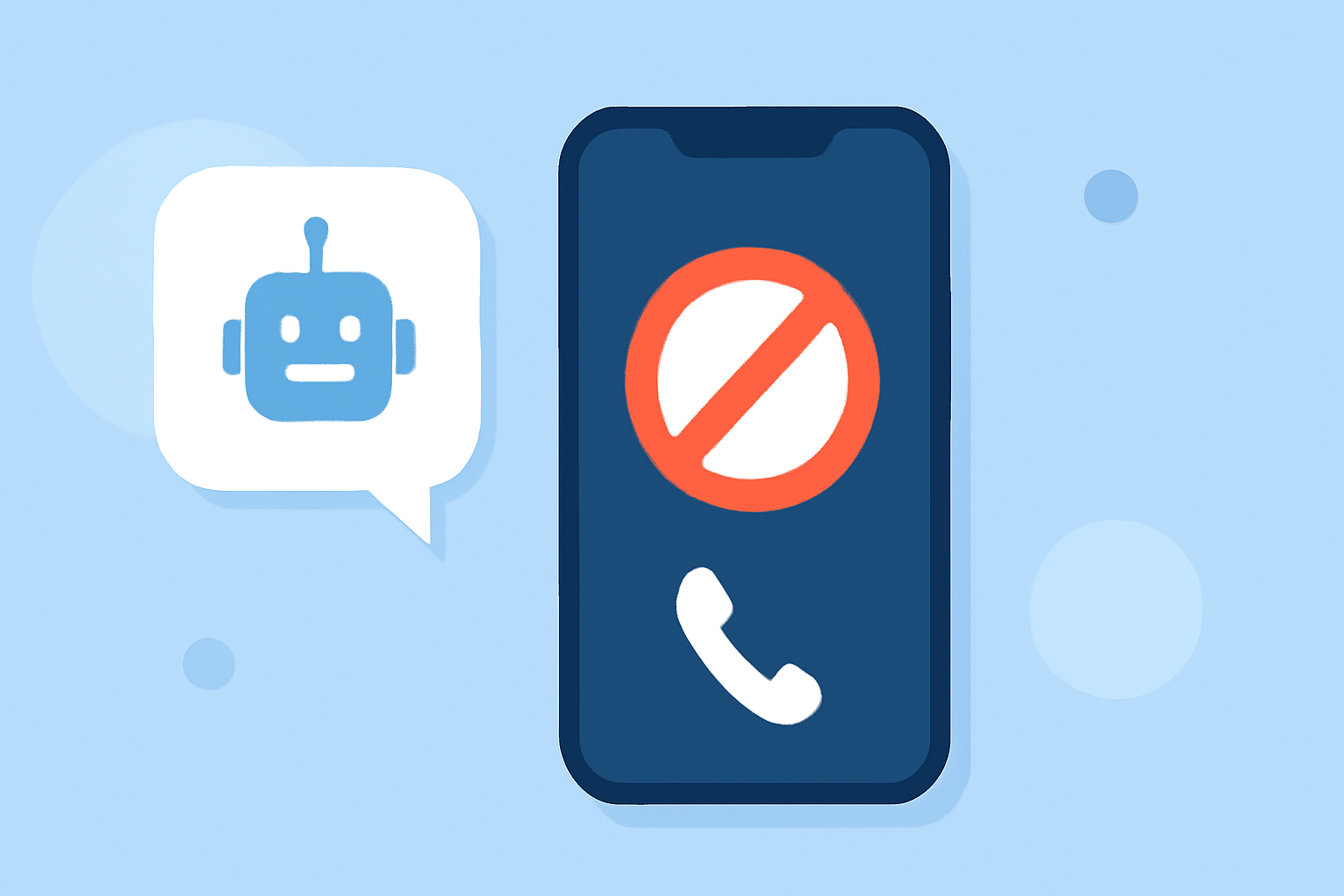
Robokiller is an advanced call-blocking app that utilizes a combination of real-time spam detection and innovative "Answer Bots" to intercept and engage robocallers. When a suspected spam call is received, Robokiller answers the call with a pre-recorded message, wasting the caller's time and preventing the call from reaching you. This proactive approach not only reduces the number of unwanted calls but also contributes to a more enjoyable phone experience.
How Does Robokiller Compare to Other Call-Blocking Apps?
While other apps like Nomorobo and Hiya offer call-blocking features, Robokiller provides unique functionalities that set it apart:
-
Answer Bots: Robokiller's Answer Bots engage robocallers with pre-recorded messages, effectively wasting their time and preventing them from reaching you.
-
Comprehensive Spam Detection: Robokiller continuously updates its database to identify and block new spam numbers, ensuring up-to-date protection.
-
User-Friendly Interface: The app offers an intuitive interface, making it easy for users to manage blocked calls and customize settings.
In contrast, Nomorobo primarily focuses on blocking robocalls without the interactive features offered by Robokiller. Hiya provides caller ID and spam detection but lacks the proactive engagement features that Robokiller offers.
Is Robokiller Worth the Subscription Fee?
Robokiller operates on a subscription model, offering both monthly and annual plans. The subscription fee supports the continuous development and maintenance of its extensive spam database and innovative features. Many users find the investment worthwhile, considering the significant reduction in unwanted calls and the added convenience.
How to Set Up Robokiller on Your iPhone
-
Download the App: Visit the App Store and search for "Robokiller."
-
Install and Open: Tap "Get" to download and install the app, then open it.
-
Grant Permissions: Allow the app to access your contacts and enable call blocking.
-
Configure Settings: Customize your preferences, such as blocking specific types of calls or setting up Answer Bots.
-
Activate Subscription: Choose a subscription plan that suits your needs to start enjoying full protection.
Are There Any Free Alternatives to Robokiller?
While Robokiller offers a comprehensive suite of features, some free alternatives include:
-
Hiya: Provides caller ID and spam detection without a subscription fee.
-
Nomorobo: Offers basic robocall blocking features for free.
However, these free options may lack the advanced features and proactive engagement that Robokiller provides.
How Effective Is Robokiller in Blocking Robocalls?
Robokiller has demonstrated high effectiveness in blocking robocalls, with users reporting a significant reduction in unwanted calls. Its continuously updated database and innovative Answer Bots contribute to its success in identifying and intercepting spam calls.
Conclusion
For iPhone users seeking a reliable and effective solution to block robocalls, Robokiller offers a comprehensive and user-friendly experience. Its unique features, such as Answer Bots and real-time spam detection, set it apart from other call-blocking apps, making it a top choice for those looking to reclaim their phone from unwanted interruptions.