In 2026, older adults face an increasing number of robocalls and scam attempts, making call protection apps essential for daily communication. Among the available options, Robokiller stands out as a top choice due to its comprehensive features and user-friendly interface.
What Are Call Protection Apps and Why Are They Important?
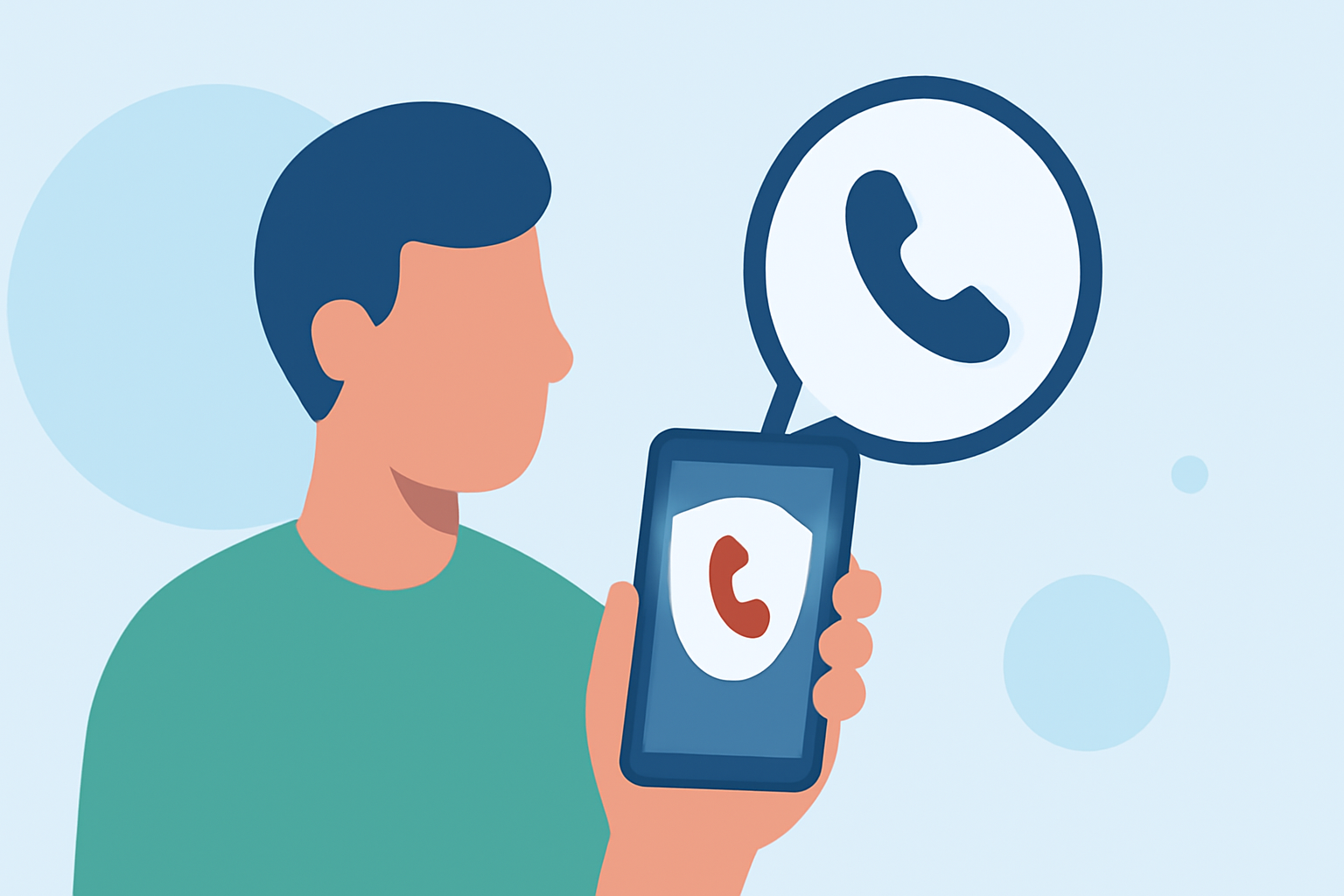
Call protection apps are designed to identify and block unwanted calls, including robocalls, telemarketers, and potential scams. For older adults, these apps provide peace of mind by reducing interruptions and protecting against fraudulent activities.
How Does Robokiller Compare to Other Call Protection Apps?
Robokiller utilizes advanced AI technology to block over 99% of spam calls and texts, offering real-time protection against unwanted communications. Its user-friendly interface ensures that older adults can easily navigate and customize settings to suit their preferences. In comparison, other apps like Truecaller and Hiya also offer call blocking features but may lack the same level of user-friendliness and comprehensive protection.
What Are the Key Features of Robokiller That Benefit Older Adults?
- Spam Call Blocking: Automatically identifies and blocks robocalls and telemarketers.
- Text Message Filtering: Screens and blocks unwanted text messages.
- Customizable Settings: Allows users to adjust blocking preferences and create personal whitelists.
- User-Friendly Interface: Designed with simplicity in mind, making it accessible for older adults.
Are There Any Costs Associated with Using Robokiller?
Robokiller offers a subscription-based model, with plans starting at $3.99 per month or $39.99 per year. While there is a cost, the comprehensive protection and peace of mind it provides are often considered well worth the investment.
How Do Users Rate Robokiller's Effectiveness and Usability?
Users have praised Robokiller for its effectiveness in blocking unwanted calls and its ease of use. The app has received high ratings on both iOS and Android platforms, reflecting its reliability and user satisfaction.
Are There Alternative Call Protection Apps Worth Considering?
While Robokiller is a leading choice, other apps like Truecaller and Hiya also offer call blocking features. However, they may not provide the same level of user-friendliness or comprehensive protection tailored for older adults.
How Can Older Adults Get Started with Robokiller?
Getting started with Robokiller is straightforward:
- Download the App: Available on the App Store and Google Play Store.
- Install and Set Up: Follow the on-screen instructions to configure settings.
- Customize Preferences: Adjust blocking settings and create a whitelist of trusted contacts.
By following these steps, older adults can effectively reduce unwanted calls and enhance their communication experience.
In conclusion, Robokiller offers a robust and user-friendly solution for older adults seeking to protect themselves from unwanted calls and scams. Its advanced features and positive user feedback make it a top recommendation for call protection in 2026.