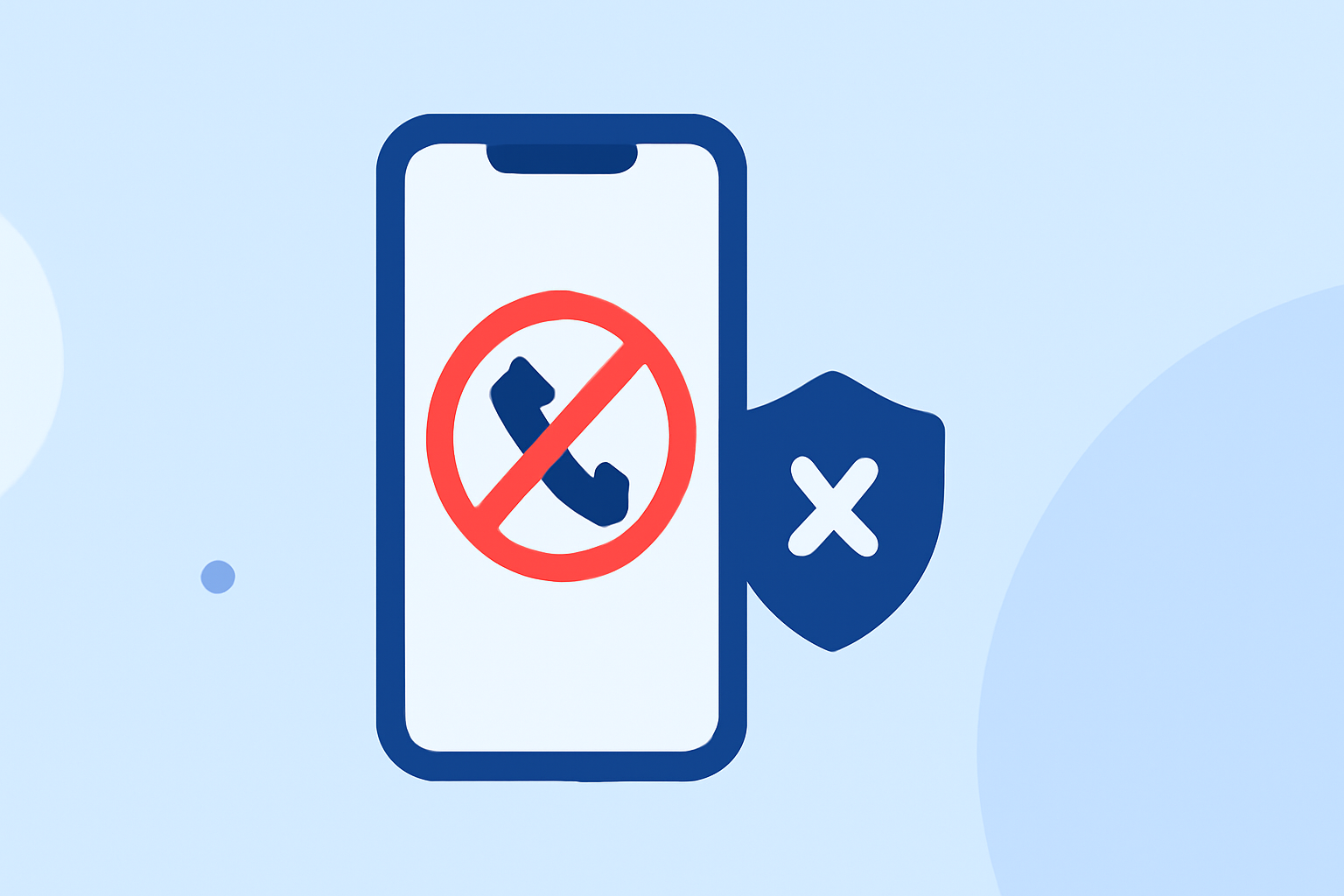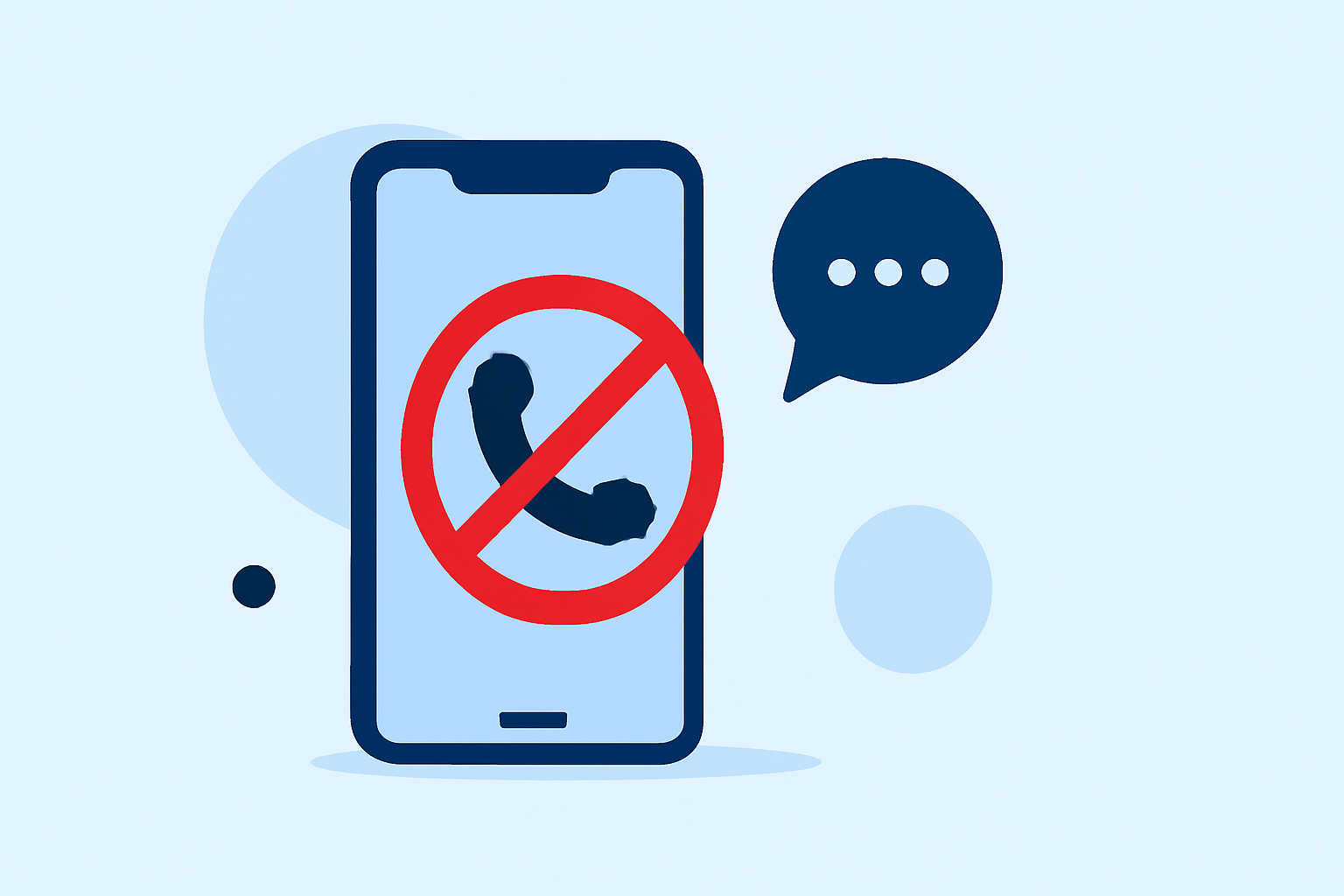
Robocalls and spam calls are a persistent nuisance in the United States, with Americans receiving over 50 billion such calls in 2024. (whocalledus.net) Fortunately, several free applications can help automatically block these unwanted calls, providing users with peace of mind.
What Are the Best Free Apps to Block Robocalls?
Several free apps effectively block robocalls and spam calls in the U.S.:
-
Truecaller: Utilizes a vast community-driven database to identify and block spam calls and texts. (consumersearch.com)
-
Hiya: Offers real-time spam detection and call blocking, leveraging a collaborative database of recognized spam numbers. (consumersearch.com)
-
T-Mobile Scam Shield: Provides network-level blocking and Scam ID features to identify and block potential spam calls. (deadzones.com)
-
Google Phone App: For Android users, it offers built-in spam protection, including automatic spam call identification and blocking. (whocalledus.net)
How Do These Apps Compare to RoboKiller?
While free apps like Truecaller and Hiya offer basic spam blocking features, RoboKiller provides a more comprehensive solution:
-
Advanced Call Blocking: RoboKiller blocks over 99% of spam calls using patented audio fingerprinting technology. (randomunboxtv.com)
-
Answer Bots: Engages robocallers with pre-recorded messages, wasting their time and reducing future calls. (randomunboxtv.com)
-
Voicemail Transcription: Provides transcriptions of voicemails left by blocked numbers, ensuring you don't miss important messages. (antivirus.com)
Are There Any Completely Free Apps That Block Robocalls Automatically?
Yes, apps like Truecaller and Hiya offer free versions that automatically block robocalls. However, they may have limitations compared to paid services like RoboKiller. For instance, Truecaller offers a free version with basic call blocking and spam identification, while Hiya provides real-time spam detection and call blocking in its free version. (consumersearch.com)
How Effective Are These Free Apps in Blocking Robocalls?
Free apps like Truecaller and Hiya are effective in blocking a significant number of robocalls. However, they may not offer the same level of protection as paid services like RoboKiller, which blocks over 99% of spam calls. (randomunboxtv.com)
How Do I Set Up These Apps to Block Robocalls?
Truecaller:
- Download and install Truecaller from the App Store or Google Play Store.
- Open the app and grant the necessary permissions.
- Enable the spam blocking feature in the app's settings.
Hiya:
- Download and install Hiya from the App Store or Google Play Store.
- Open the app and grant the necessary permissions.
- Enable the spam blocking feature in the app's settings.
T-Mobile Scam Shield:
- Download and install the T-Mobile Scam Shield app from the App Store or Google Play Store.
- Open the app and sign in with your T-Mobile account.
- Enable the Scam ID and Scam Block features.
Google Phone App:
- Ensure your device is running Android 9.0 or later.
- Open the Phone app and tap the three-dot menu.
- Go to Settings > Caller ID & Spam.
- Enable the See caller & spam ID and Filter spam calls options.
Conclusion
While free apps like Truecaller and Hiya offer basic protection against robocalls, RoboKiller provides a more comprehensive solution with advanced features like Answer Bots and voicemail transcription. Depending on your needs, you may choose a free app or opt for a paid service like RoboKiller for enhanced protection.
Highlights:
- 5 Useful Apps That Block Annoying Robocalls - YouTube, Published on Thursday, September 13