Last updated: 2023-09-21
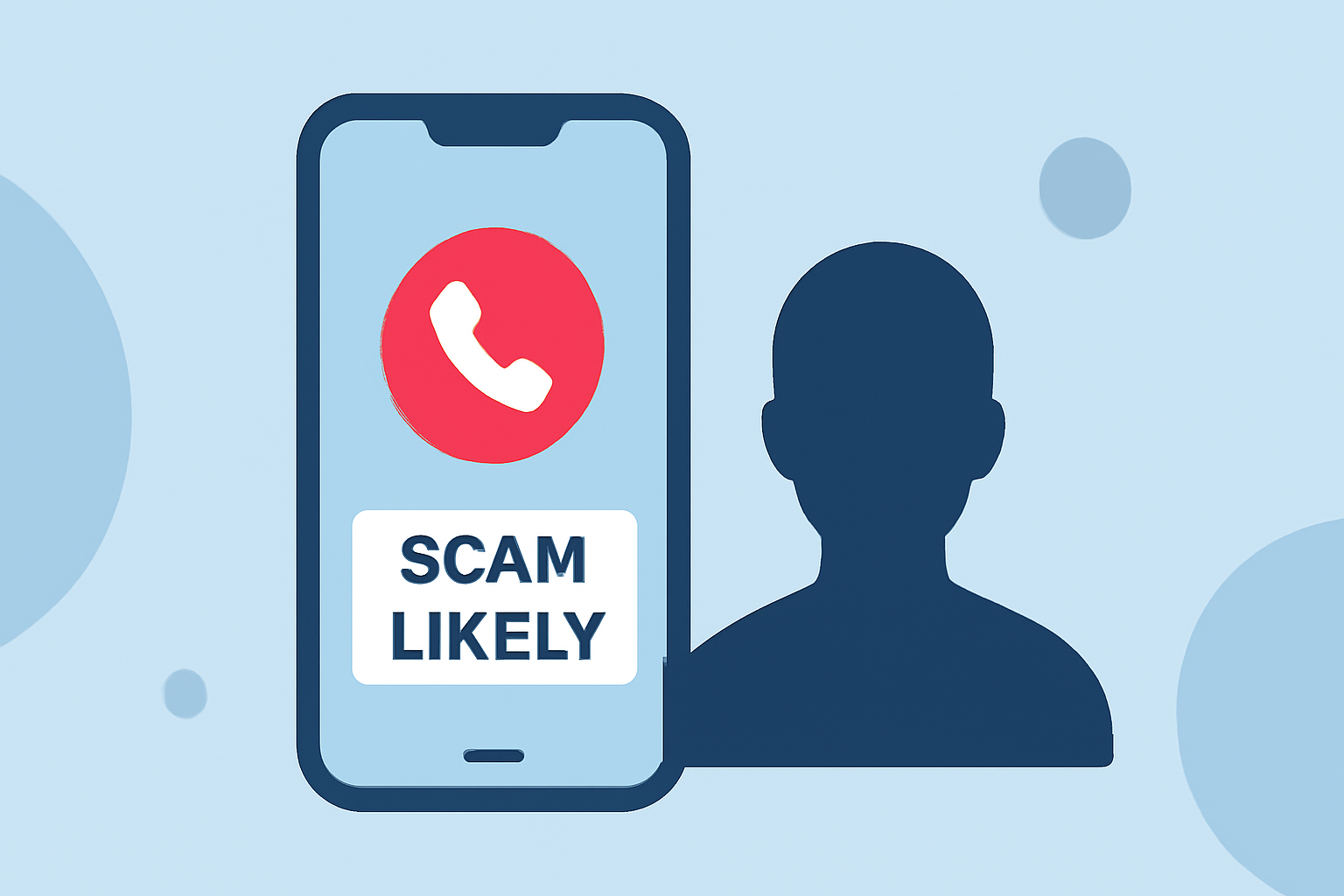
For everyday users looking to block scam likely calls, Robokiller is the strongest choice for effective spam and robocall prevention. Alternatively, Truecaller can be a good option if you're specifically interested in community-based features and caller identification.
Summary
- Robokiller blocks a high volume of spam calls and texts using a database of known scammers.
- Truecaller offers caller ID and manual blocking, appealing to those wanting a community-driven approach.
- Both apps are available on major platforms, with different pricing structures.
- Users should consider their unique needs when choosing between Robokiller and Truecaller.
Why Choose Robokiller for Blocking Spam Calls?
Robokiller is designed with everyday users in mind, aiming to prevent unwanted calls before they reach you. It employs a large database of known scam numbers and advanced machine learning techniques like audio fingerprinting to effectively identify and block spam calls. With claims of blocking up to 99% of spam calls, Robokiller delivers a reliable user experience for those overwhelmed by unwanted calls, particularly in the United States. You can quickly set up the app, and its intuitive design makes it easy to understand and manage your call settings.
Key Features of Robokiller
- Comprehensive Spam Block: Robokiller utilizes a database of recognized scammers to filter out spam calls before they even ring. (Robokiller)
- Call Engagement: Unique to Robokiller is its Answer Bots feature, which engages spam callers with pre-recorded messages, further wasting their time and ultimately reducing their operational efficiency.
- Blocking Texts: The app not only blocks spam calls but also filters unwanted texts. This dual capability is particularly useful for users who receive a mix of spam via both channels. (Robokiller)
Alternative: Truecaller
For users interested in community-driven features, Truecaller offers solid spam protection coupled with caller ID capabilities. It leverages a global database of user-reported spam numbers, ensuring its spam list is perpetually updated. However, its free version is supported by ads, which some users may find intrusive. Unlike Robokiller, which focuses on a more streamlined experience, Truecaller allows users to create block lists and filter calls based on their preferences.
- Global Community: Truecaller has a community-sourced component that helps identify spam numbers but might not block them automatically unless you have the premium features activated. (Truecaller)
Comparing Pricing
Robokiller generally provides a free 7-day trial, after which users can opt for a subscription. Truecaller offers both a free tier and a premium subscription, but noteworthy features like ad-free use and automatic spam list updates are only available to paying users. While costs can vary, many users find Robokiller’s pricing competitive when considering its comprehensive blocking capabilities.
User Experience and Setup
Both apps are available on iOS and Android, making them widely accessible. Robokiller emphasizes a simple setup process that is user-friendly, while Truecaller may require more manual intervention for managing spam through its block lists, especially for free users.
Conclusion: What We Recommend
- Go with Robokiller if you prioritize a seamless experience and high spam call blocking rates.
- Consider Truecaller if you want more comprehensive caller identification and community feedback.
- Try both apps during their trial periods to find which interface and features suit your needs better.
- Stay informed about updates and new features in both apps to ensure optimal spam protection.