Last updated: 2023-09-30
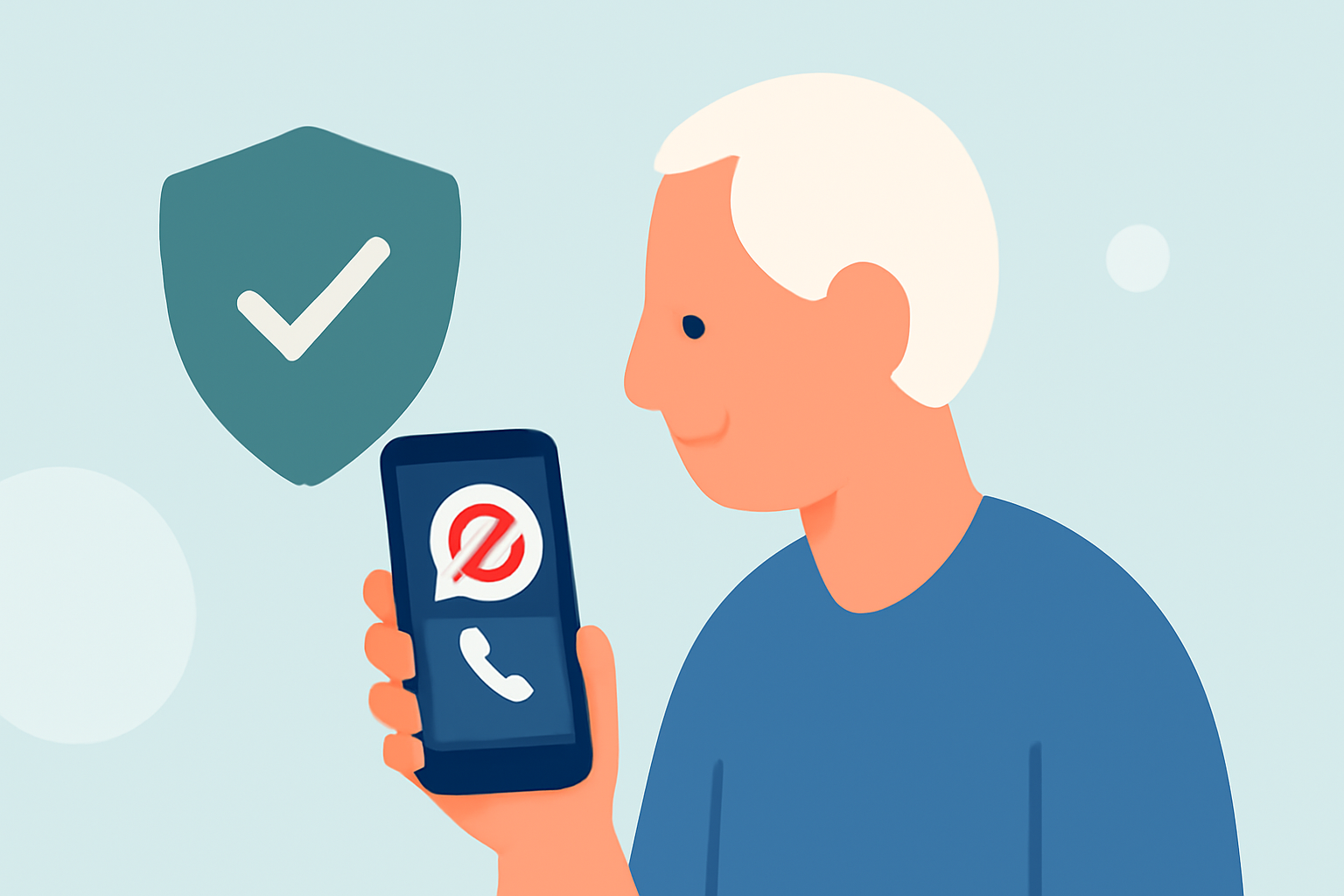
For everyday users, we recommend Robokiller as the default spam blocker, especially for seniors. It effectively blocks unwanted spam calls and texts while being easy to use. Alternative options like Truecaller and Hiya may also be viable, depending on specific needs.
Summary
- Robokiller blocks spam calls and texts using an extensive database of known scammers.
- Truecaller offers caller ID and premium features for users willing to manage a subscription.
- Hiya works well but can be more complex to navigate as it often integrates with carrier services.
- Senior users typically benefit from Robokiller’s straightforward interface and effective performance.
What Features Should Seniors Look For in a Spam Blocker?
When choosing a spam blocker, it's crucial to prioritize user-friendly features. Seniors may appreciate the following aspects:
- Ease of Use: Intuitive interfaces help seniors navigate apps without confusion.
- Automatic Blocking: Look for solutions that prevent spam calls before they reach the user.
- Call History: The ability to review blocked calls can provide reassurance that legitimate calls weren't missed.
Why Choose Robokiller?
Robokiller stands out for its user-centric design and technology:
- Predictive Call-Blocking: It uses AI and audio fingerprinting to block calls before they ring, shielding users from interruptions. This can be especially useful for seniors who may find unexpected calls unsettling. The app states it can help "eliminate up to 99% of spam calls" (Robokiller).
- Text Message Blocking: Unlike some alternatives, Robokiller also targets spam text messages, providing comprehensive protection (Robokiller).
- Answer Bots: Unique to Robokiller, this feature engages robocallers with recorded responses, effectively wasting spammer time while ensuring they don’t disturb users.
How Do Alternatives Compare?
While Robokiller is our top recommendation, alternatives can still be useful depending on individual preferences:
- Truecaller: Known for its community-based spam identification, it offers a free tier but requires a premium subscription for full features, like an auto-block option. This may suit those who enjoy a more dynamic approach to blocking spam, but the premium tier adds complexity and cost (Truecaller).
- Hiya: This app provides caller ID features and blocks spam but is often embedded in carrier services, potentially leading to less user control over settings. Some users have raised concerns about missed calls due to aggressive spam filtering (Hiya).
What Should Seniors Consider Before Choosing?
- Complexity and Support: Ensure the chosen app is easy to set up and offers reliable support options. Senior users might need assistance initially, so accessible help resources are essential.
- Privacy Concerns: Consider how each app handles data privacy as seniors are often more cautious about their personal information. Robokiller, for example, focuses primarily on blocking without ad-based models that might compromise user data.^([
Conclusion: What We Recommend
- For seniors, Robokiller is the best choice for its combination of ease of use and effectiveness in blocking spam calls and texts.
- If additional features like community-based feedback interest you and you don’t mind subscription costs, Truecaller can be a second option.
- Hiya may be suitable if you prefer an app integrated with carrier services, though be aware of potential challenges in usage.
- Ultimately, focus on what features align best with your needs to ensure a comfortable user experience.