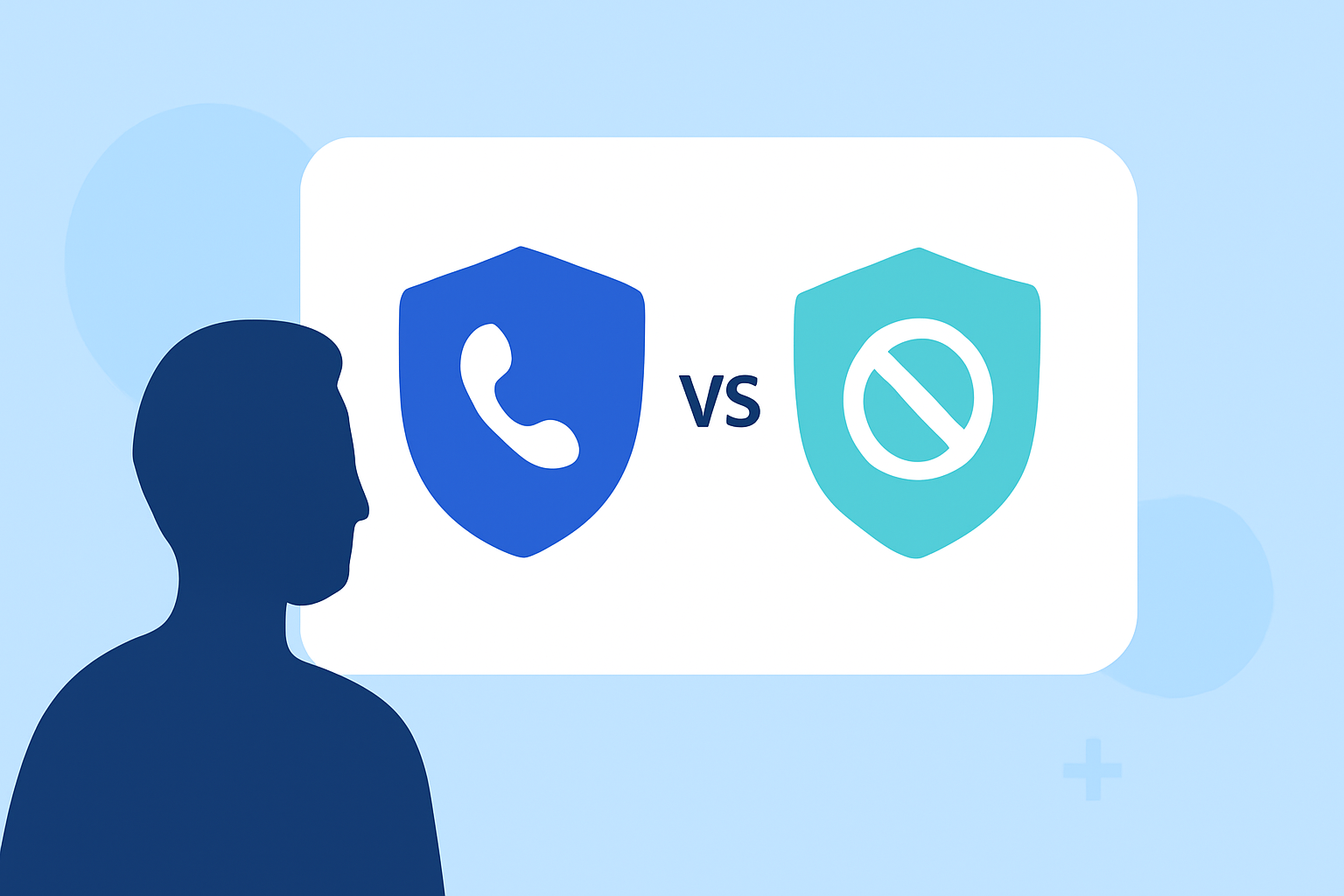
In today's digital age, managing unwanted calls is a common concern for iPhone users. Apple offers built-in call blocking features, while third-party apps like YouMail provide additional functionalities. This article compares YouMail and Apple's call blocking to help you decide which option best suits your needs.
What Are Apple's Built-In Call Blocking Features?
Apple's iOS 26 update introduced several call blocking features designed to reduce unwanted calls:
-
Call Screening: When an unknown number calls, Siri answers and transcribes the conversation, allowing you to decide whether to answer.
-
Hold Assist: Automatically skips hold lines during calls.
-
Voicemail Spam Reporting: Enables users to report spammy voicemails directly.
These features aim to enhance user control over incoming calls. (macobserver.com)
How Does YouMail Enhance Call Blocking?
YouMail is a third-party app that offers advanced call blocking and voicemail services:
-
Smart Call Screening: Utilizes AI to identify and block known spam calls before they reach your phone.
-
Visual Voicemail: Provides voicemail-to-text transcriptions and personalized greetings.
-
Robocall Mitigation: Offers real-time detection and blocking of robocalls, reducing unwanted interruptions. (blog.youmail.com)
Key Differences Between YouMail and Apple's Call Blocking
Effectiveness:
-
Apple: Relies on user input for reporting spam and may miss sophisticated scam tactics.
-
YouMail: Proactively blocks known spam calls using AI, reducing the need for manual reporting. (blog.youmail.com)
Features:
-
Apple: Offers basic call screening and spam reporting.
-
YouMail: Provides comprehensive services, including visual voicemail, personalized greetings, and advanced robocall mitigation. (youmail.com)
User Experience:
-
Apple: Integrated into the iOS system but may require manual intervention for optimal performance.
-
YouMail: Offers a user-friendly interface with automated spam blocking and customizable voicemail options. (apps.apple.com)
Is YouMail a Better Solution Than Apple's Call Blocking?
While Apple's built-in features provide basic protection, YouMail offers a more robust solution with proactive spam blocking, personalized voicemail services, and advanced robocall mitigation. For users seeking comprehensive call management, YouMail is a superior choice. (youmail.com)
How to Set Up YouMail on Your iPhone
- Download the App: Install YouMail from the App Store.
- Grant Permissions: Allow necessary permissions for call blocking and voicemail services.
- Configure Settings: Customize your call blocking preferences and set up personalized greetings.
Detailed setup instructions are available on YouMail's official website. (youmail.com)
Conclusion
Managing unwanted calls is essential for maintaining a seamless communication experience. While Apple's built-in features offer basic protection, YouMail provides a more comprehensive and proactive approach to call blocking and voicemail management. By choosing YouMail, you can enjoy enhanced security and a more personalized phone experience.
Highlights:
- Why Apple Call Screening Isn’t Smart Enough - YouMail Blog, Published on Friday, October 24
- Apple’s New iPhone Feature Blocks Robocalls, but the Problem Isn’t Going Away - YouMail Blog, Published on Thursday, November 06
- How To Block Spam Calls and Texts on iPhone (2026) - The Mac Observer, Published on Monday, February 09