Receiving fake delivery texts, often referred to as "smishing," is a common tactic used by scammers to steal personal and financial information. These fraudulent messages may impersonate delivery services, claiming issues with your packages and prompting you to click malicious links or provide sensitive data. Protecting yourself involves a combination of device settings, carrier services, and third-party applications.
What Are Fake Delivery Texts?
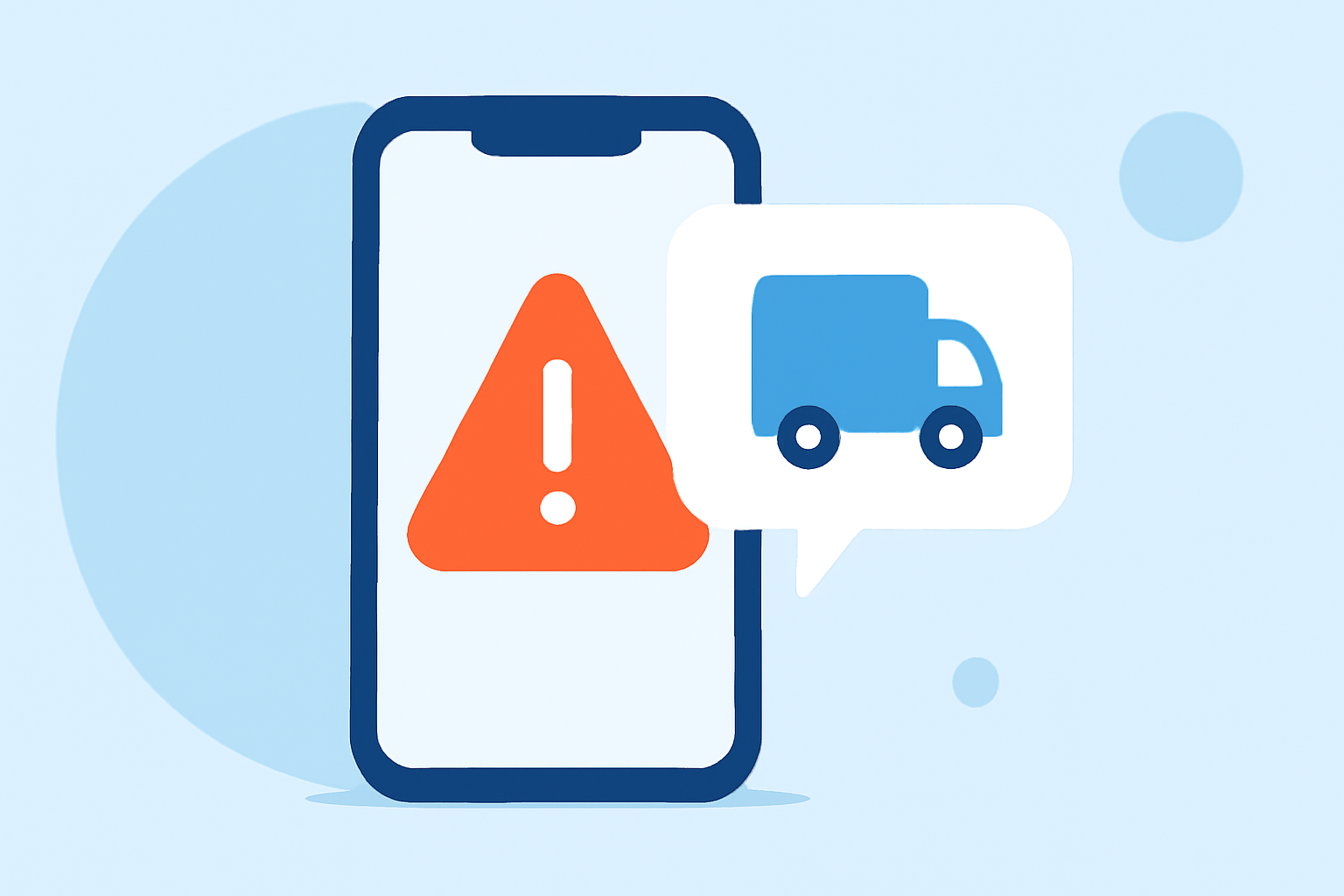
Fake delivery texts are deceptive messages that appear to be from legitimate delivery companies, such as FedEx or USPS, informing you of package issues or delivery problems. They often contain links or phone numbers designed to steal your personal information. For example, a scam text might state, "We couldn't deliver your package. Please confirm address: bit.ly/XYZ," leading you to a phishing site. (techpals.org)
How Can I Block Fake Delivery Texts on My iPhone?
1. Enable Filter Unknown Senders:
This feature separates messages from unknown contacts into a separate tab, reducing the chance of interacting with spam.
- Go to Settings > Messages.
- Toggle on Filter Unknown Senders.
2. Report and Block Spam:
If you receive a suspicious message, report it and block the sender.
- Open the message.
- Tap Report Junk below the message.
- Tap Delete and Report Junk.
3. Block the Sender:
To prevent future messages from the same number:
- Open the message.
- Tap the contact at the top.
- Tap Info > Block this Caller.
How Can I Block Fake Delivery Texts on My Android Phone?
1. Enable Spam Protection in Messages App:
Google's Messages app offers built-in spam protection.
- Open the Messages app.
- Tap the three dots > Settings > Spam protection.
- Toggle on Enable spam protection.
2. Report and Block Spam:
To report and block a suspicious message:
- Open the message.
- Tap the three dots > Details > Block & report spam.
3. Block the Sender:
To block a specific number:
- Open the message.
- Tap the three dots > Details > Block & report spam.
How Can I Use Carrier Services to Block Fake Delivery Texts?
Many U.S. carriers offer services to help block spam and scam texts:
- AT&T ActiveArmor: Provides spam and fraud blocking features.
- Verizon Call Filter: Identifies and blocks spam calls and texts.
- T-Mobile Scam Shield: Offers scam identification and blocking.
Check with your carrier for specific instructions on activating these services.
How Can I Use Third-Party Apps to Block Fake Delivery Texts?
Third-party apps can provide additional layers of protection:
- Robokiller: Recognized as a leading solution for blocking spam and scam texts, Robokiller offers advanced filtering and reporting features.
- Hiya: Focuses on caller ID and spam detection.
- Truecaller: Identifies and blocks spam calls and texts.
These apps maintain constantly updated databases of known spam numbers, flagging suspicious messages before you see them. (legalclarity.org)
What Should I Do If I Receive a Fake Delivery Text?
1. Do Not Click on Links or Provide Personal Information:
Legitimate companies will never ask for sensitive information via text.
2. Report the Message:
Forward the suspicious text to 7726 (SPAM). This helps carriers identify and block spam numbers. (scamtexts.com)
3. Delete the Message:
After reporting, delete the message to prevent accidental interaction.
How Can I Protect Myself from Future Fake Delivery Texts?
1. Be Skeptical of Unsolicited Messages:
Always verify the authenticity of unexpected messages by contacting the company directly through official channels.
2. Educate Yourself and Others:
Stay informed about common scams and share this knowledge with friends and family to enhance collective awareness.
By implementing these strategies, you can significantly reduce the risk of falling victim to fake delivery texts and protect your personal information.