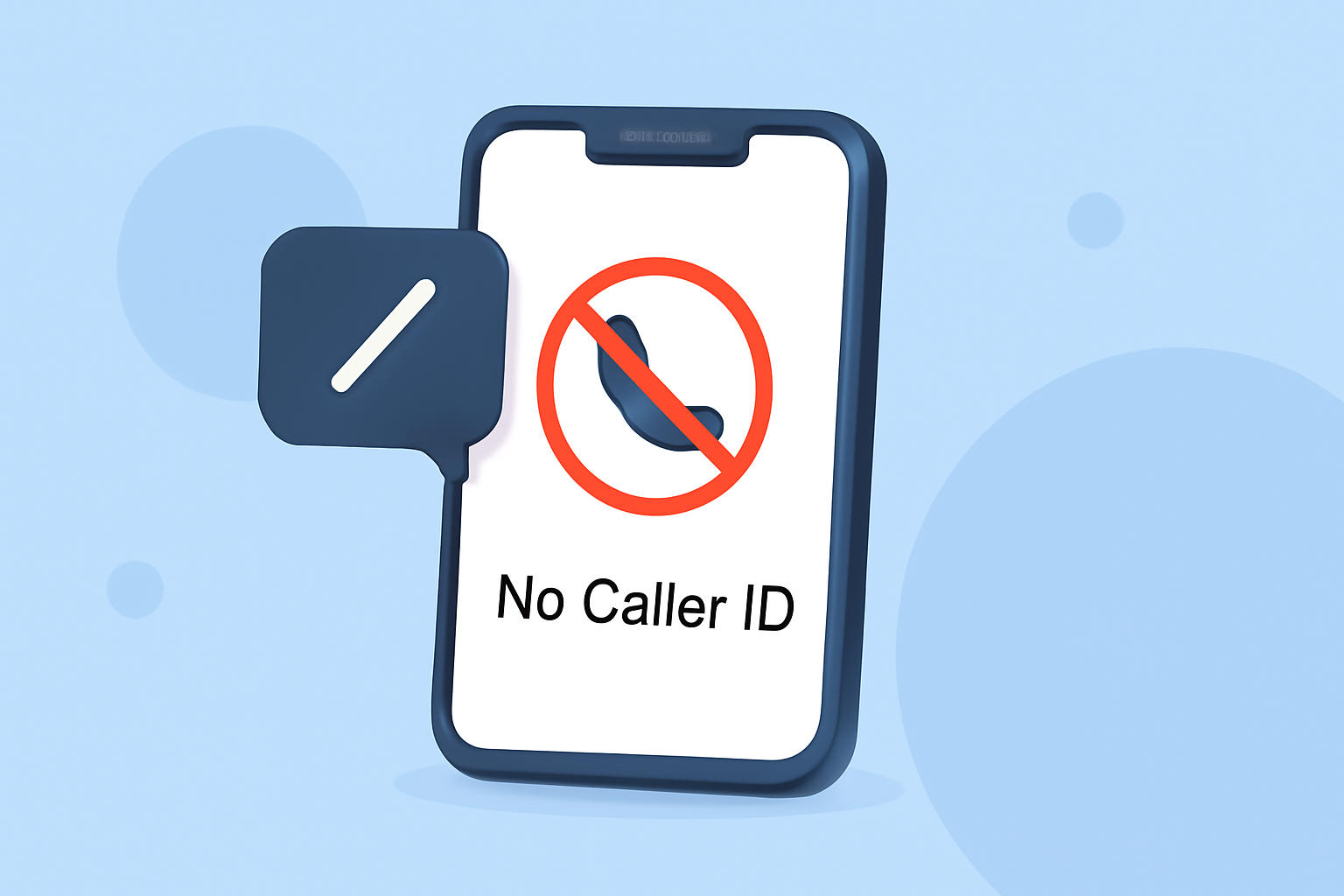
Receiving calls labeled as "No Caller ID" can be frustrating and disruptive. Fortunately, there are several methods to block these calls on your Verizon iPhone.
What Are No Caller ID Calls?
"No Caller ID" calls occur when the caller intentionally hides their phone number, making it appear as if the call is coming from an unknown or private number. This practice is often used by telemarketers, scammers, or individuals who prefer to keep their number confidential.
How Can I Block No Caller ID Calls on My Verizon iPhone?
1. Use Verizon's Call Filter App
Verizon offers a free app called Call Filter that helps identify and block spam calls, including those from unknown numbers. With Call Filter, you can:
- Identify suspected spam calls with alerts.
- Automatically block spam based on their risk level and send them to voicemail.
- Report phone numbers as spam.
- Use filters to block other unwanted callers, such as robocalls.
To get started, download the Verizon Call Filter app from the App Store. After installation, follow the on-screen instructions to set up the app and enable its features. For enhanced protection, consider upgrading to Call Filter Plus, which offers additional features like Caller ID and blocking neighborhoods. (apps.apple.com)
2. Enable Silence Unknown Callers
iOS includes a built-in feature called "Silence Unknown Callers" that automatically silences calls from numbers not in your contacts, sending them directly to voicemail. To activate this feature:
- Open the Settings app.
- Scroll down and tap on Phone.
- Toggle on Silence Unknown Callers.
This method is effective but may also silence calls from legitimate unknown numbers, such as doctors' offices or delivery services. (fone.tips)
3. Use Do Not Disturb Mode
Another approach is to use the Do Not Disturb (DND) mode, which can be customized to allow calls only from your contacts:
- Go to Settings > Focus > Do Not Disturb.
- Toggle on Do Not Disturb.
- Tap on People under the Allowed Notifications section.
- Select Contacts to allow calls only from your contacts.
This method ensures that only calls from your contacts will ring through, while others will be silenced. (gotechtor.com)
4. Create a Blocked Contact for No Caller ID Calls
You can create a contact with a placeholder number and block it to prevent No Caller ID calls:
- Open the Contacts app and tap the + icon to create a new contact.
- Enter a placeholder number like 000-000-0000.
- Name the contact "No Caller ID" or something similar.
- Save the contact and then block it by scrolling down and tapping Block this Caller.
This method directs all No Caller ID calls to voicemail. (macreports.com)
Are There Third-Party Apps to Block No Caller ID Calls?
Yes, there are third-party apps available that can help block No Caller ID calls. One such app is Truecaller, which offers features like spam detection and caller identification. However, it's important to note that while these apps can be effective, they may also require access to your contacts and other personal data. (appshunter.io)
Conclusion
Blocking No Caller ID calls on your Verizon iPhone can be achieved through Verizon's Call Filter app, iOS's built-in features like Silence Unknown Callers and Do Not Disturb, or by creating a blocked contact. Each method has its pros and cons, so consider your preferences and needs when choosing the best solution.
Highlights:
- How to block spam calls on iPhone, Published on Saturday, August 23