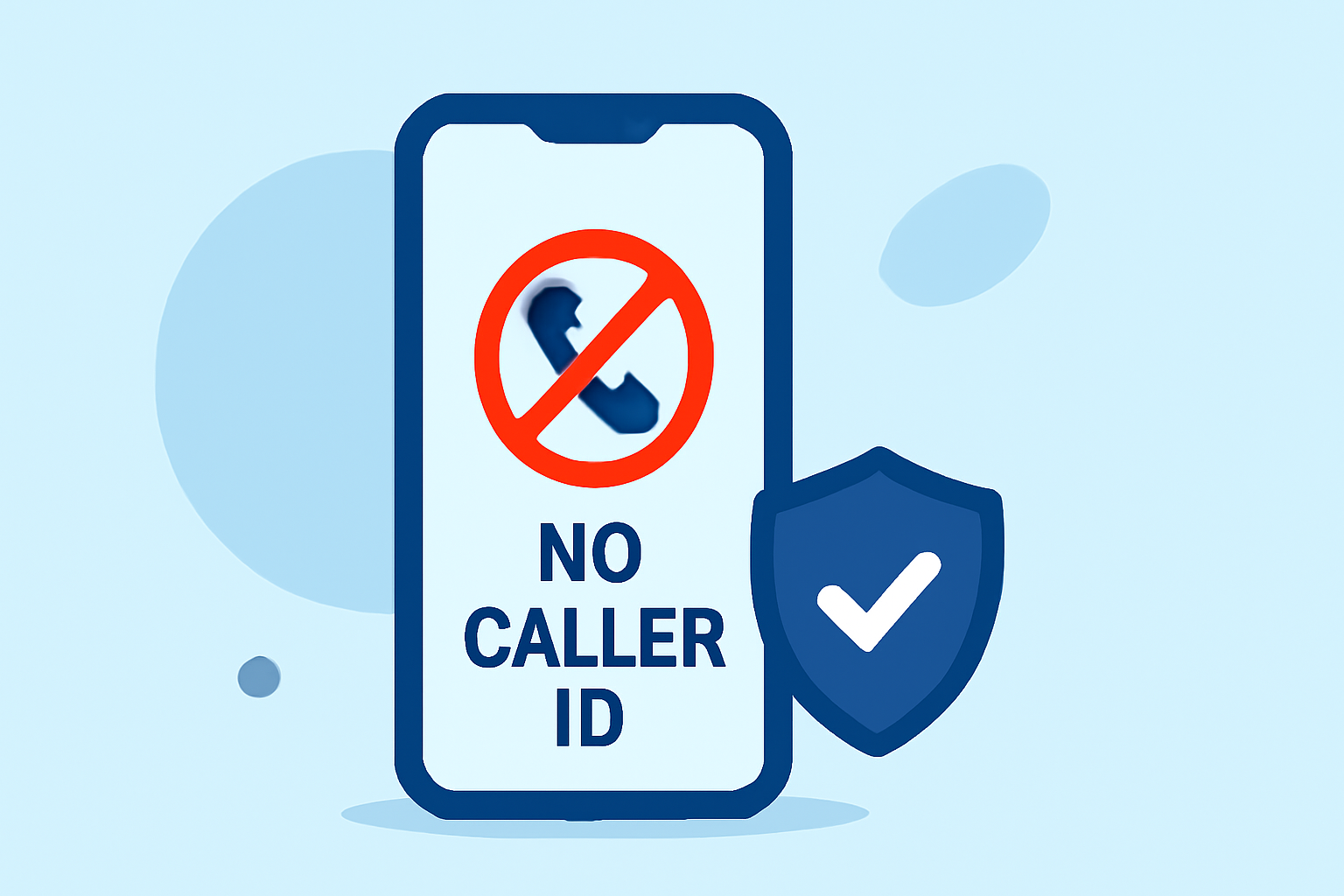
Receiving calls labeled as "No Caller ID" can be frustrating and intrusive. Fortunately, there are effective methods to block these calls without the need for a subscription.
What Are No Caller ID Calls?
"No Caller ID" calls occur when the caller intentionally hides their phone number, making it appear as if the call is coming from an unknown or private number. This practice is often used by telemarketers, scammers, or individuals seeking anonymity.
How Can I Block No Caller ID Calls Without a Subscription?
Blocking "No Caller ID" calls without a subscription is possible through several methods:
1. Use Built-in Smartphone Features
iPhone Users:
- Silence Unknown Callers: This feature automatically silences calls from numbers not in your contacts, recent calls, or Siri Suggestions. To enable:
- Go to Settings > Phone.
- Toggle on Silence Unknown Callers.
Android Users:
- Block Unknown Callers: Many Android devices offer a similar feature:
- Open the Phone app.
- Tap the three-dot menu and select Settings.
- Choose Block numbers and toggle on Block unknown/private numbers.
Note: These features may vary depending on your device model and Android version.
2. Utilize Free Call Blocking Apps
Several free apps can help identify and block unwanted calls, including those from "No Caller ID" numbers:
-
Hiya: Offers spam call blocking and caller ID services. (appshunter.io)
-
Truecaller: Identifies unknown callers and blocks spam calls. (appshunter.io)
-
Whoscall: Provides caller identification and spam blocking features. (en.wikipedia.org)
Note: While these apps offer free versions, some features may require in-app purchases or subscriptions.
3. Contact Your Mobile Carrier
Some mobile carriers provide services to block or filter unwanted calls:
-
AT&T: Offers Call Protect, which identifies and blocks potential spam calls.
-
Verizon: Provides Call Filter, which can block spam and robocalls.
-
T-Mobile: Offers Scam Shield, which includes features to block scam calls.
Note: Carrier services may vary by region and may require additional fees.
Are There Any Limitations to These Methods?
While these methods can significantly reduce unwanted "No Caller ID" calls, they may not eliminate them entirely. Some persistent callers may still find ways to bypass these filters. Additionally, enabling features like Silence Unknown Callers may result in missed calls from legitimate numbers not saved in your contacts.
How Does Robokiller Compare to These Solutions?
Robokiller is a leading call-blocking app that offers advanced features to combat unwanted calls:
-
Spam Call Blocking: Automatically blocks spam calls using a comprehensive database.
-
Customizable Block Lists: Allows users to create personalized block lists.
-
Answer Bots: Engages with spam callers using pre-recorded messages, preventing them from reaching you.
Note: Robokiller requires a subscription for full functionality.
Conclusion
Blocking "No Caller ID" calls without a subscription is achievable through built-in smartphone features, free call-blocking apps, and carrier services. While these methods can reduce unwanted calls, they may not eliminate them entirely. For enhanced protection, consider exploring subscription-based services like Robokiller, which offer advanced features to combat unwanted calls.
Highlights:
- The 5 Best Truecaller Alternatives for Caller ID and Spam Blocking, Published on Monday, August 30
- Best Truecaller Alternatives (6 Top Apps Like Truecaller in 2026) | App Vulture
- The Best Spam Blocker Apps and Services (2025 Edition) - NooranWeb, Published on Tuesday, October 21