Spam calls are a persistent nuisance for iPhone users, especially those on AT&T networks. These unwanted interruptions can disrupt daily life and compromise personal information. Fortunately, there are effective solutions to mitigate this issue.
What Built-in Features Does My iPhone Offer to Block Spam Calls?
Your iPhone comes equipped with several features to help reduce spam calls:
- Silence Unknown Callers: This feature silences calls from numbers not in your contacts, recent calls, or Siri Suggestions. To activate it:
- Open Settings.
- Tap Phone.
- Toggle on Silence Unknown Callers.
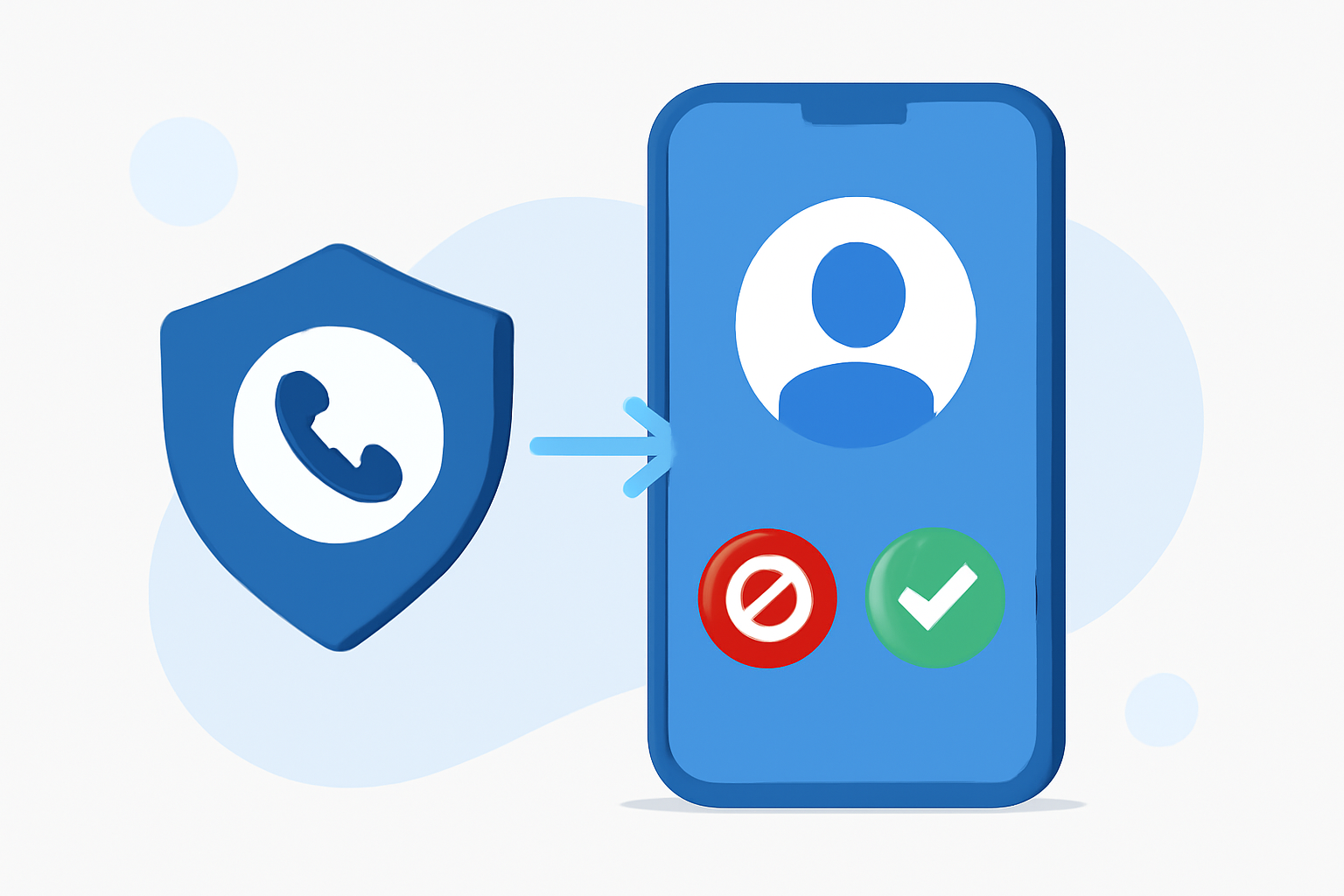
- Call Blocking and Identification: Third-party apps can integrate with your iPhone to block and identify spam calls. To enable this:
- Download a reputable call-blocking app from the App Store.
- Go to Settings > Phone > Call Blocking & Identification.
- Enable the app you installed.
How Effective Are Third-Party Apps in Blocking Spam Calls?
Third-party apps can significantly enhance spam call blocking capabilities. One such app is Robokiller, which boasts a 99% effectiveness rate in blocking unwanted calls. It utilizes advanced technologies like audio fingerprinting and machine learning to identify and block spam calls in real-time. (robokiller.com)
What Are the Key Features of Robokiller?
Robokiller offers a suite of features designed to combat spam calls:
-
Audio Fingerprinting: This patented technology analyzes the unique audio characteristics of robocalls, allowing for accurate identification and blocking. (robokiller.com)
-
Call Screening: Robokiller can screen unknown callers by asking them to state their name and the purpose of their call, providing you with the information before you decide to answer. (support.robokiller.com)
-
Answer Bots: These pre-recorded messages waste scammers' time by engaging them in conversation, effectively reducing the number of spam calls you receive. (robokiller.com)
-
Spam Text Protection: Robokiller also blocks 99% of spam text messages, keeping your inbox free from unwanted content. (support.robokiller.com)
How Do I Install and Set Up Robokiller on My iPhone?
To install and set up Robokiller:
- Download the app from the App Store.
- Open the app and follow the on-screen instructions to grant necessary permissions.
- Enable Call Blocking & Identification in your iPhone settings as described earlier.
Are There Any Costs Associated with Using Robokiller?
Robokiller offers a free version with basic features, including spam call blocking and reporting. For advanced features like Answer Bots and Call Screening, a subscription is required. The subscription costs $4.99 per month or $39.99 per year, with a free 7-day trial available. (robokiller.com)
How Does Robokiller Compare to Other Spam Call Blocking Apps?
When compared to other apps like Firewall, Robokiller offers a more comprehensive set of features. For instance, Firewall lacks customizable call blocking and audio fingerprinting technology, which are available in Robokiller. (robokiller.com)
What Are the Benefits of Using Robokiller?
-
High Effectiveness: Robokiller blocks 99% of spam calls, significantly reducing unwanted interruptions. (robokiller.com)
-
Advanced Technology: Utilizes AI and machine learning to stay ahead of evolving spam tactics. (robokiller.com)
-
User Control: Allows customization of block and allow lists, giving you control over who can reach you. (robokiller.com)
-
Additional Features: Offers spam text protection and the ability to report spam, contributing to a community effort against robocalls. (support.robokiller.com)
Conclusion
Blocking spam calls on your AT&T iPhone is achievable through built-in features and third-party apps like Robokiller. By leveraging these tools, you can significantly reduce unwanted interruptions and protect your personal information.