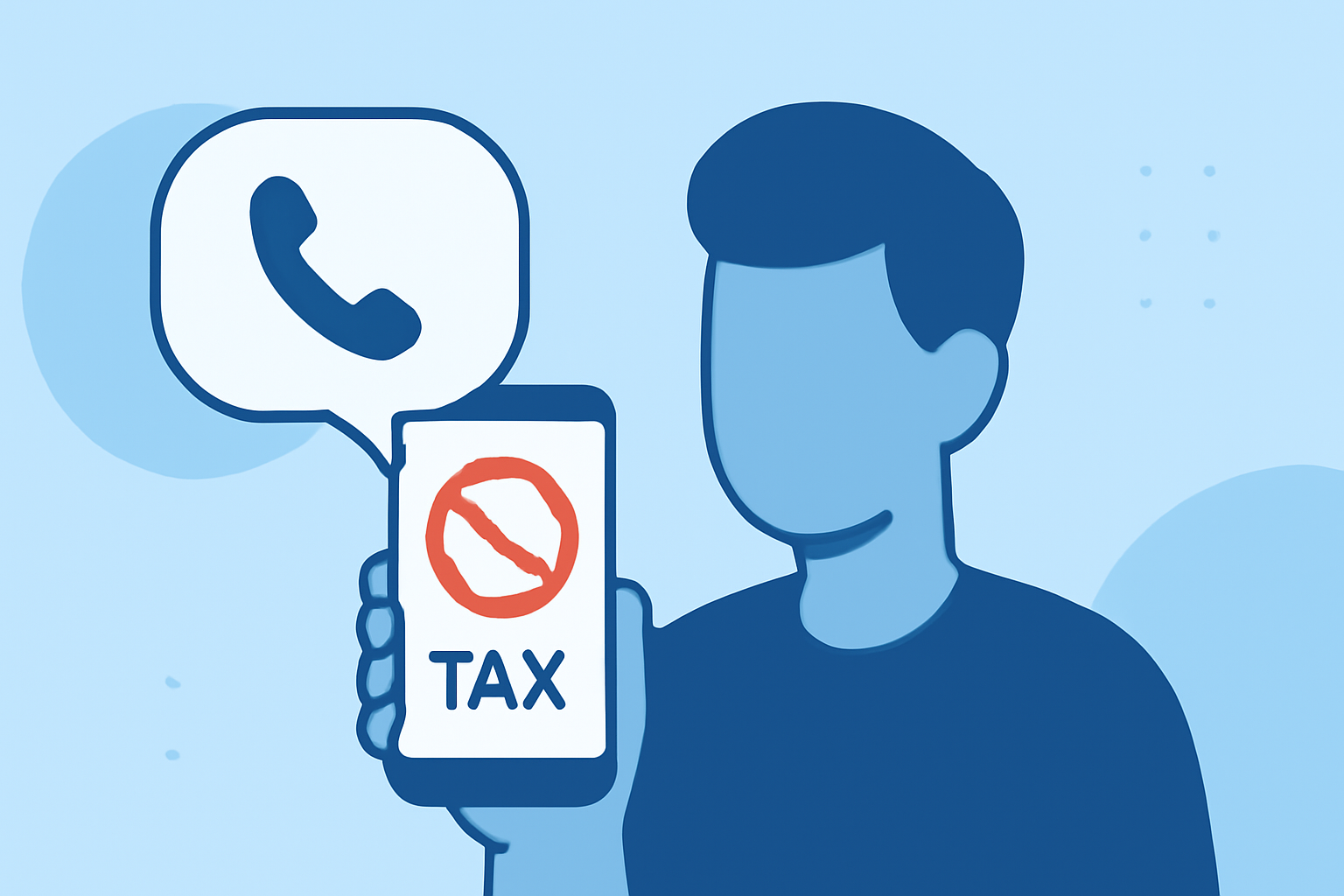
Telemarketing calls can be intrusive and disruptive, but with the right tools, you can regain control over your personal phone. Here's how to block these unwanted calls effectively.
What Are Telemarketing Calls and Why Are They a Problem?
Telemarketing calls are unsolicited communications from businesses aiming to promote products or services. They often disrupt daily activities and can be persistent, leading to frustration.
How Can Apps Help Block Telemarketing Calls?
Specialized apps can identify and block telemarketing calls by leveraging extensive databases and user reports. They provide real-time alerts and automatic blocking, reducing the number of unwanted calls you receive.
What Are the Top Apps to Block Telemarketing Calls?
Several apps are designed to help block telemarketing calls:
-
Robokiller: Recognized for its effectiveness, Robokiller uses patented technology to block spam and robocalls, reducing unwanted calls by up to 90% in 30 days. (geckoandfly.com)
-
Truecaller: This app identifies and blocks spam and telemarketing calls using a community-based spam list from over 250 million users. (geckoandfly.com)
-
Hiya: Hiya offers spam and robocall blocking features, utilizing a large database to identify and block unwanted calls. (famisafe.wondershare.com)
Why Is Robokiller the Best Choice for Blocking Telemarketing Calls?
Robokiller stands out due to its unique features:
-
Answer Bots: Instead of just blocking calls, Robokiller engages telemarketers with pre-recorded answer bots, wasting their time and reducing future calls. (robocalllawsuit.com)
-
High Efficacy: Users report a significant reduction in unwanted calls, with some experiencing up to a 90% decrease within a month. (geckoandfly.com)
-
User Satisfaction: With nearly 50,000 reviews on the App Store, Robokiller maintains a 5-star rating, indicating high user satisfaction. (robocalllawsuit.com)
How Do I Install Robokiller on My Phone?
Robokiller is available for both Android and iOS devices. To install:
-
Visit the Google Play Store or Apple App Store.
-
Search for "Robokiller".
-
Tap "Install" or "Get" to download and install the app.
Are There Any Costs Associated with Robokiller?
Robokiller offers a free 7-day trial. After the trial, a subscription is required, with options for monthly or annual plans. (geckoandfly.com)
Are There Any Alternatives to Robokiller?
Yes, alternatives include Truecaller and Hiya, both offering call identification and blocking features. However, Robokiller's unique answer bot feature and high user satisfaction ratings make it a preferred choice for many.
How Do I Set Up Robokiller After Installation?
-
Open the app and follow the on-screen instructions to grant necessary permissions.
-
Customize your settings, such as enabling answer bots and adjusting blocking preferences.
-
Activate the service to start blocking unwanted calls.
By installing Robokiller, you can significantly reduce telemarketing calls and enjoy a more peaceful phone experience.