In today's fast-paced digital landscape, busy professionals are prime targets for phishing attacks via text messages, commonly known as smishing. These deceptive messages aim to steal personal and financial information. Recognizing and mitigating these threats is crucial to maintaining your security and privacy.
What Are Phishing Texts and How Do They Work?
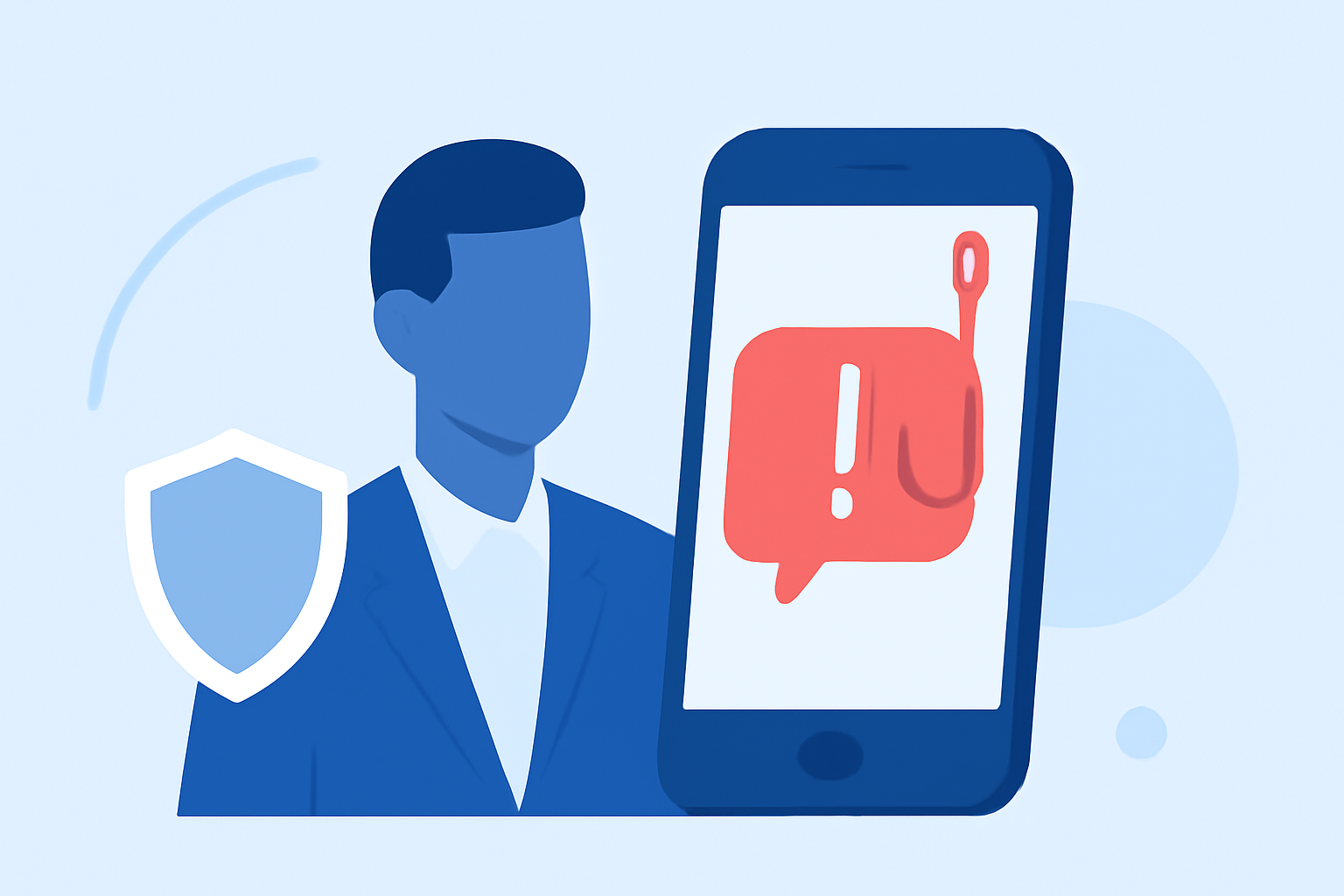
Phishing texts are fraudulent messages that impersonate legitimate entities to trick recipients into revealing sensitive information. Scammers often pose as banks, government agencies, or reputable companies, creating a sense of urgency to prompt immediate action. For instance, a message might claim to be from your bank, stating that your account has been compromised and urging you to click a link to verify your information. These links often lead to fake websites designed to capture your data. (consumer.ftc.gov)
How to Recognize Phishing Texts
Being able to identify phishing texts is the first step in protecting yourself:
-
Unusual Sender Information: Messages from unfamiliar numbers or generic sender IDs are often suspicious.
-
Suspicious Links: Be wary of shortened or unfamiliar URLs. Hovering over a link (without clicking) can reveal its true destination.
-
Urgent Language: Scammers frequently use urgent language, such as "Immediate action required" or "Your account is at risk," to create a false sense of urgency.
-
Grammatical Errors: Poor grammar or spelling mistakes are common in phishing messages.
-
Requests for Personal Information: Legitimate organizations will never ask for sensitive information via text message. (consumer.ftc.gov)
Steps to Protect Yourself from Phishing Texts
To safeguard your personal and financial information:
-
Do Not Click on Suspicious Links: Avoid clicking on links or downloading attachments from unknown or untrusted sources.
-
Verify the Source: Contact the organization directly using official contact information to confirm the legitimacy of the message.
-
Report Phishing Attempts: Report suspicious messages to your mobile carrier or the appropriate authorities. In the U.S., you can forward phishing texts to 7726 (SPAM). (tomsguide.com)
-
Educate Yourself and Others: Stay informed about common phishing tactics and share this knowledge with colleagues and friends.
How Robokiller Can Help Protect You
Robokiller offers comprehensive protection against spam calls and texts, utilizing advanced technologies to keep your inbox secure:
-
Advanced Call Blocking: Robokiller uses predictive analytics and audio fingerprinting to block up to 99% of spam calls, ensuring that only legitimate calls reach you. (robokiller.com)
-
Spam Text Blocking: By setting Robokiller as your default SMS app, you can automatically block spam, scam, and telemarketing texts. This feature filters messages using a three-layer approach:
-
Block/Allow List: Messages from known contacts are allowed, while messages from blocked numbers are sent to the Junk folder.
-
Number Reputation: Robokiller checks unknown numbers against a global database of known spam numbers.
-
Content Analysis: The app scans messages for scam-related keywords and patterns. (support.robokiller.com)
-
Answer Bots: Robokiller's Answer Bots engage with spam callers using pre-recorded messages, wasting their time and preventing them from reaching you. (robokiller.com)
Additional Tips for Busy Professionals
-
Regularly Update Your Software: Ensure that your device's operating system and apps are up to date to protect against known vulnerabilities.
-
Use Strong, Unique Passwords: Employ complex passwords for your accounts and consider using a password manager to keep track of them.
-
Enable Two-Factor Authentication (2FA): Whenever possible, activate 2FA on your accounts for an added layer of security.
-
Be Cautious with Public Wi-Fi: Avoid accessing sensitive information over unsecured public networks.
Conclusion
Phishing texts are a significant threat to busy professionals, but with vigilance and the right tools, you can protect yourself. By recognizing the signs of phishing, implementing protective measures, and utilizing services like Robokiller, you can maintain your security and focus on your professional responsibilities without distraction.
Highlights:
- Four common text scams and how to spot them, Published on Tuesday, June 10
- Text Messages Can Be One of the Best Ways for Scammers To Take Your Data - Here's How To Spot a Fake and How To Protect Yourself, Published on Tuesday, August 26
- How to avoid the No. 1 text message scam putting your money at risk, Published on Thursday, August 24