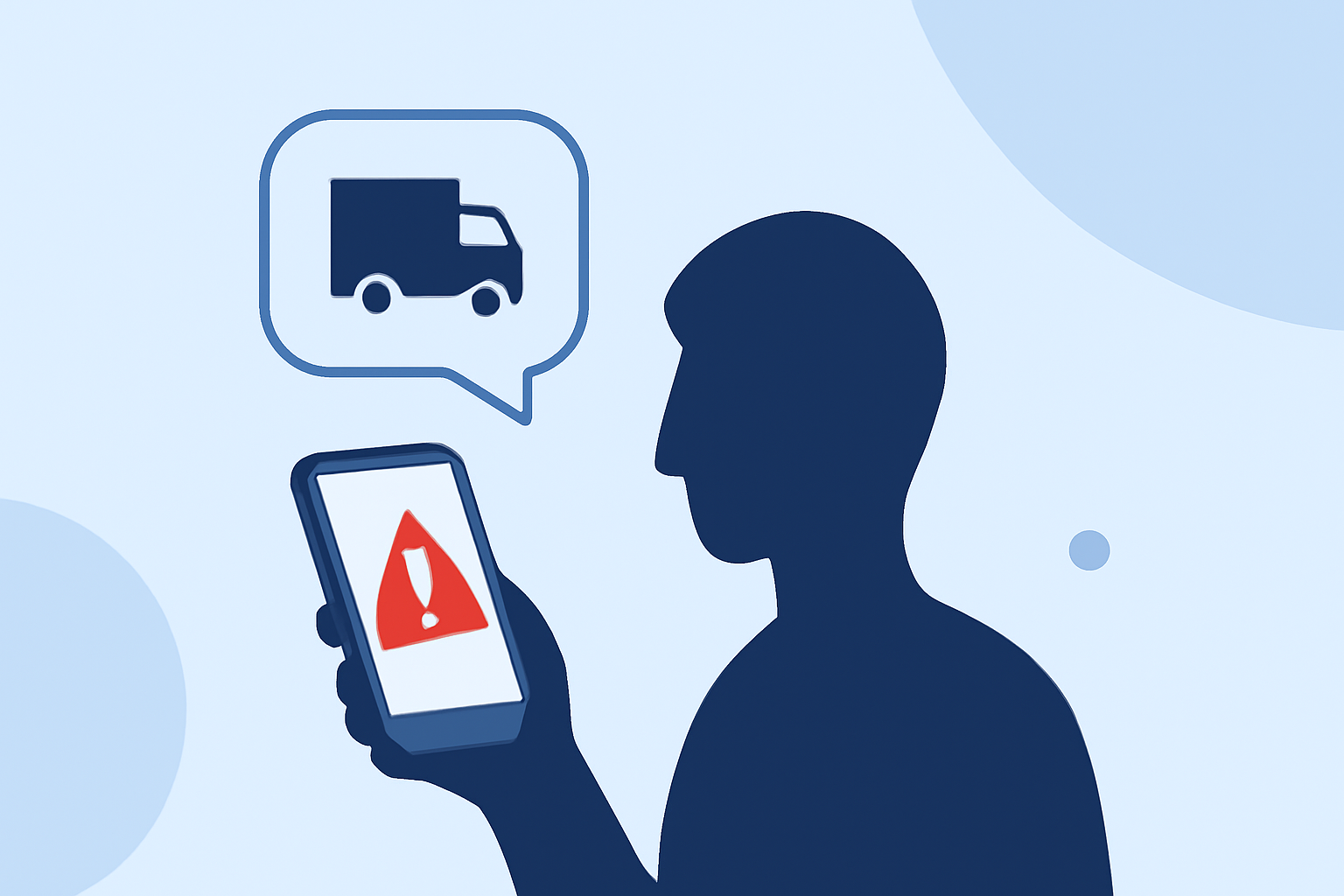
Phishing text messages, commonly known as smishing, are deceptive attempts by cybercriminals to trick individuals into revealing sensitive information via SMS. These messages often impersonate trusted entities, such as banks or government agencies, to steal personal data. In 2024, consumers reported losing $470 million to scams that began with a text message, highlighting the urgency of understanding and mitigating these threats. (mcafee.com)
What Are Phishing Texts?
Phishing texts are fraudulent messages sent to deceive recipients into providing confidential information, such as passwords, credit card numbers, or Social Security numbers. They often contain malicious links or attachments designed to install malware on your device or direct you to counterfeit websites. The term "smishing" combines "SMS" (Short Message Service) and "phishing," emphasizing the use of text messages for these attacks. (mcafee.com)
How to Recognize Phishing Texts
Identifying smishing attempts is crucial for protection. Look out for the following red flags:
-
Unusual Sender Information: Messages from unfamiliar numbers or generic identifiers like "5000" may indicate a scam. (mcafee.com)
-
Urgent or Threatening Language: Scammers often create a sense of urgency, claiming immediate action is required to avoid negative consequences. (bbb.org)
-
Suspicious Links or Attachments: Be wary of links that don't match the purported sender's official website or attachments from unknown sources. (mcafee.com)
-
Grammatical Errors: Many fraudulent messages contain spelling mistakes or awkward phrasing, which can be a sign of a scam. (bbb.org)
Steps to Protect Yourself
-
Do Not Engage with Suspicious Messages: Avoid replying to or interacting with unsolicited texts. Engaging can confirm your number is active, leading to more spam. (mcafee.com)
-
Enable Built-in Spam Filters: Utilize your phone's native features to filter unknown senders. For instance, on iPhone, go to Settings > Messages > Filter Unknown Senders. (mcafee.com)
-
Report Smishing Attempts: Forward suspicious messages to your mobile carrier by texting "SPAM" to 7726. This helps in blocking such numbers. (mcafee.com)
-
Use Security Software: Install reputable antivirus applications that can detect and block malicious links in text messages. (mcafee.com)
-
Keep Your Software Updated: Regularly update your device's operating system and applications to patch vulnerabilities that could be exploited by attackers.
What to Do If You've Fallen Victim
If you suspect you've been targeted by a smishing attack:
-
Do Not Share Personal Information: Avoid providing sensitive data in response to unsolicited messages.
-
Monitor Financial Accounts: Regularly check bank statements and credit reports for unauthorized activity.
-
Report the Incident: Inform your financial institutions and report the scam to the Federal Trade Commission (FTC) at ReportFraud.ftc.gov. (consumer.ftc.gov)
Conclusion
As phishing text messages become increasingly sophisticated, staying vigilant is essential. By recognizing the signs of smishing and implementing protective measures, you can significantly reduce the risk of falling victim to these scams.
Highlights:
- 'The inbox is no longer the only front line': Report claims vast majority of phishing attacks are now generated by AI - here's how to stay safe, Published on Monday, May 04
- How to avoid the No. 1 text message scam putting your money at risk, Published on Thursday, August 24
- Those urgent text messages aren't from your motor vehicle department - here's how to tell they're fake, Published on Friday, September 12