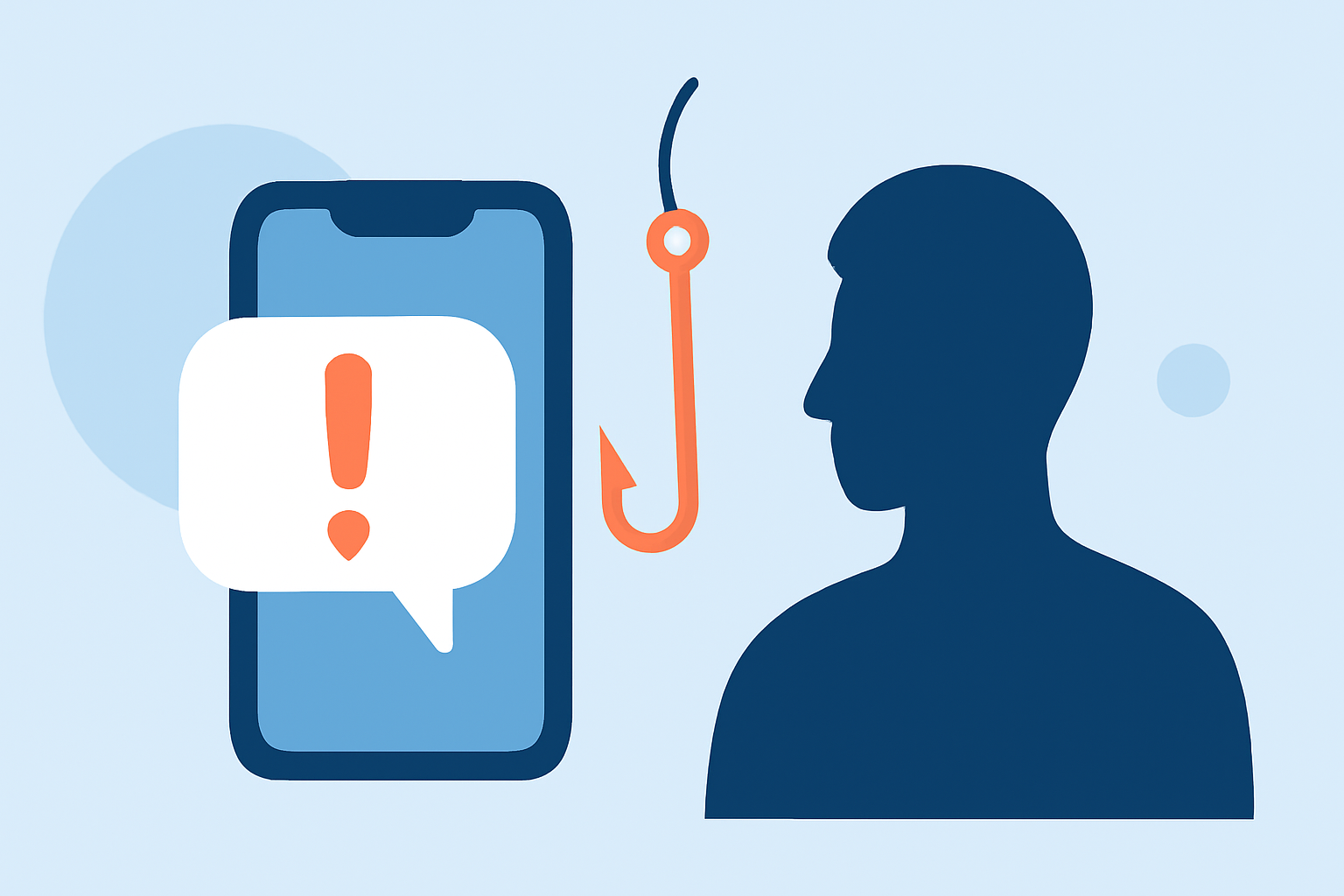
Phishing text messages, commonly known as smishing, are deceptive attempts by cybercriminals to steal personal information through fraudulent SMS messages. These messages often impersonate legitimate organizations, urging recipients to click on malicious links or provide sensitive data. Understanding how to identify and prevent these attacks is crucial for maintaining your digital security.
What Are Phishing Texts and How Do They Work?
Phishing texts are fraudulent SMS messages designed to trick individuals into revealing personal information, such as passwords, credit card numbers, or Social Security numbers. Scammers often impersonate trusted entities like banks, government agencies, or well-known companies to gain the recipient's trust. These messages may contain urgent requests, fake offers, or alarming alerts to prompt immediate action. For example, a message might claim, "Your bank account has been compromised. Click here to secure your account." Clicking on such links can lead to malicious websites or initiate the download of malware onto your device. (mcafee.com)
How to Recognize Phishing Texts?
Identifying phishing texts involves being vigilant for certain red flags:
-
Unusual Sender Information: Messages from unfamiliar numbers or generic sender IDs.
-
Suspicious Links: Links that appear misspelled, contain unfamiliar domains, or are shortened.
-
Urgent Language: Messages that create a sense of urgency, such as threats of account suspension or limited-time offers.
-
Requests for Personal Information: Legitimate organizations will never ask for sensitive information via text.
For instance, a message claiming, "Your account has been suspended. Click here to verify your identity," is likely a phishing attempt. (bbb.org)
What Steps Can You Take to Protect Yourself?
Implementing the following strategies can significantly reduce the risk of falling victim to phishing texts:
- Enable Built-in Spam Filters: Both iOS and Android devices offer features to filter and block spam messages.
-
iOS: Go to Settings > Messages > Filter Unknown Senders.
-
Android: Open Messages > Settings > Spam Protection, then enable the feature. (mcafee.com)
-
Use Carrier Spam Blocking Tools: Many mobile carriers provide services to block spam messages. Check with your carrier for available options. (consumer.ftc.gov)
-
Install Reputable Security Apps: Applications like McAfee Mobile Security can detect and block malicious links in text messages, providing an additional layer of protection. (mcafee.com)
-
Report Suspicious Messages: Forward any suspicious texts to 7726 (SPAM) to help your carrier identify and block similar messages in the future. (consumer.ftc.gov)
-
Educate Yourself and Others: Stay informed about the latest phishing tactics and share this knowledge with friends and family to collectively enhance security.
How Does Robokiller Enhance Your Protection?
Robokiller is a leading solution in blocking unwanted calls and texts, including phishing attempts. Its advanced algorithms and extensive database of known spam numbers enable it to effectively identify and block malicious messages, providing real-time protection against smishing attacks. By integrating Robokiller into your mobile security strategy, you can significantly reduce the volume of phishing texts you receive, allowing you to focus on legitimate communications.
What Should You Do If You Receive a Phishing Text?
If you suspect a text message is a phishing attempt:
-
Do Not Respond: Avoid replying or engaging with the sender.
-
Do Not Click on Links: Refrain from clicking on any links or downloading attachments.
-
Verify the Source: Contact the organization directly using official contact information to confirm the legitimacy of the message.
-
Report the Message: Forward the message to your carrier and report it to the Federal Trade Commission (FTC) at ReportFraud.ftc.gov. (consumer.ftc.gov)
Conclusion
Phishing texts are a pervasive threat, but by staying informed and implementing proactive measures, you can significantly reduce your risk. Utilizing device features, security applications, and services like Robokiller can provide comprehensive protection against these deceptive attacks. Always remain cautious and verify the authenticity of unsolicited messages to safeguard your personal information.
Highlights:
- How to avoid the No. 1 text message scam putting your money at risk, Published on Thursday, August 24