In today's digital age, cryptocurrency has become a popular investment avenue, attracting both legitimate investors and malicious actors. One prevalent threat is crypto scam texts, which can lead to significant financial losses and personal information breaches. Understanding how to identify and protect yourself from these scams is crucial.
What Are Crypto Scam Texts?
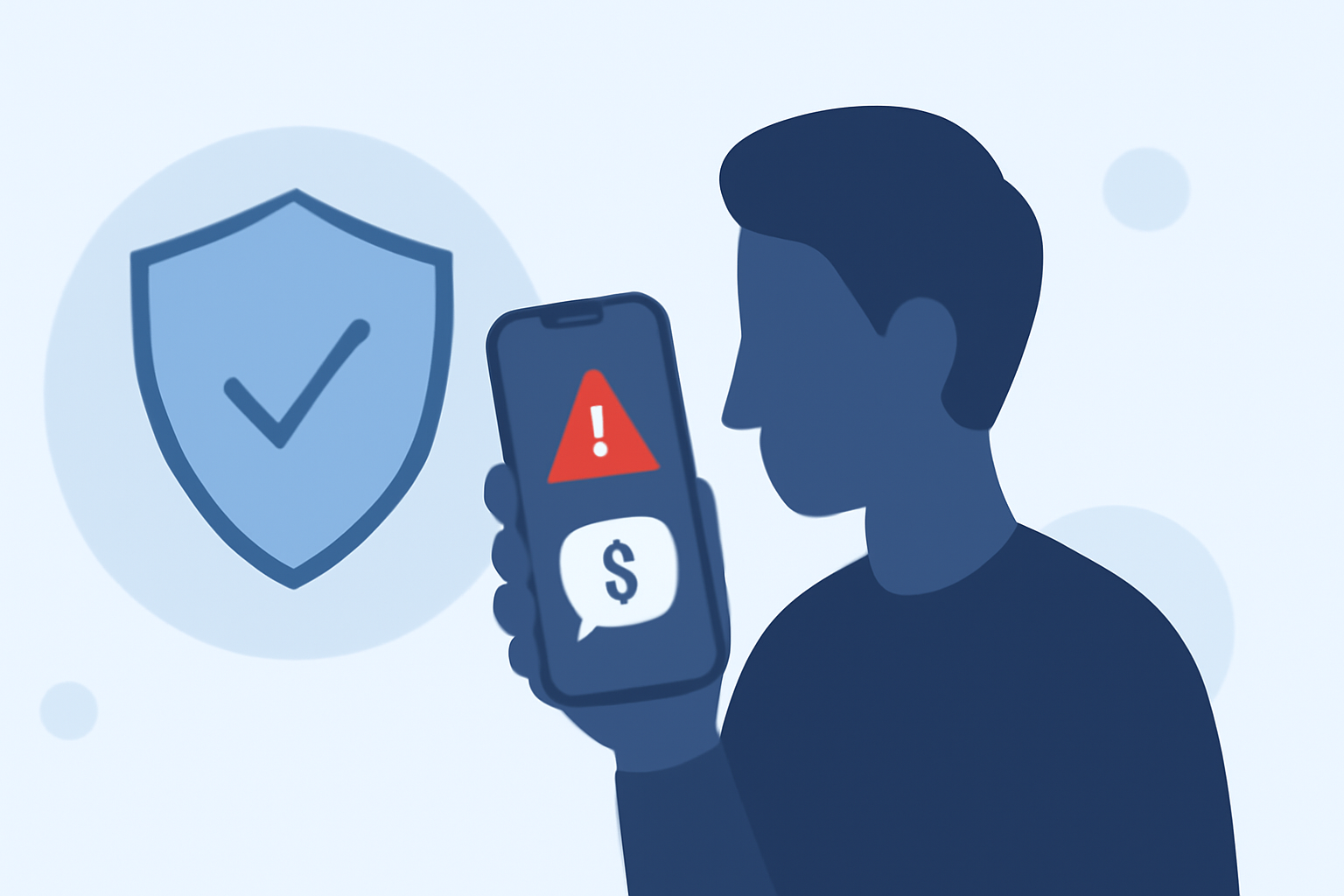
Crypto scam texts are fraudulent messages sent via SMS, often impersonating reputable cryptocurrency platforms or financial institutions. These messages typically contain urgent calls to action, such as claiming you've won a prize or need to verify your account, and may include malicious links or phone numbers. The goal is to deceive recipients into providing sensitive information or making financial transactions that benefit the scammers.
How Do Crypto Scam Texts Operate?
Scammers employ various tactics to make their messages appear legitimate:
- Impersonation: Mimicking official communication from well-known crypto exchanges or financial institutions.
- Urgency: Creating a false sense of urgency to prompt immediate action.
- Malicious Links: Including links that lead to phishing websites designed to steal personal information.
- Phone Numbers: Providing contact numbers that connect to scam call centers.
What Are the Red Flags of Crypto Scam Texts?
Being able to identify warning signs can help you avoid falling victim to these scams:
- Unsolicited Messages: Receiving unexpected texts claiming you've won a prize or need to verify your account.
- Suspicious Links: Links that don't match the official website URLs of legitimate crypto platforms.
- Grammatical Errors: Messages with poor grammar or spelling mistakes.
- Unfamiliar Numbers: Texts from unknown or unrecognized numbers.
How Can You Protect Yourself from Crypto Scam Texts?
Implementing the following strategies can significantly reduce your risk:
- Verify Sources: Always confirm the authenticity of messages by contacting the organization through official channels.
- Avoid Clicking Links: Do not click on links or call numbers provided in unsolicited messages.
- Enable Two-Factor Authentication (2FA): Use 2FA on your crypto accounts to add an extra layer of security.
- Educate Yourself: Stay informed about common scam tactics and regularly update your knowledge.
How Does Robokiller Help in Blocking Crypto Scam Texts?
Robokiller offers a comprehensive solution to protect users from spam calls and texts, including crypto scams. Its advanced technology employs a three-layer approach to filter unwanted messages:
- Block/Allow List: Messages from numbers on your Block List are sent directly to your Junk folder, while those on your Allow List are permitted.
- Number Reputation: Robokiller checks incoming numbers against known spam activity, automatically blocking messages from suspicious sources.
- Content Analysis: The app scans messages for scam-related keywords and patterns, ensuring your privacy is protected.
By utilizing Robokiller, you can effectively block up to 99% of spam texts, including crypto scams, keeping your inbox clean and secure. (support.robokiller.com)
How Do You Enable SMS Spam Protection with Robokiller?
To activate SMS Spam Protection on your device:
For Android Users:
- Open your phone's Settings.
- Navigate to Apps > Default apps > SMS app.
- Select Robokiller as your default SMS app.
Note: Robokiller must be set as your default messaging app to fully filter spam texts on Android. (support.robokiller.com)
For iOS Users:
- Open the Settings app.
- Tap Messages > Unknown & Spam.
- Toggle on Robokiller.
Once enabled, Robokiller will automatically detect and block spam texts, moving them to your SMS Junk folder for iOS or filtering them silently for Android. (support.robokiller.com)
What Are the Benefits of Using Robokiller Over Other Spam Blocking Apps?
Robokiller stands out in the market due to its unique features:
- Advanced Technology: Utilizes AI and machine learning to analyze and block spam texts effectively.
- High Efficacy: Blocks up to 99% of spam texts, including crypto scams.
- User Control: Allows customization of block and allow lists, giving users control over their protection.
- Comprehensive Protection: Offers both spam call and text blocking, providing holistic security.
In comparison, other apps may not offer the same level of customization or effectiveness in blocking spam texts. (robokiller.com)
How Can You Report a Crypto Scam Text to Robokiller?
Reporting scam texts helps improve Robokiller's database and protects other users:
- Open the Robokiller app.
- Go to the Settings tab.
- Tap Blocked and Safe Filters.
- Select Blocked, then tap Numbers.
- Tap + Add and enter the phone number.
- Optionally, add a label.
- Tap Add Number.
By reporting scam texts, you contribute to a safer community and help Robokiller enhance its spam-blocking capabilities. (support.robokiller.com)
Conclusion
Crypto scam texts are a significant threat in the digital era, but with vigilance and the right tools, you can protect yourself. By recognizing red flags, implementing preventive measures, and utilizing advanced solutions like Robokiller, you can safeguard your personal information and financial assets from these malicious attacks.