Receiving unsolicited calls from unknown numbers can be both disruptive and concerning. Fortunately, your iPhone offers several built-in features to help you manage these calls effectively.
What Are 'Unknown Callers' on iPhone?
On your iPhone, an "unknown caller" is someone whose number isn't saved in your contacts, and who hasn't previously communicated with you via Messages or Mail. This includes telemarketers, robocallers, and other unsolicited callers. (howtogeek.com)
How Can I Silence Calls from Unknown Numbers?
To prevent your iPhone from ringing when receiving calls from unknown numbers, you can enable the "Silence Unknown Callers" feature:
- Open the Settings app.
- Scroll down and tap on Phone.
- Toggle on Silence Unknown Callers.
With this setting enabled, calls from unknown numbers will be silenced and sent directly to voicemail. These calls will still appear in your recent calls list, allowing you to review them later. (howtogeek.com)
How Does the 'Ask Reason for Calling' Feature Work?
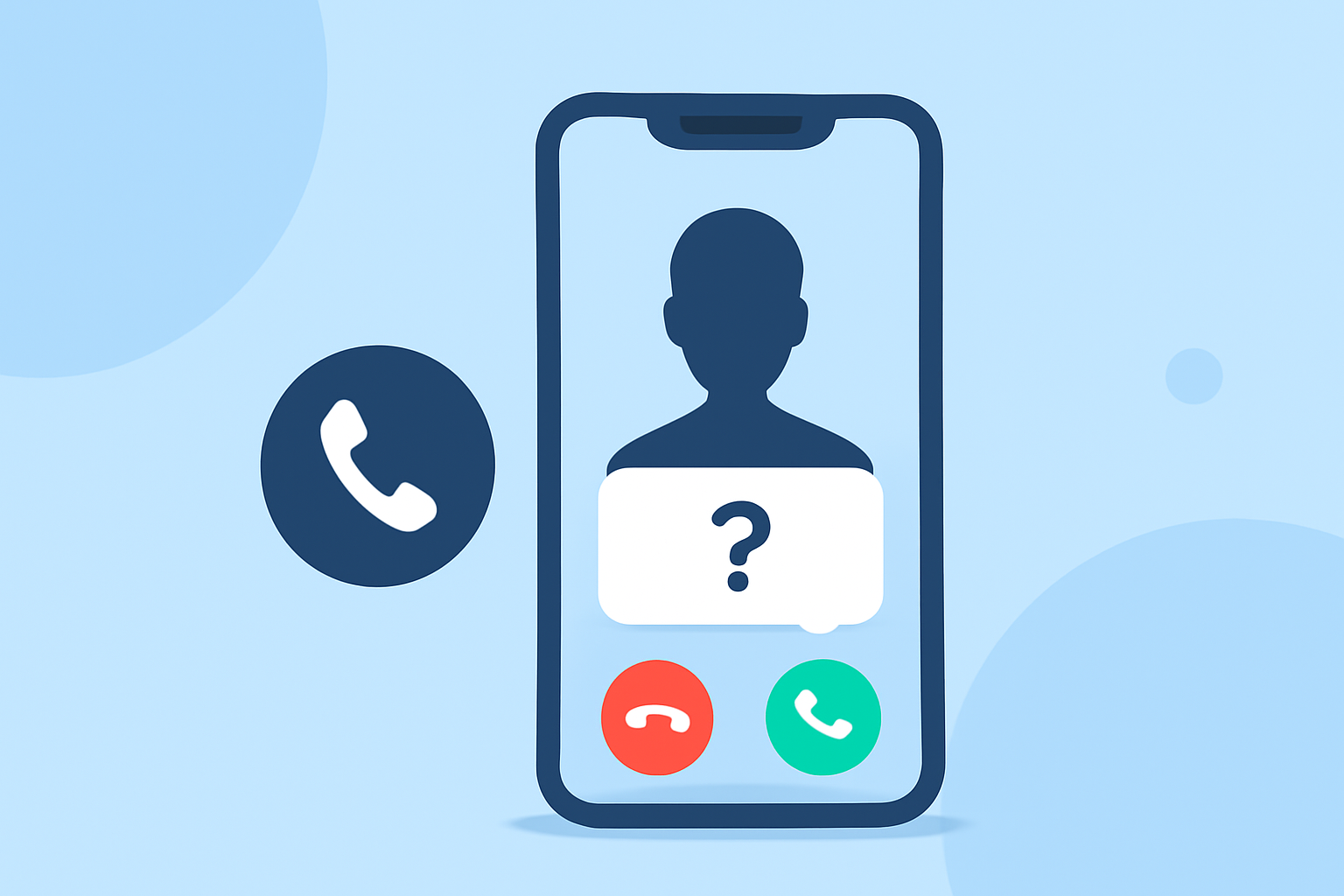
Introduced in iOS 26, the "Ask Reason for Calling" feature allows your iPhone to screen calls from unknown numbers by prompting the caller to state their name and the reason for calling before your phone rings. This feature helps you decide whether to answer the call based on the caller's response. To enable this feature:
- Open the Settings app.
- Scroll down and tap on Phone.
- Under the Screen Unknown Callers section, select Ask Reason for Calling.
When an unknown caller contacts you, your iPhone will prompt them to state their name and the reason for calling. Their response will be transcribed and displayed on your screen, allowing you to decide whether to accept, decline, or send the call to voicemail. (allthings.how)
Are There Third-Party Apps to Help Screen Unknown Callers?
Yes, there are several third-party apps available that can assist in screening and blocking unknown or spam calls. These apps often provide additional features such as identifying spam calls, blocking robocalls, and reporting unwanted numbers. Popular options include Truecaller and RoboKiller. These apps can be downloaded from the App Store and typically require you to grant permission to access your contacts and call history.
How Do I Block Specific Numbers on My iPhone?
If you receive unwanted calls from a specific number, you can block that number directly from your iPhone:
- Open the Phone app.
- Tap on the Recents tab.
- Find the number you want to block and tap the info (i) icon next to it.
- Scroll down and tap Block this Caller.
Once blocked, calls and messages from that number will be prevented from reaching you. (devx.com)
What Are the Limitations of These Features?
While these features are effective in reducing unwanted calls, they may also silence calls from numbers you haven't saved in your contacts but are important, such as delivery services or doctor's offices. It's advisable to periodically check your voicemail and recent calls list to ensure you don't miss any important communications. (howtogeek.com)
How Do I Turn Off Call Screening on iPhone?
If you prefer to disable the call screening features on your iPhone, you can do so by following these steps:
- Open the Settings app.
- Scroll down and tap on Phone.
- Under the Screen Unknown Callers section, select Never.
This will restore the previous behavior, allowing calls from unknown numbers to ring through as usual. (allthings.how)
By utilizing these built-in features and third-party apps, you can effectively manage and screen unknown callers on your iPhone, reducing interruptions and enhancing your overall calling experience.