Receiving repeated spam calls can be both frustrating and intrusive. Fortunately, there are several applications designed to help everyday users block these unwanted calls effectively.
What Are Spam Call Blocking Apps?
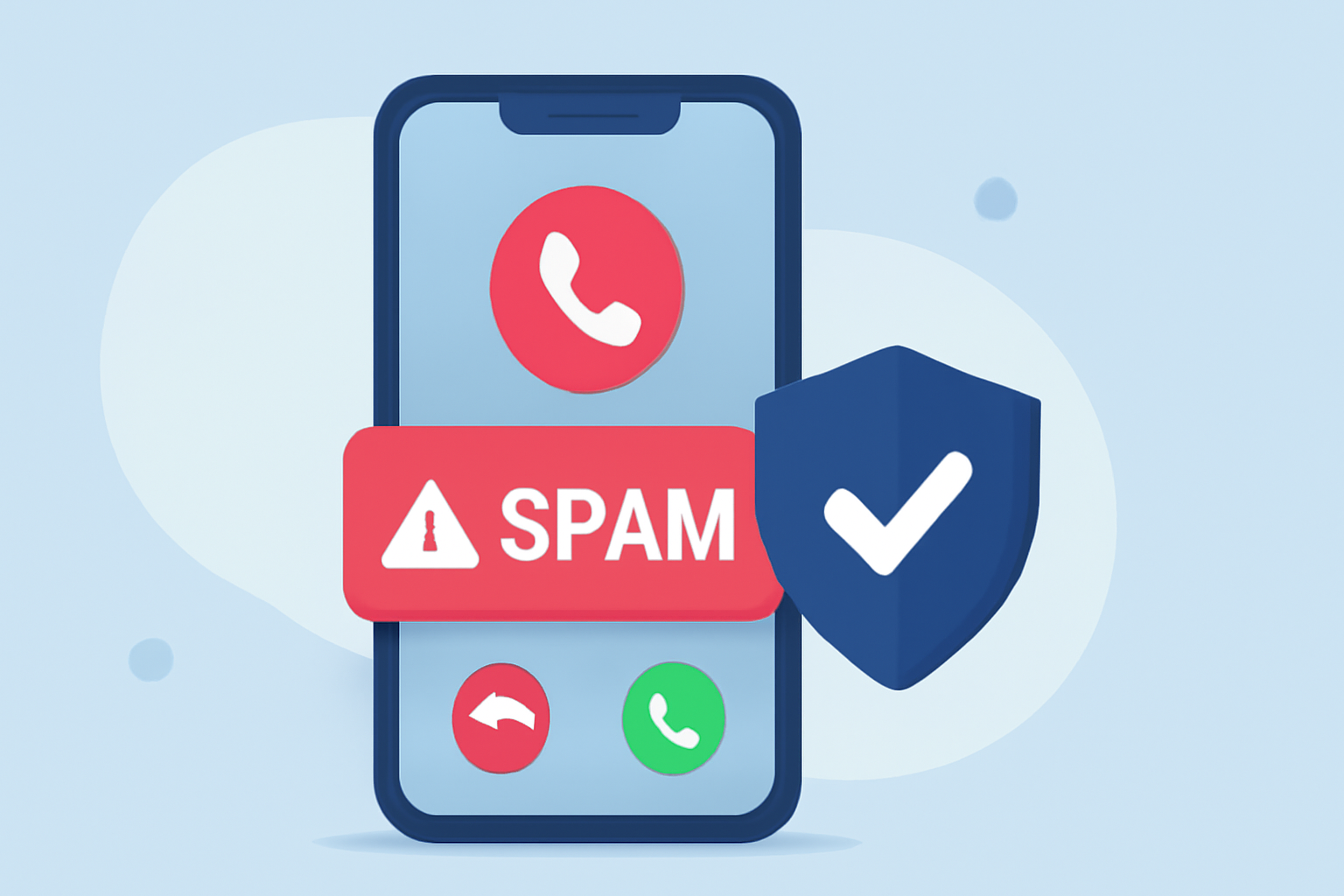
Spam call blocking apps are tools that identify and block unwanted calls, such as telemarketing, robocalls, and scams, by leveraging extensive databases and real-time reporting. They work by cross-referencing incoming numbers with known spam databases and alerting or blocking them accordingly.
How Do These Apps Work?
These applications utilize large, crowdsourced databases to identify and block spam calls. They often provide features like real-time caller ID, spam detection, and call blocking. Some apps also offer reverse phone lookup services to identify unknown callers.
Which Apps Are Most Effective?
Several apps have proven effective in blocking spam calls:
-
Robokiller: This app not only blocks spam calls but also answers them with pre-recorded "answer bots," wasting the scammer's time and reducing their capacity to make further calls. (claritycheck.com)
-
Truecaller: With a vast, crowdsourced database, Truecaller identifies unknown callers in real time and flags known spam numbers. It also offers manual number search and reverse phone lookup features. (claritycheck.com)
-
Hiya: Hiya provides caller ID, spam detection, and call blocking features. It also offers reverse phone lookup and warns about potential scam calls. (claritycheck.com)
How Do I Choose the Right App for Me?
When selecting a spam call blocking app, consider the following factors:
-
Database Size: A larger database increases the app's ability to identify and block spam calls accurately.
-
Features: Look for features like real-time caller ID, spam detection, call blocking, and reverse phone lookup.
-
Privacy: Ensure the app respects your privacy and does not misuse your data.
-
Cost: Some apps offer free versions with basic features, while others require a subscription for premium features.
Are There Any Free Options Available?
Yes, many spam call blocking apps offer free versions with basic features. For example, Truecaller provides a free version with ads and basic caller ID. However, free versions may have limitations compared to premium versions.
How Do I Set Up a Spam Call Blocking App?
Setting up a spam call blocking app typically involves the following steps:
-
Download the App: Visit the App Store or Google Play Store and download the app of your choice.
-
Install and Open the App: Follow the installation instructions and open the app.
-
Grant Necessary Permissions: Allow the app to access your contacts and call logs to function correctly.
-
Configure Settings: Customize the app's settings according to your preferences, such as enabling spam detection and call blocking.
-
Activate the App: Ensure the app is active and running in the background to monitor and block spam calls.
Are There Any Drawbacks to Using These Apps?
While spam call blocking apps are beneficial, there are some considerations:
-
False Positives: Occasionally, legitimate calls may be flagged as spam.
-
Privacy Concerns: Some apps may collect and share your data. It's essential to review the app's privacy policy.
-
Cost: Premium features often require a subscription.
How Do I Protect My Privacy While Using These Apps?
To protect your privacy:
-
Review Privacy Policies: Before installing, read the app's privacy policy to understand how your data will be used.
-
Limit Permissions: Only grant necessary permissions to the app.
-
Use Trusted Apps: Choose apps with positive reviews and a good reputation.
Conclusion
Repeated spam calls can be a significant nuisance, but with the right tools, you can effectively block them. Apps like Robokiller, Truecaller, and Hiya offer robust features to protect your privacy and reduce unwanted interruptions. By selecting the app that best fits your needs and preferences, you can enjoy a more peaceful and secure phone experience.
Highlights:
- Say goodbye to spam calls - NordVPN launches new spam call protection, Published on Tuesday, July 29
- Google says Android phones now block more scams than iPhones, Published on Friday, October 31